To print the check result
Page Count List(P. 588)
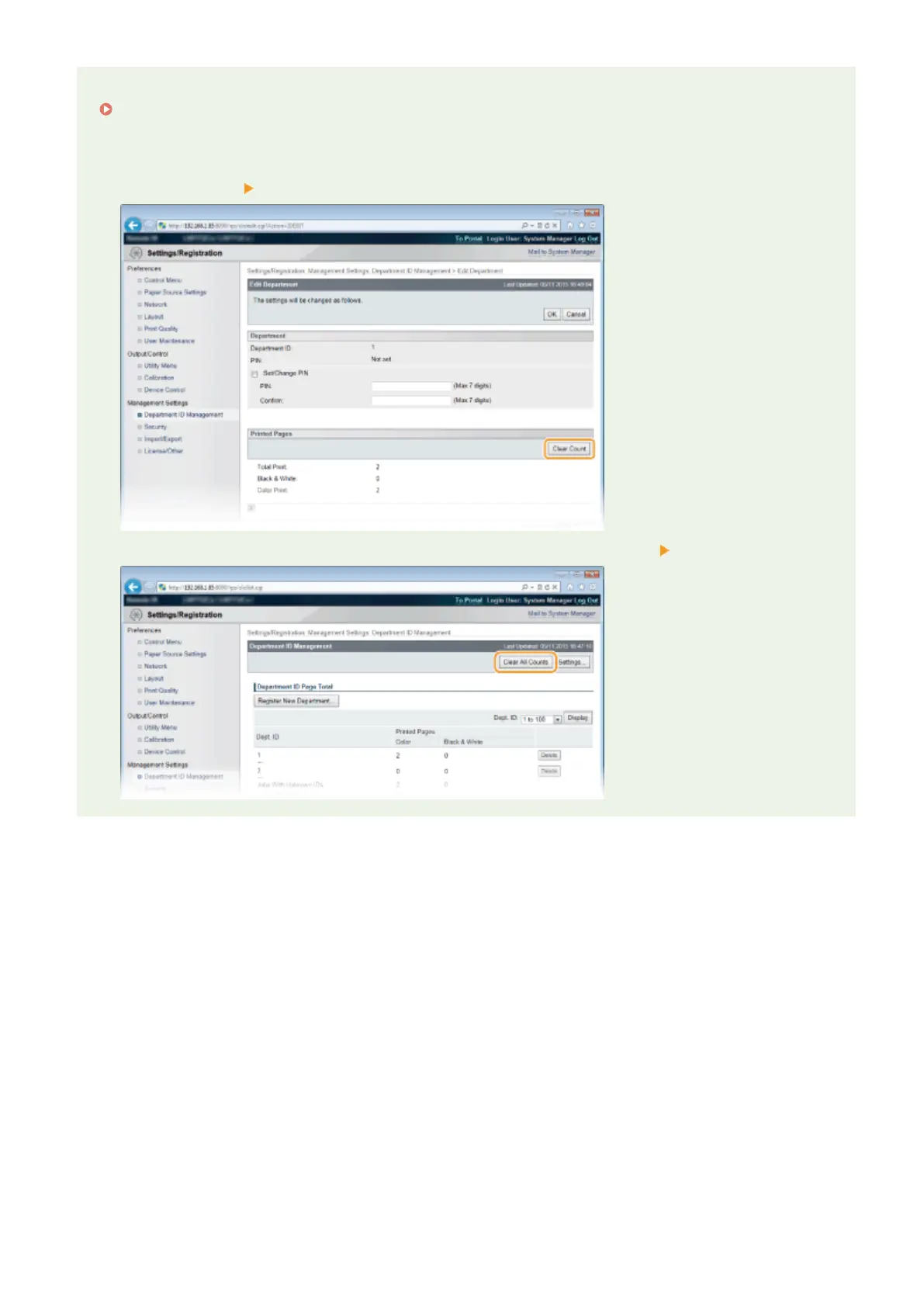
To clear the page count to zero
● When you want to clear the page count to zero for each department, click the text link under [Dept. ID], and
click [Clear Count] [OK].
● If you want to return the counts of all departments to zero, click [Clear All Counts] [OK].
Maintenance
597



 To Next Page