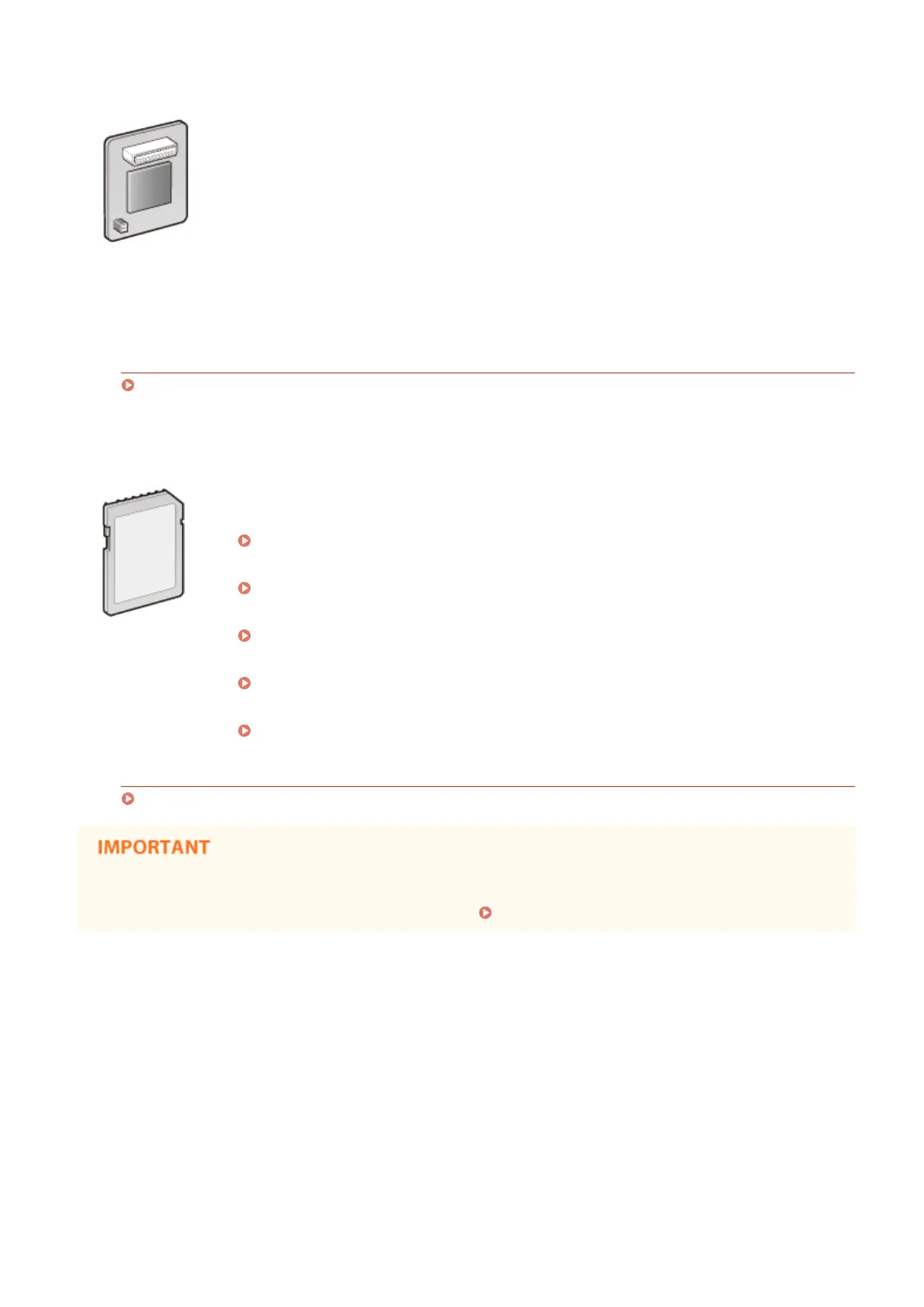
◼ PCL International Font Set-C1
If the PCL International Font Set-C1 is installed on the machine, the following fonts are added
for a PCL printer. As a result, you can output using multiple languages in a SAP Unicode
environment.
● Andale
®
and WorldType
®
Collection J (Japanese Version)
● Andale
®
and WorldType
®
Collection K (Korean Version)
● Andale
®
and WorldType
®
Collection S (Simplied Chinese Version)
● Andale
®
and WorldType
®
Collection T (Traditional Chinese Version)
In order to support differences in character design depending on the region, four font versions
are enabled.
Installation Method
Installing the ROM(P. 629)
◼
SD CARD-C1
You can install the SD card to use the functions described below.
● Secured Print
Printing a Document Secured by a PIN (Secured Print)(P. 130)
● Stored Job Print
Printing a Document Stored in the Machine (Stored Job Print)(P. 136)
● Interrupt Print, Priority Print, Pause/Resume
Checking Current Status of Print Documents(P. 345)
● SMB Print
Conguring SMB(P. 245)
● Spooler
Spooler(P. 392)
Installation Method
Installing an SD Card(P. 633)
● When you dispose of a used SD card, perform <Completely Del. Data> for it or physically destroy it to
prevent your personal information from being leaked. Installing an SD Card(P. 633)
Appendix
628



 To Next Page