◼ Deleting All Data in an SD Card
Before disposing of an SD card, you can use the procedure below to delete all data in the card. The procedure deletes
even those fragments of data that cannot be deleted normally. This eliminates the risk of your data being red by third
parties, thus you can dispose of the SD card safely.
● For any SD cards other than the optional "SD CARD-C1", the procedure below cannot be used.
1
Set the machine to oine.
● When ( ) is lit, press ( ).
2
Press ( )
3
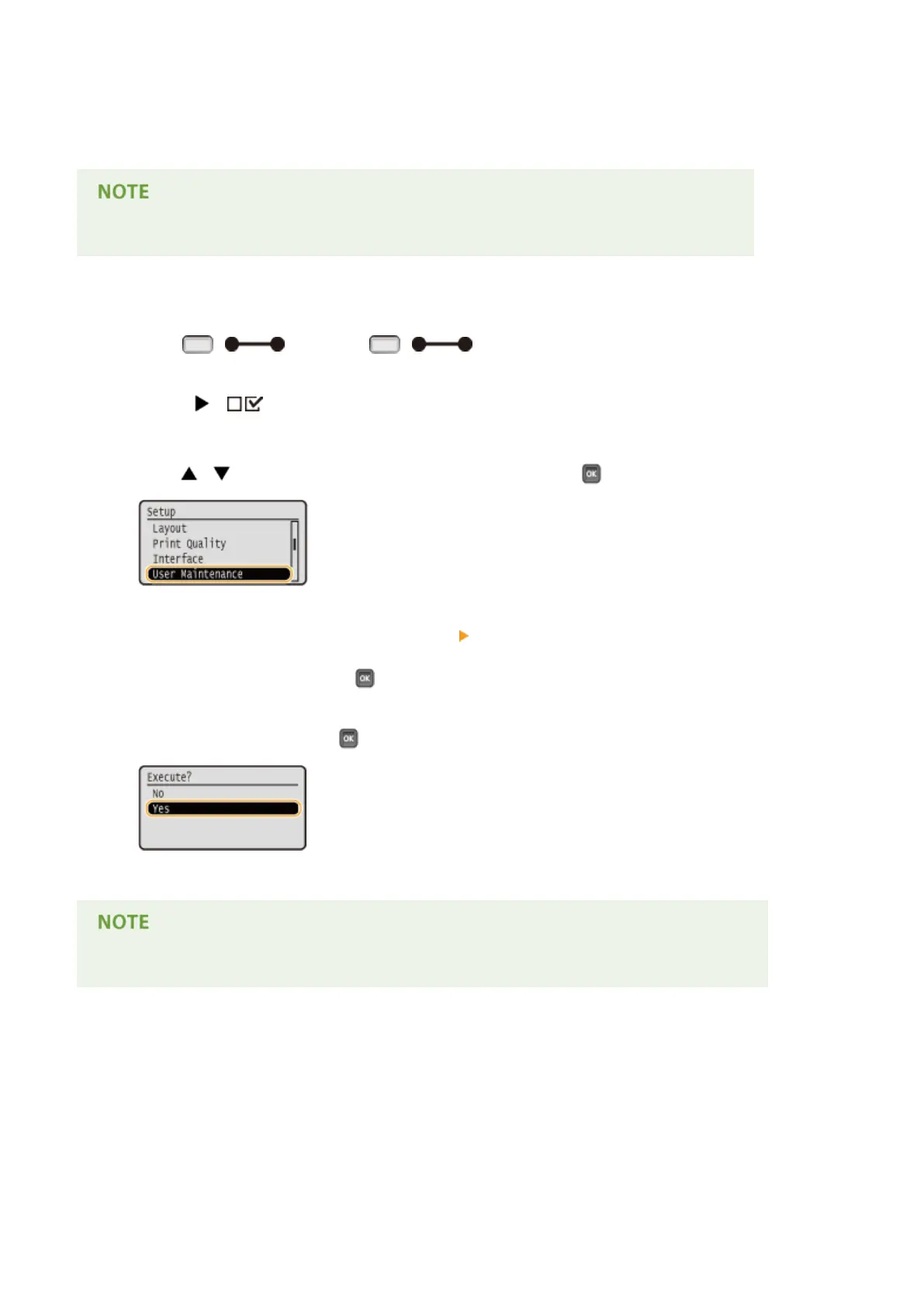
Use / to select <User Maintenance>, and press .
4
Proceed with <SD Card Maintenance> <Completely Del. Data> in this order.
● When a message appears, press .
5
Select <Yes>, and press .
➠ The machine is restarted. After that, the machine is turned OFF automatically.
● When <Completely Del. Data> has been performed, the setting for <SD Card> changes to <Off>.
Appendix
636



 To Next Page