File extensions:
5
Check the contents that will be installed on the confirmation screen → click [Install].
Installing the MEAP Applications Using the Remote UI
You can install the MEAP applications to the printer using the Remote UI.
1
Start the Remote UI, and then log in as Administrator.
"e-Manual"
2
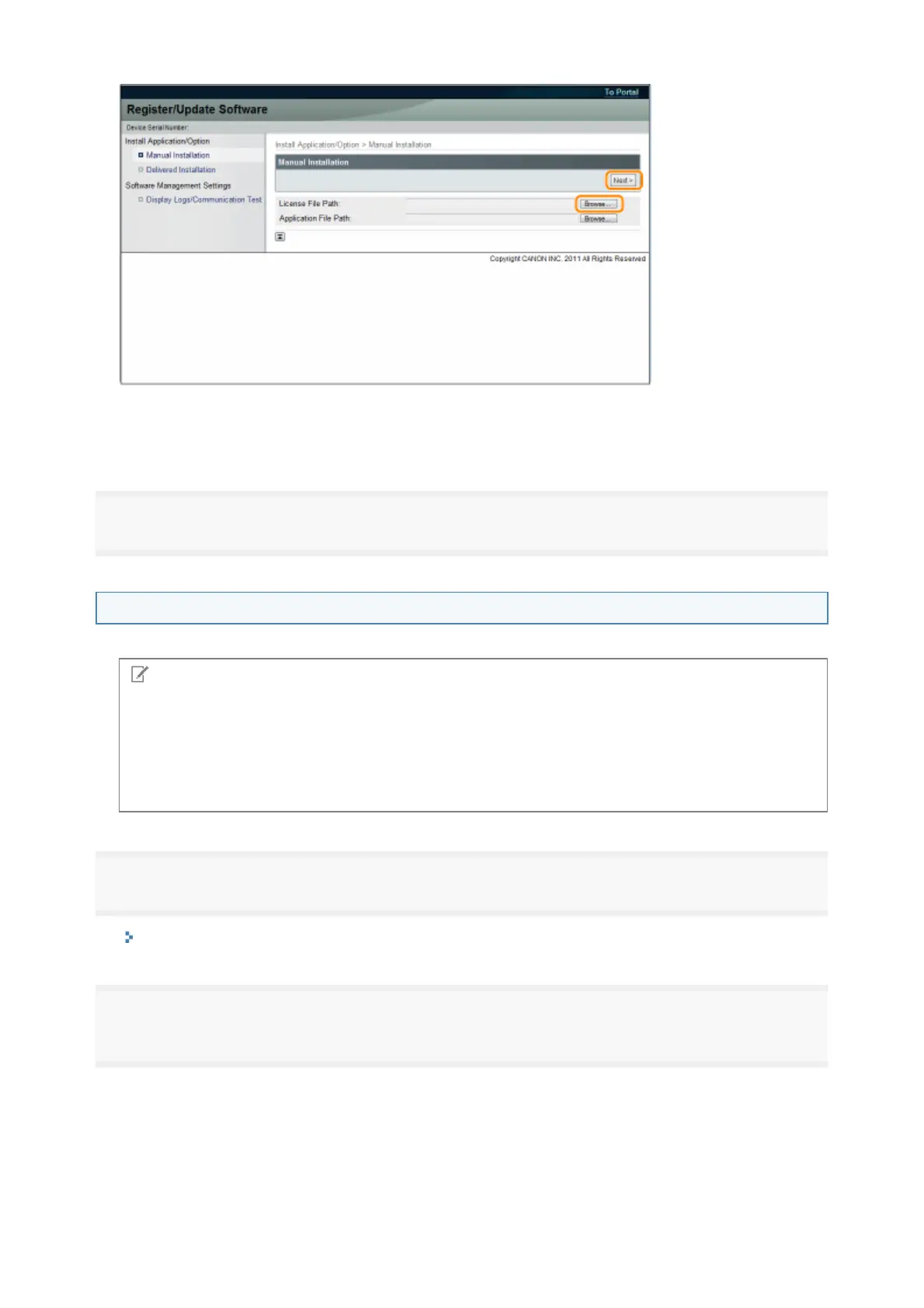
From the top page of the Remote UI, click [Settings/Registration] → [License/Other] →
[Register/Update Software].
License File
file with the [lic
extension.
NOTE
The number of MEAP applications that can be installed
You can install up to eight applications.
For details on MEAP applications
There may be other system requirements for installation, depending on the MEAP applications. For
instructions on settings, see the manual provided with the MEAP application.
8



 To Next Page