File extensions:
5
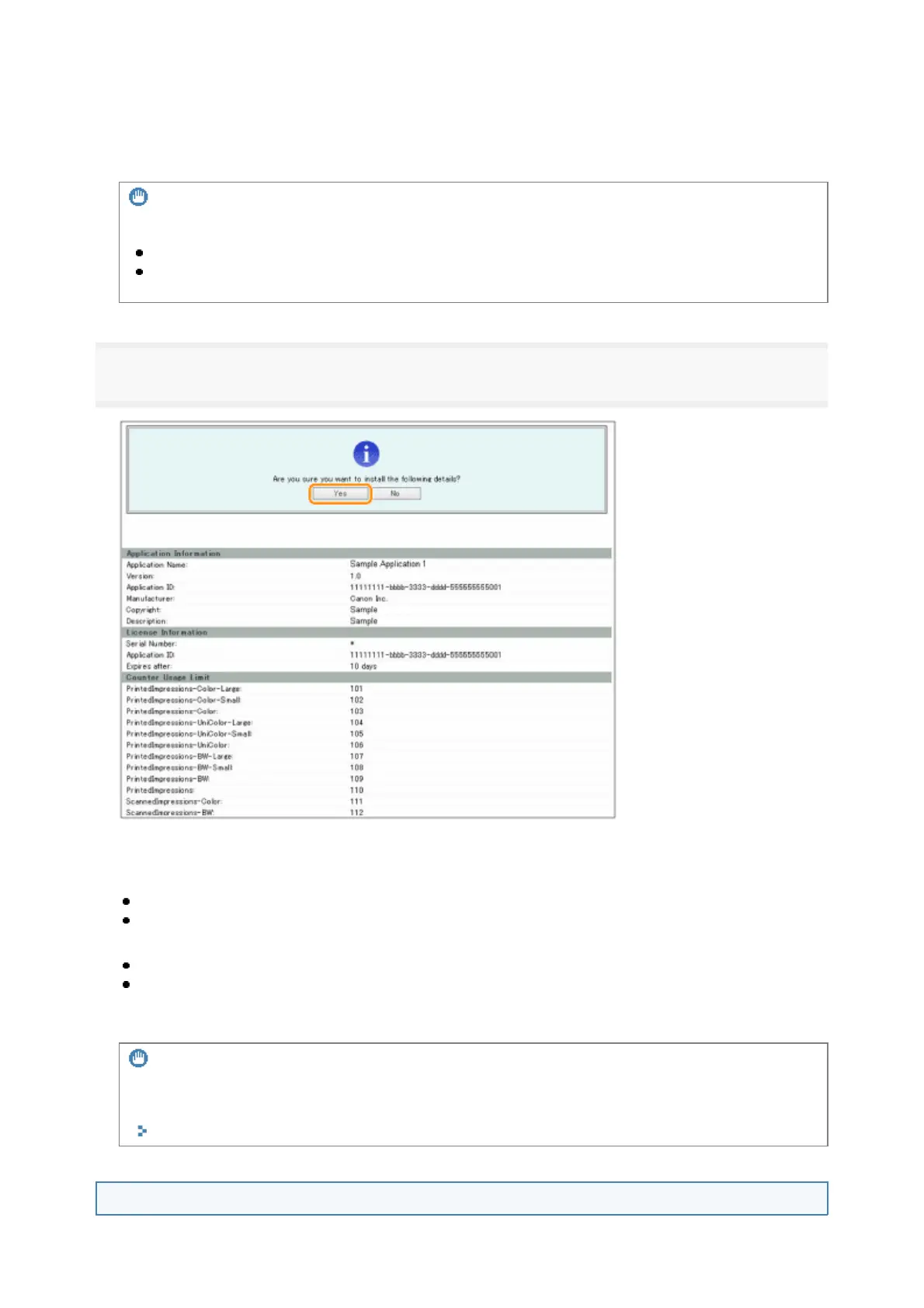
Confirm the information displayed on the install confirmation page → click [Yes].
Depending on the MEAP application, a software license agreement screen may be displayed. Confirm the
information displayed on the screen → click [OK].
If you are installing a new MEAP application, the following information is displayed on the screen.
Application Information
License Information
The following information is displayed when you overwrite a MEAP application.
Current Application Information
Application Information after Overwrite
Installation will start after the message <Installing... Please wait.> is displayed again. After the installation,
click [To Manual Installation] to display the Manual Installation screen.
Starting the MEAP Applications
License File
A file with the [lic] extension.
pplication File
A file with the [jar
extension
IMPORTANT
When you install MEAP applications
You cannot install license files only.
When installing the MEAP application, make sure you specify the license file. You cannot install the
MEAP application without specifying the license file.
IMPORTANT
To use MEAP applications
To use the installed MEAP application, you must start the MEAP application.
"Function Guide for MEAP Application Management"
10



 To Next Page