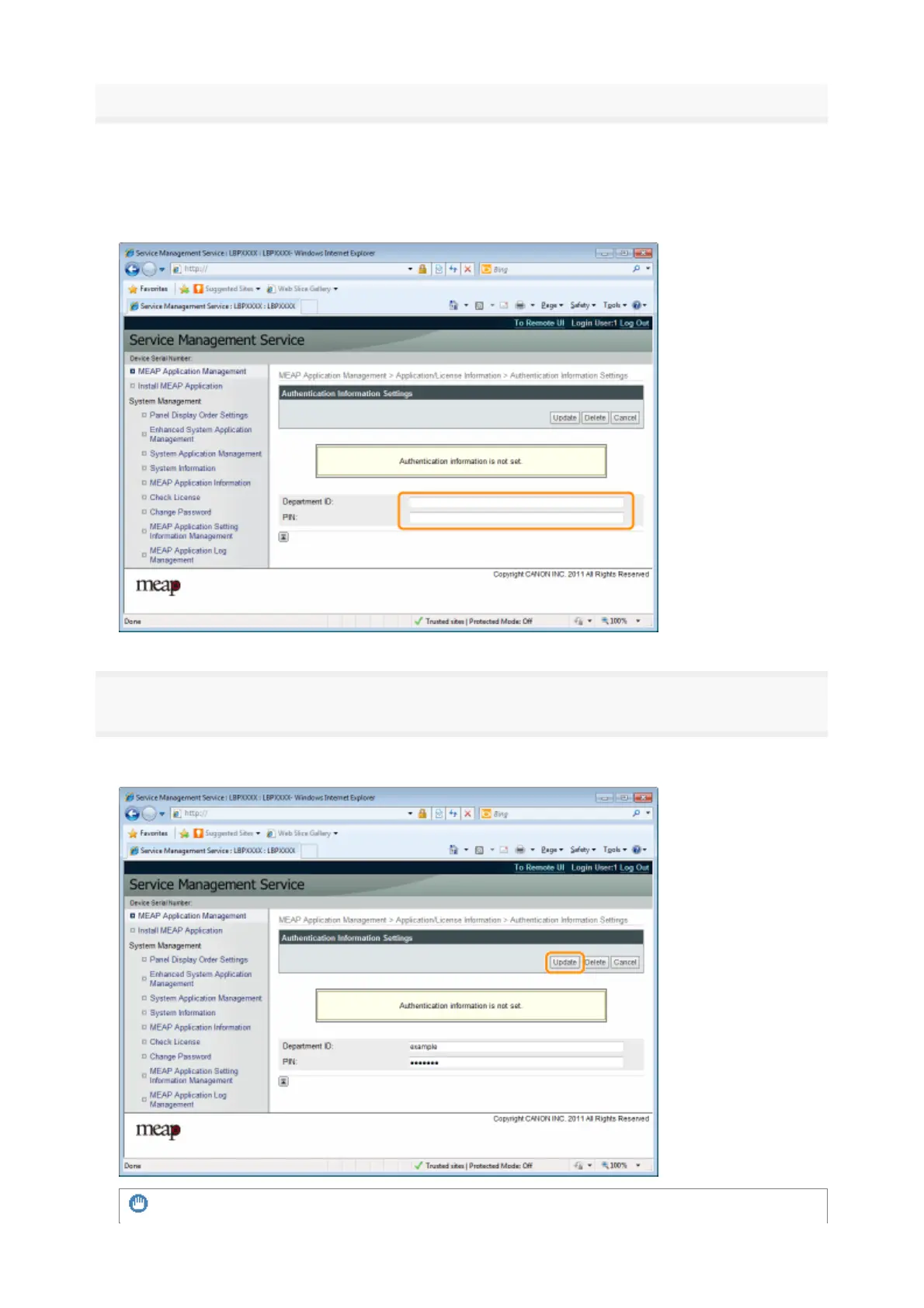
Enter the authentication information
If you use department ID management
Enter the department ID and password in the fields marked [Department ID] and [PIN].
If you do not use department ID management
Enter an arbitrary ID and password in the fields marked [Department ID] and [PIN].
6
Click [Update].
→
uthentication information is set
IMPORTANT
31



 To Next Page