Deletes the application data.
1
Start SMS (Service Management Service).
"Launching SMS (Log in)"
2
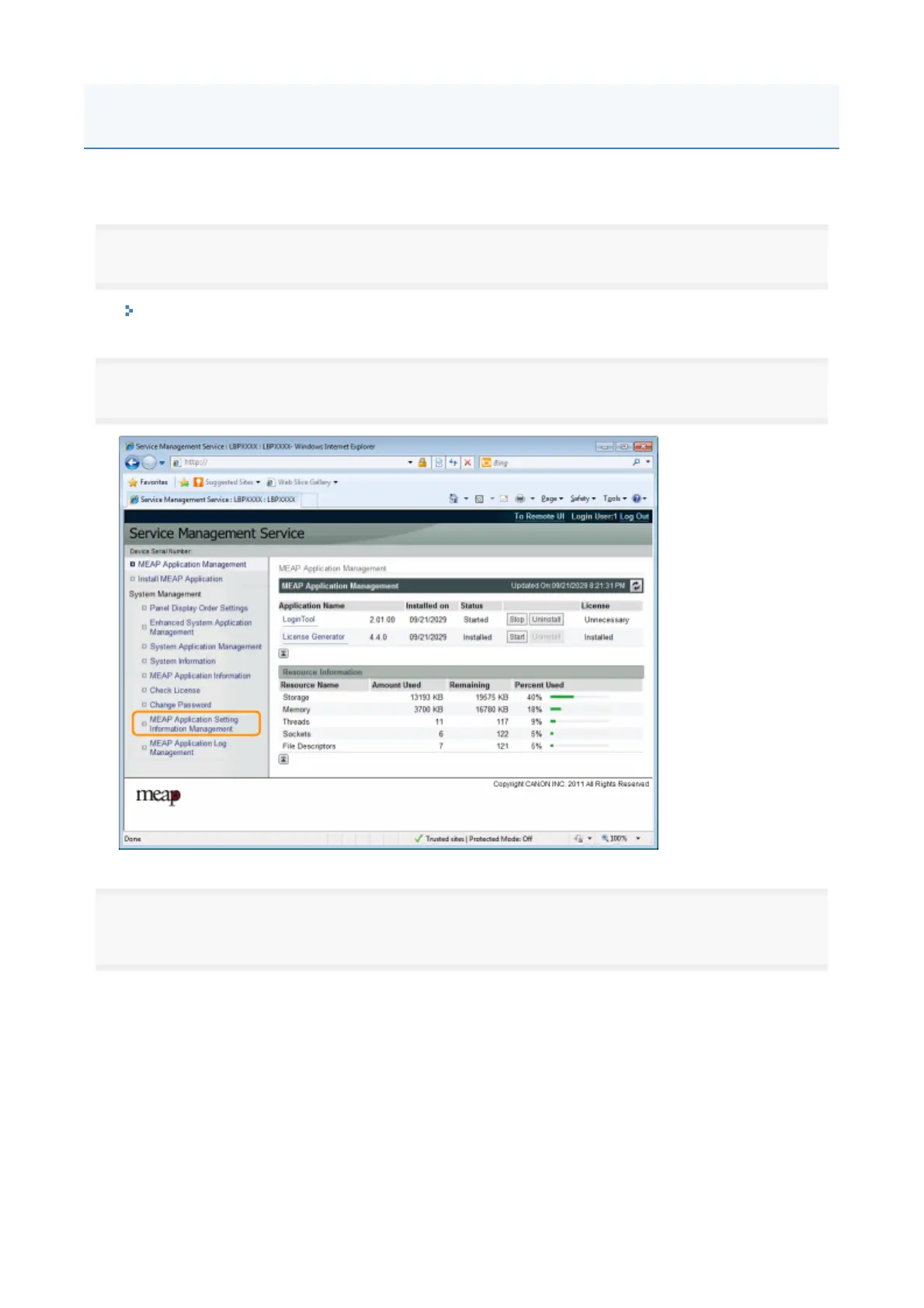
Click [MEAP Application Setting Information Management].
3
Select the check box for the application whose setting information you wish to delete, and then click
[Delete].
Click [Select All] to select all of the applications.
Deleting the MEAP Application Setting Information
2



 To Next Page