Step Action
10
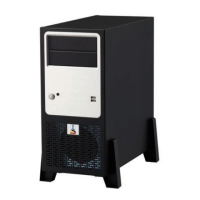
Install the supports/pedestals
•
See:
Install the PRISMAsync supports/pedestals
on page 18
11
Connect the cables at the backside of the controller
• See:
Connect the PRISMAsync
on page 19
12
Install old HDDs
•
If you have removed the HDDs from the defect controller you can mount them in
the new controller. First remove the HDDs that are in the new controller. Be aware
that you mount the disks on the same position as they were mounted inn the defect
controller. See also “Hard Disk Drives”.
13
Install system software
•
In case that the hard disks were not exchanged, you have to install the latest PRIS-
MAsync software.
14
Restore a backup
•
If you have a backup of the system before it crashed you can restore it now. All set-
tings will be restored except the licenses because they belong to the “old” control-
ler.
15
Re-host and install licenses
•
Since the MAC-address of the PRISMAsync controller has changed it is necessary
to re-host the licences. Please contact your local service organization for the new
licenses.
Replace the Base controller
Chapter 7 - Service procedures 77
PRISMAsync V3.2


 To Next Page