122
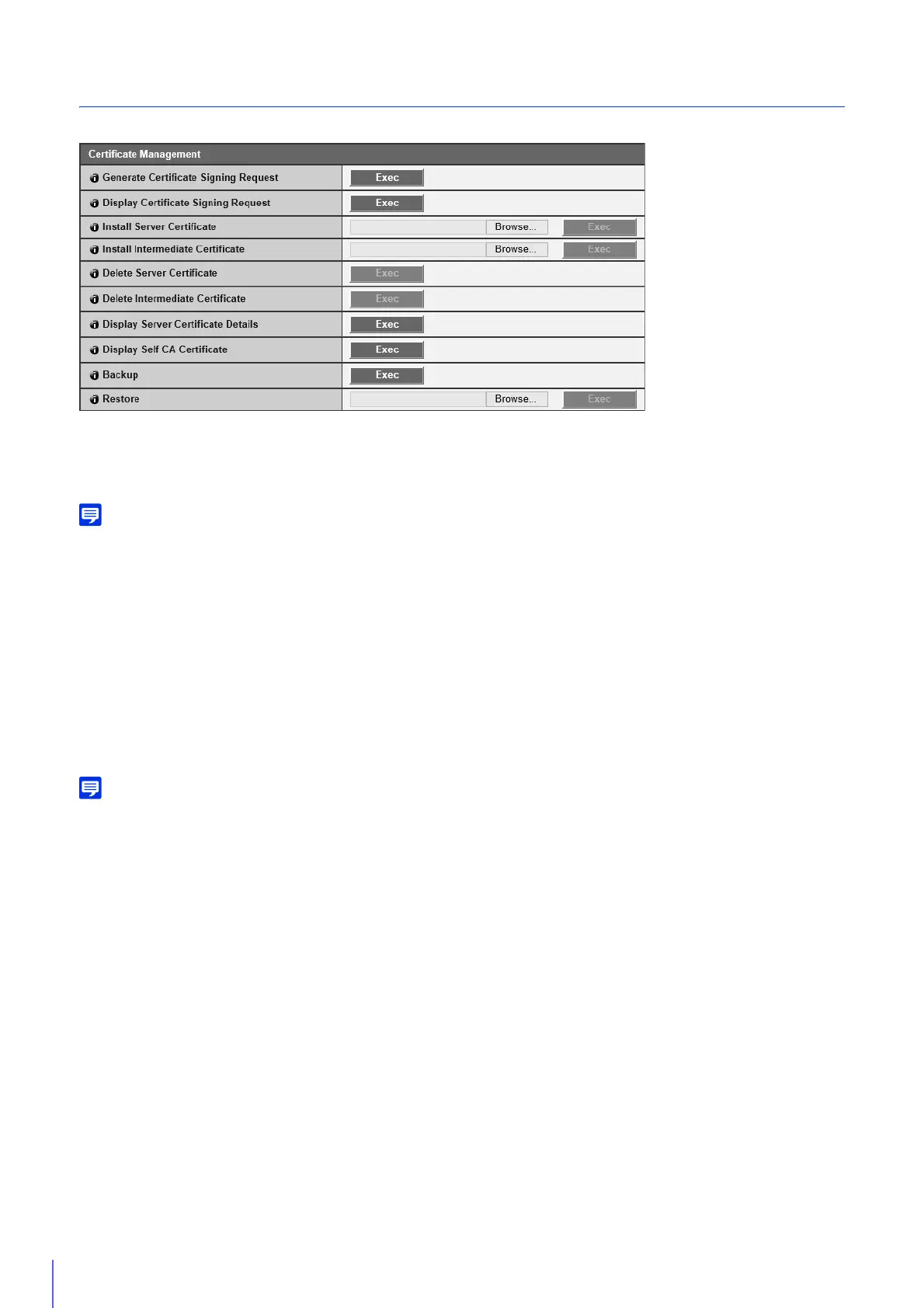
Certificate Management
Manage the SSL/TLS certificate.
[Generate Certificate Signing Request]
Click [Exec] to create server private key and generate a certificate signing request.
Once processed, the certificate signing request will appear in a separate window.
Generating a certificate signing request takes time, so it is recommended that you stop video transmission and upload processes.
[Display Certificate Signing Request]
Click [Exec] to view the details of the certificate signing request.
[Install Server Certificate]
Perform this operation to install a server certificate.
Specify the certificate file to be installed using [Browse] and click [Exec].
The certificate installed will take effect after rebooting.
[Install Intermediate Certificate]
Perform this operation to install an intermediate certificate.
Specify the certificate file to be installed using [Browse] and click [Exec].
The certificate installed will take effect after rebooting.
To install an intermediate certificate and a primary intermediate certificate, use a text editor or similar software to place them in the same
file and install them as an intermediate certificate.
[Delete Server Certificate]
Click [Exec] to delete the server certificate.
However, if SSL communications are enabled, the certificate cannot be deleted. Set [SSL Communications] to [Disable]
before deleting a certificate.
The deletion will take effect after rebooting.
[Delete Intermediate Certificate]
Click [Exec] to delete the intermediate certificate along with the primary certificate.
However, if SSL communications are enabled, the certificate cannot be deleted. Set [SSL Communications] to [Disable]
before deleting a certificate.
The deletion will take effect after rebooting.
[Display Server Certificate Details]
Click [Exec] to view the details of the certificate.
[Display Self CA Certificate]
Used for the purpose of testing SSL communications, but otherwise not normally used.
[Backup]
Click [Exec] to perform a backup of the certificates and private key. This can only be performed via SSL communications.



 To Next Page