Admin Tools
201
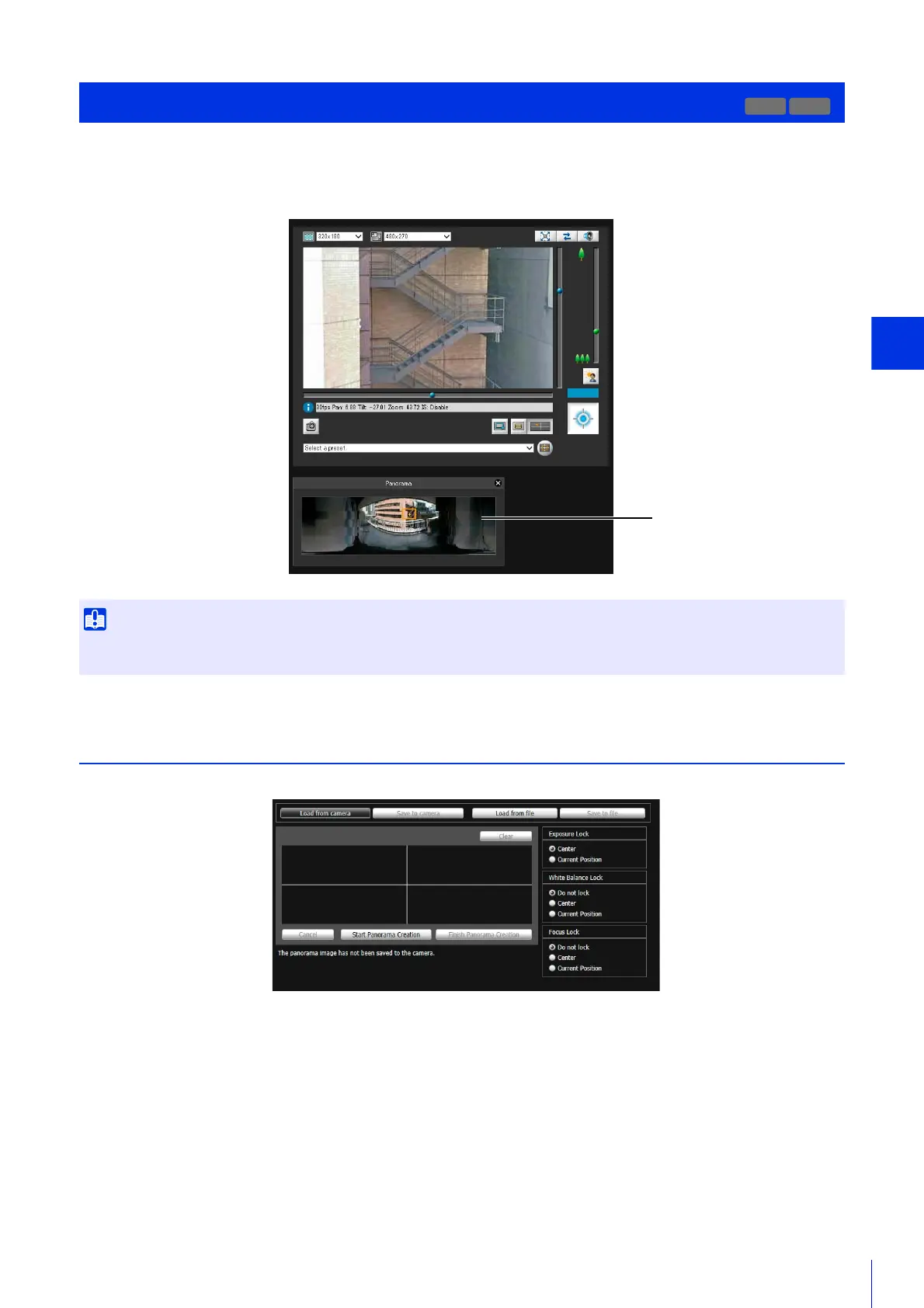
This tool captures the entire area that can be captured by the camera to create a panorama image.
The panorama image appears in the panorama display panel (P. 151) of the Admin Viewer/VB Viewer and in the setting
screen of the View Restriction Setting Tool (P. 206).
Create a Panorama Image
Once you have created and saved a panorama image to the camera, it can be used by the tools.
Panorama Creation Tool
If the privacy mask settings were changed using the Privacy Mask Setting Tool, it is recommended that you recreate the panorama image
to reflect the new privacy mask settings in the panorama image.
R10
VB Viewer Panorama Display
Panel
Panorama Creation Tool Settings Screen



 To Next Page