112
When events trigger the switching of Day/Night Mode, presets registered in advance can be executed, such as changing
the camera angle or video quality settings.
• It is necessary to set presets beforehand with [Control for Admin] > [Preset/Initial Setting] (P. 170).
• You can set the timing for event triggered Day/Night Mode switching in [Switch Day/Night] in [External Device Input] (P. 105) or [Timer]
(P. 110).
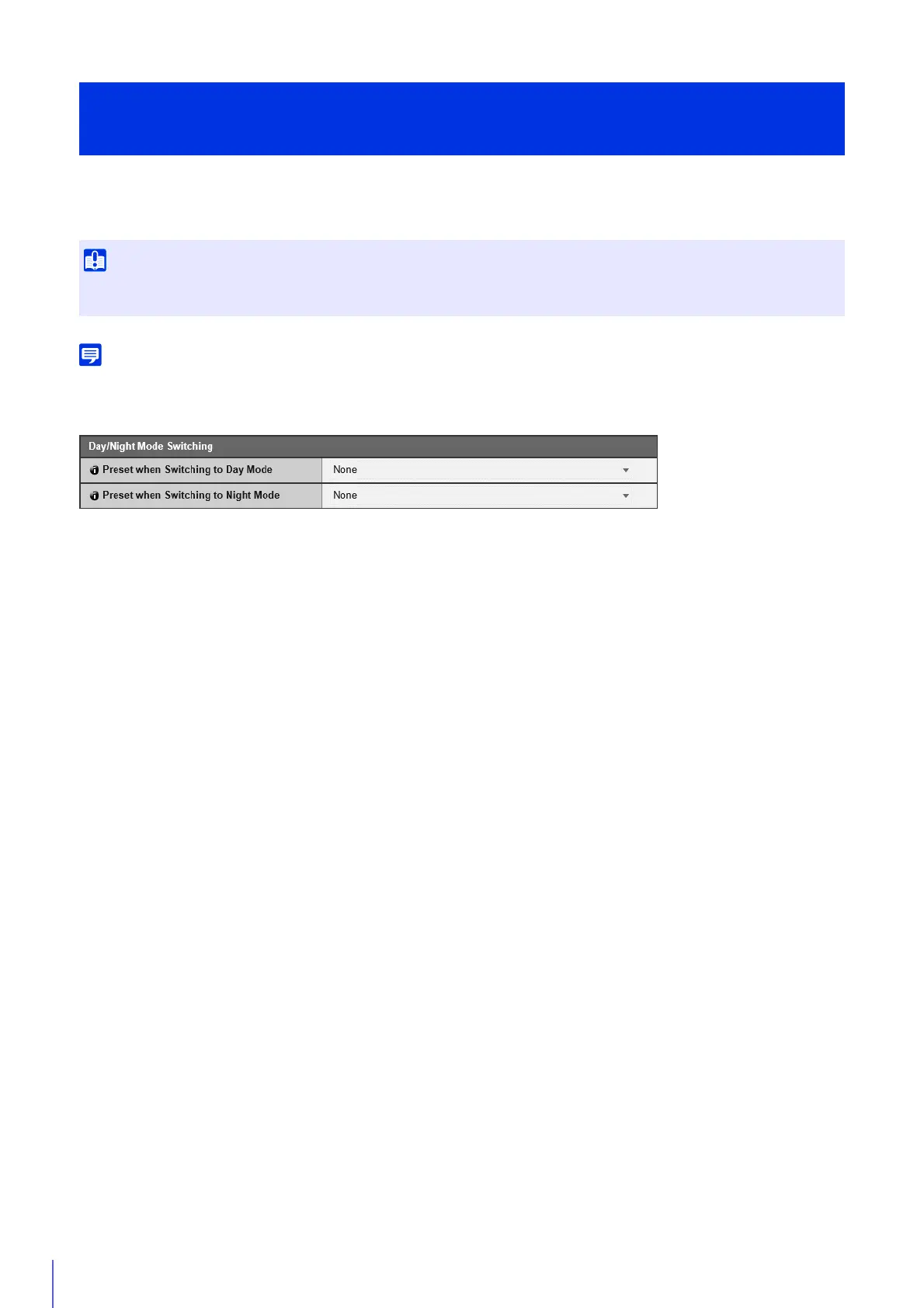
[Preset when Switching to Day Mode]
Executes the preset when switched to Day Mode.
[Preset when Switching to Night Mode]
Executes the preset when switched to Night Mode.
Execute Presets When Switching Day/Night Mode
[Event] > [Switch Day/Night]
When the Admin Viewer or other camera control applications have control privileges, the presets for [Preset when Switching to Day
mode] and [Preset when Switching to Night Mode] will not run.



 To Next Page