26
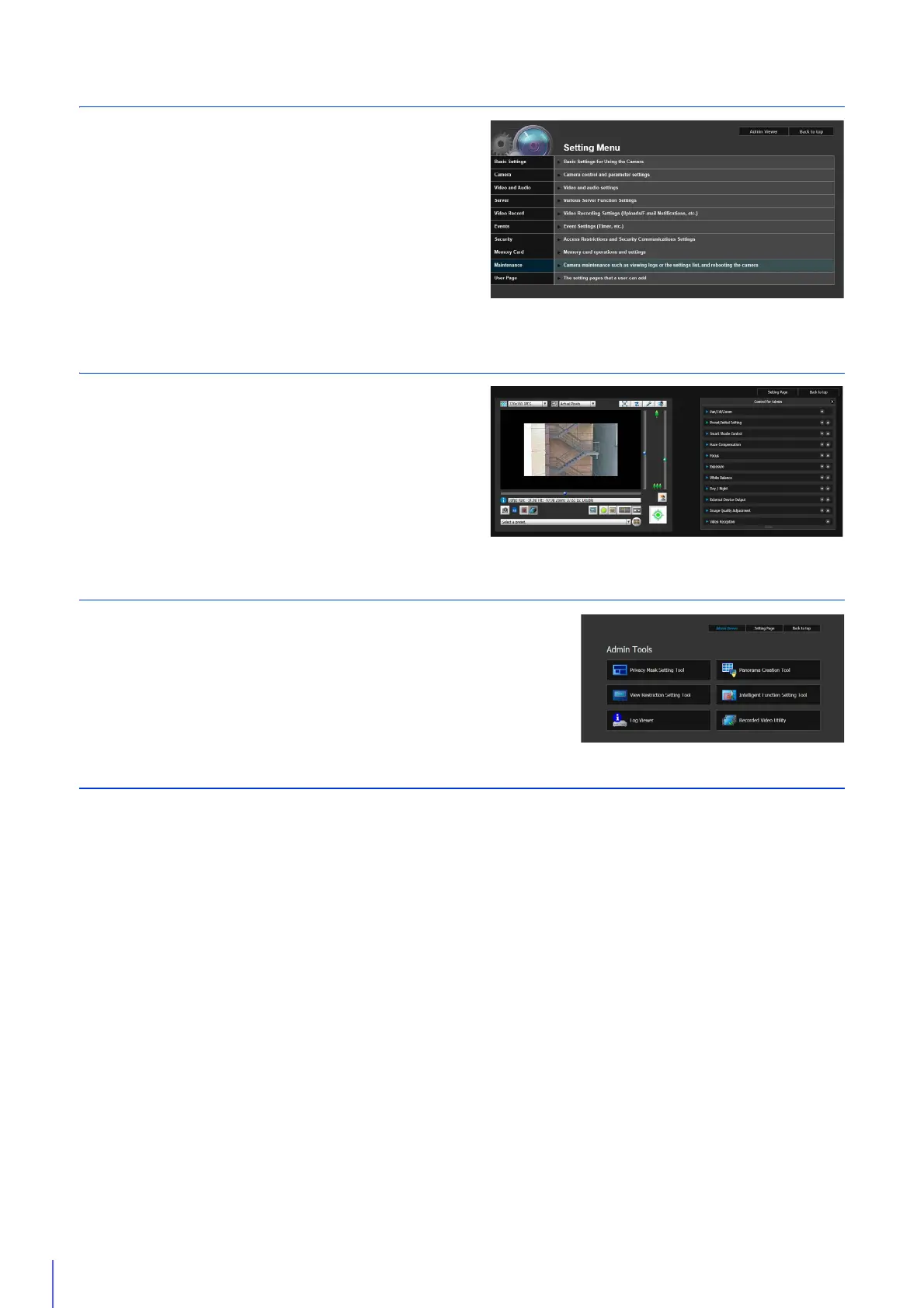
Step 5 Adjust Advanced Settings According to Use
Advanced settings can be made in the Setting Menu, such as for
camera control and security, suitable for the intended camera
use.
“Setting Page” (P. 59)
Step 6 Use the Viewers
Use the viewers included on the camera.
The Admin Viewer is intended for administrators, and the VB
Viewer for guest users. Use the VB viewer to check content
distributed to guest users and Admin Viewer to make all settings
and fully check all preparations.
“Admin Viewer/VB Viewer” (P. 137)
Step 7 Use Admin Tools
Admin Tools can be used to set masks to ensure privacy, set view restrictions
and set the Intelligent Function to detect changes in video.
You can also view logs of the camera’s operational status, as well as browsing
and managing video recorded to the camera’s memory card.
“Admin Tools” (P. 191)
Troubleshooting
Please refer to the “Appendix” (P. 249), in case of error messages or problems.



 To Next Page