92
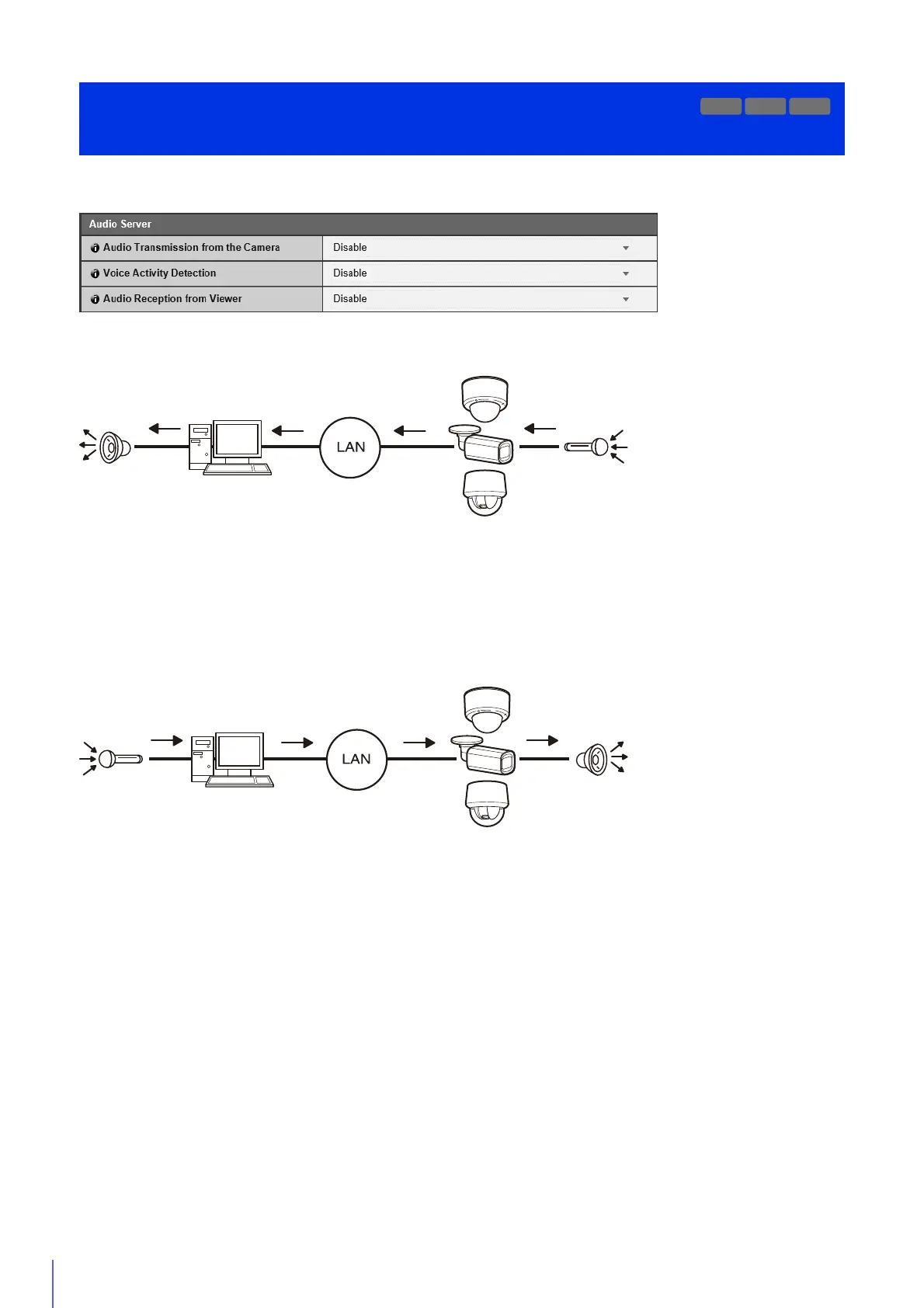
Settings for audio transmission from the camera to the computer, and audio reception from the computer to the camera.
[Audio Transmission from the Camera]
Select to transmit audio from the microphone connected to the camera to the Viewer.
[Voice Activity Detection]
Select whether to detect when there is no sound coming from the microphone.
When set to [Enable], audio data transmission will pause while there is no sound input from the camera. This can reduce the
load on the network used.
[Audio Reception from Viewer]
Select to receive audio from Admin Viewer and RM Viewer.
Received audio can be output from a speaker with an amplifier connected to the camera.
Audio Transmission/Reception Settings
[Server] > [Audio Server]
R11
M741



 To Next Page