Admin Viewer/VB Viewer
173
• [External Device Output]
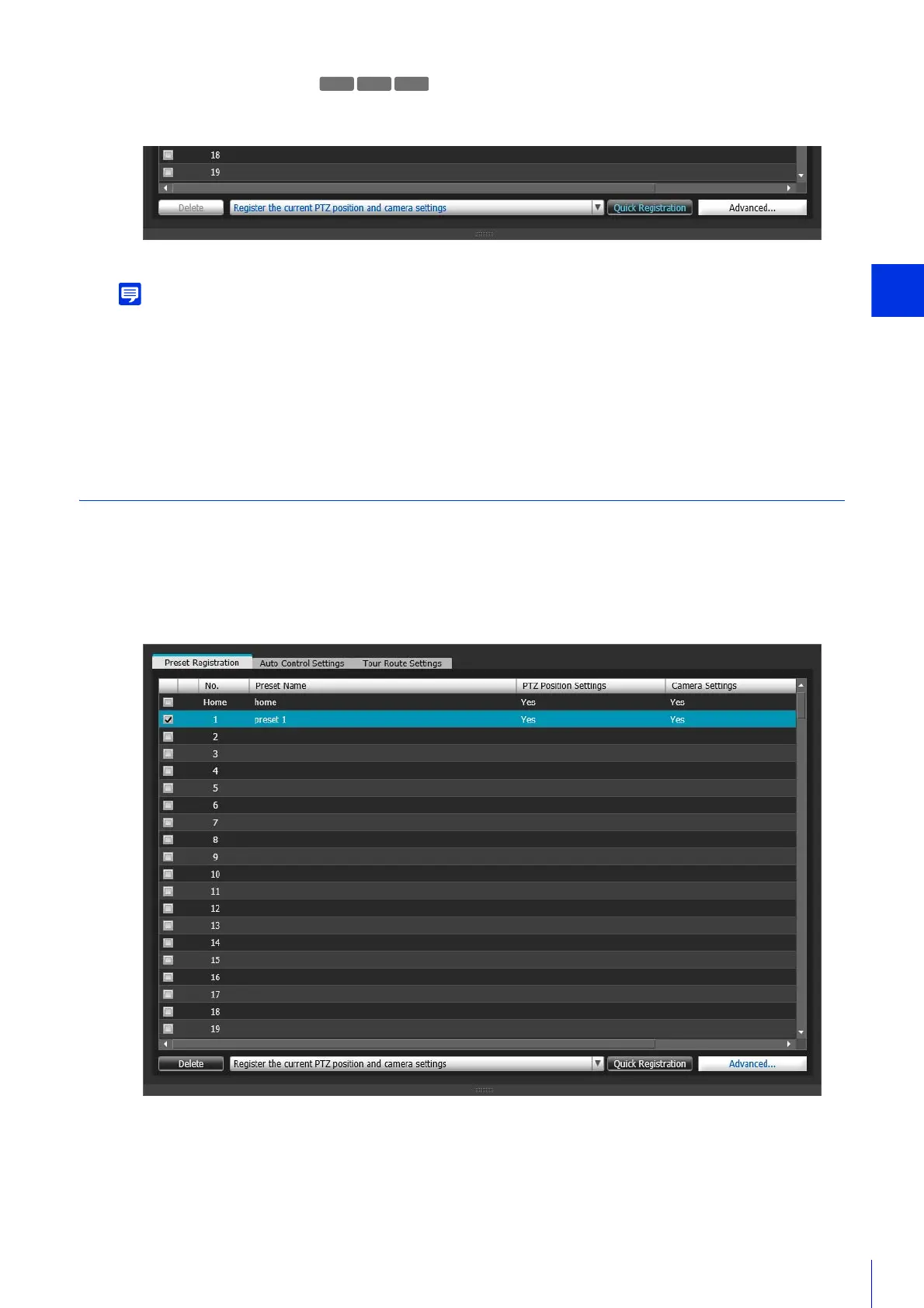
The items selected in [Items to Reg.] for the selected preset numbers will be registered.
• The preset number will be appended to the preset name.
If you want to set your own preset name from the start, click the [Advanced] button instead of the [Quick Registration] button and
follow the steps below for registration.
• If you select a registered preset and click [Quick Registration], the preset settings will be exchanged with the current camera
angle and settings.
• Presets set with [Quick Registration] will be selectable in the Viewers.
Register with [Advanced Preset Settings] Panel
You can use the [Advanced Preset Settings] panel to arbitrarily name presets, load camera information to configure
advanced preset settings and perform other tasks.
The [Advanced Preset Settings] panel appears.
4
Click [Quick Registration]
R11
M641
1
Select a preset for registering advanced settings from the preset list.
2
Click the [Advanced].



 To Next Page