Admin Viewer/VB Viewer
183
(1) [Speed (PT)]
Select the camera pan/tilt speed for moving to the next preset.
(2) [Speed (Z)]
Select the camera zoom speed for moving to the next preset.
(3) [Pause (sec)]
Set the time the camera pauses at the preset position.
(4) [Preset Registration]
Register the [Tour Operation Settings] as the tour operations of the selected preset.
If you want to view video during moves between presets, select a slow to medium speed. If you only want to switch quickly to view
video at the preset positions, select a fast speed.
Click [Save settings] after configuring the route. The setting will be saved to the camera.
Context Menu
[Route List] Context Menu
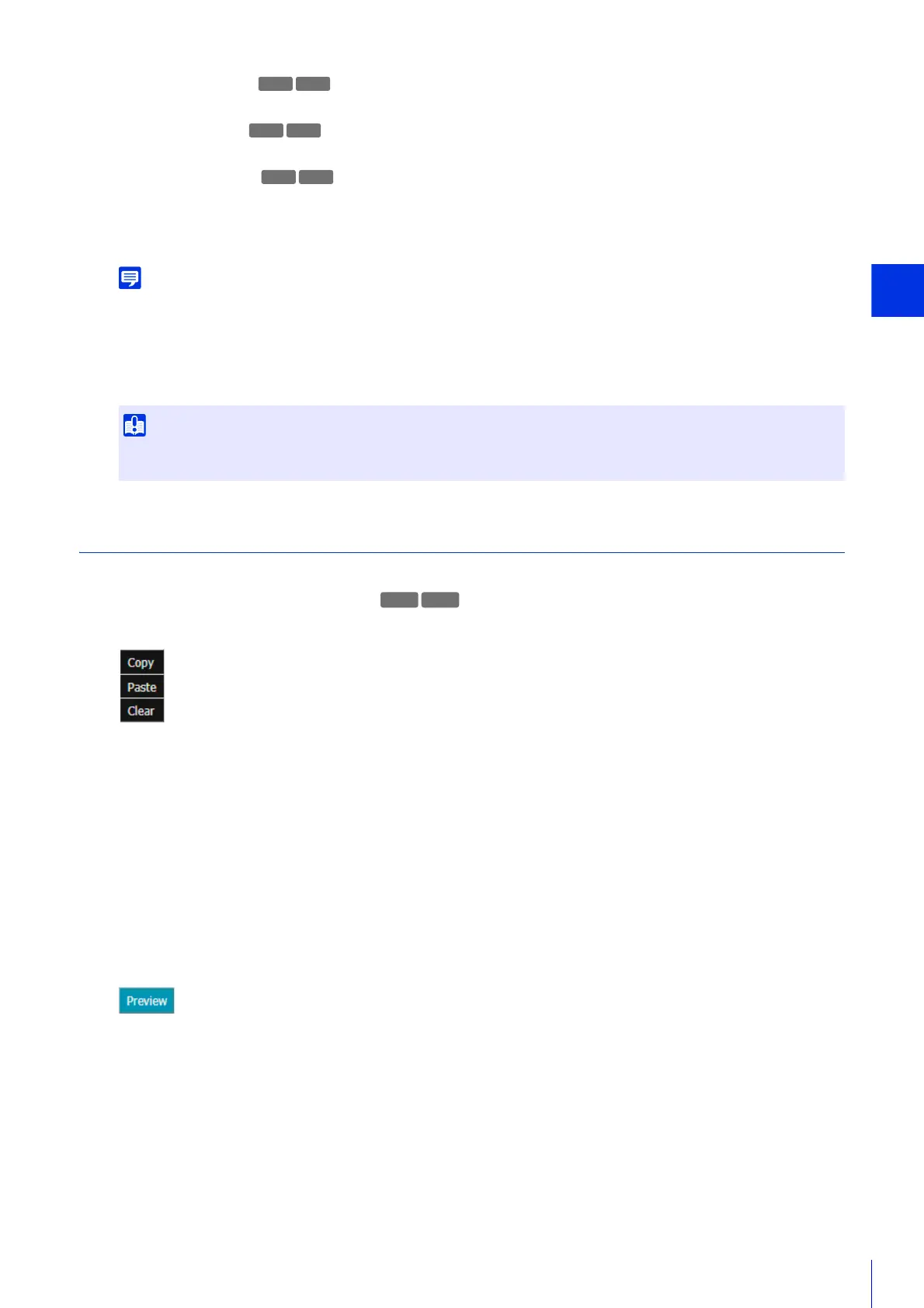
If you right-click on a tour route in [Route List], the following menu appears.
[Copy]
The settings for the tour route you right-clicked on are copied.
[Paste]
Copied tour route settings are applied to the tour route you right-clicked on.
[Clear]
The tour route you right-clicked on is returned to its initial state. It is not saved to the camera.
Preset selection list menu
If you right-click on a preset name in the [Select Preset] or [Select Tour Route Preset] list, the following menu
appears.
[Preview]
The preset you right-clicked can be verified in the video display area.
6
Click [Save settings].
If you do not save the settings and click [Restore settings] in the [Auto Control Settings] tab, the settings in the [Tour Route
Settings] tab will also revert.
R11 R10
R10



 To Next Page