204
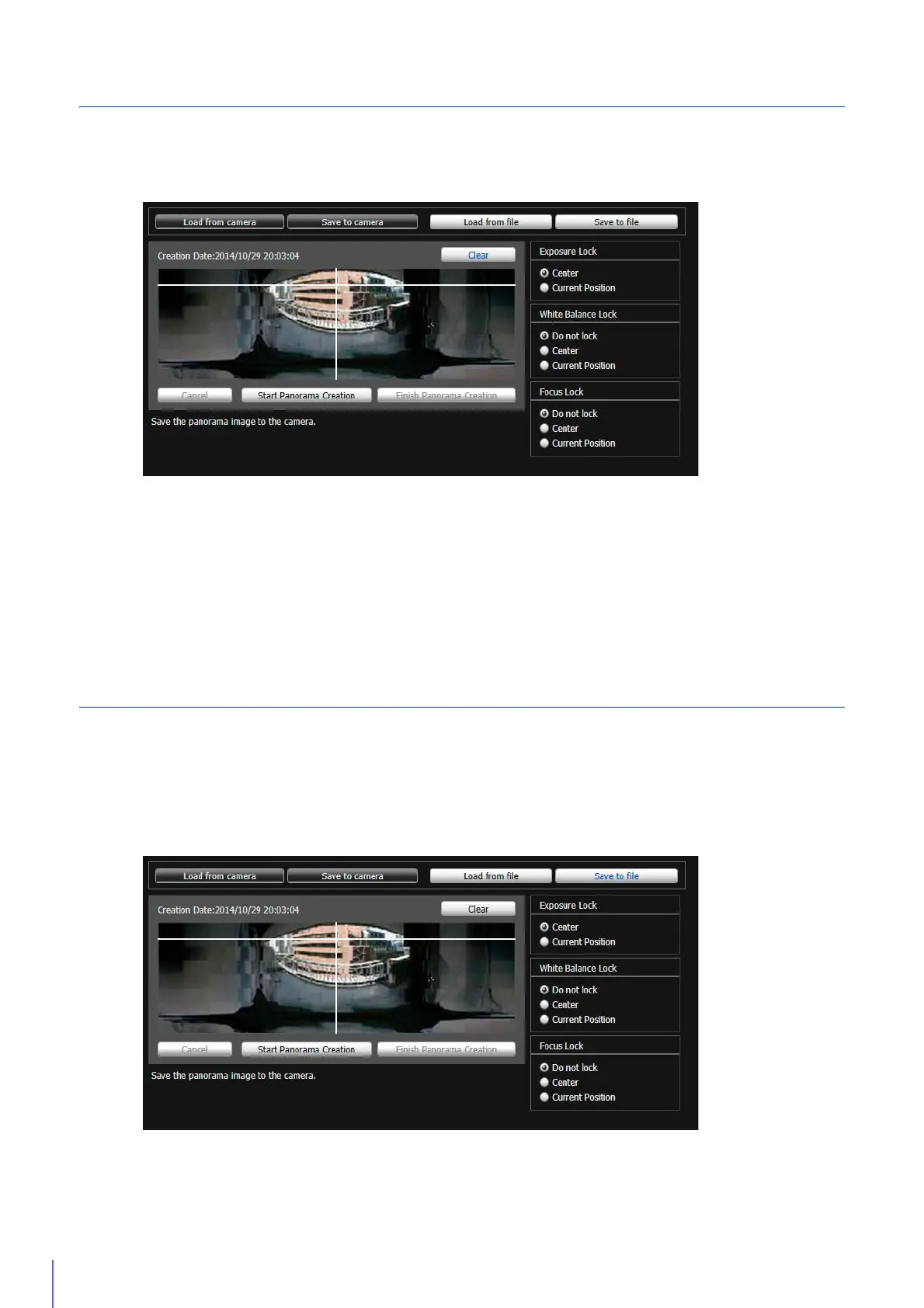
Delete a Panorama Image from the Camera
Delete a panorama image saved in the camera.
The currently displayed panorama image is deleted.
A confirmation message will appear.
The panorama image saved in the camera is deleted.
Save/Load Panorama Image File
You can save recorded panorama images as image files and open image files as panorama images.
Only JPEG images can be used.
Save an Image File
1
Click [Clear].
2
Click [Save to camera].
3
Click [OK].
1
Click [Save to file].
2
Select the folder you want to save the image file in and enter the file name in the displayed dialog box.



 To Next Page