Admin Tools
203
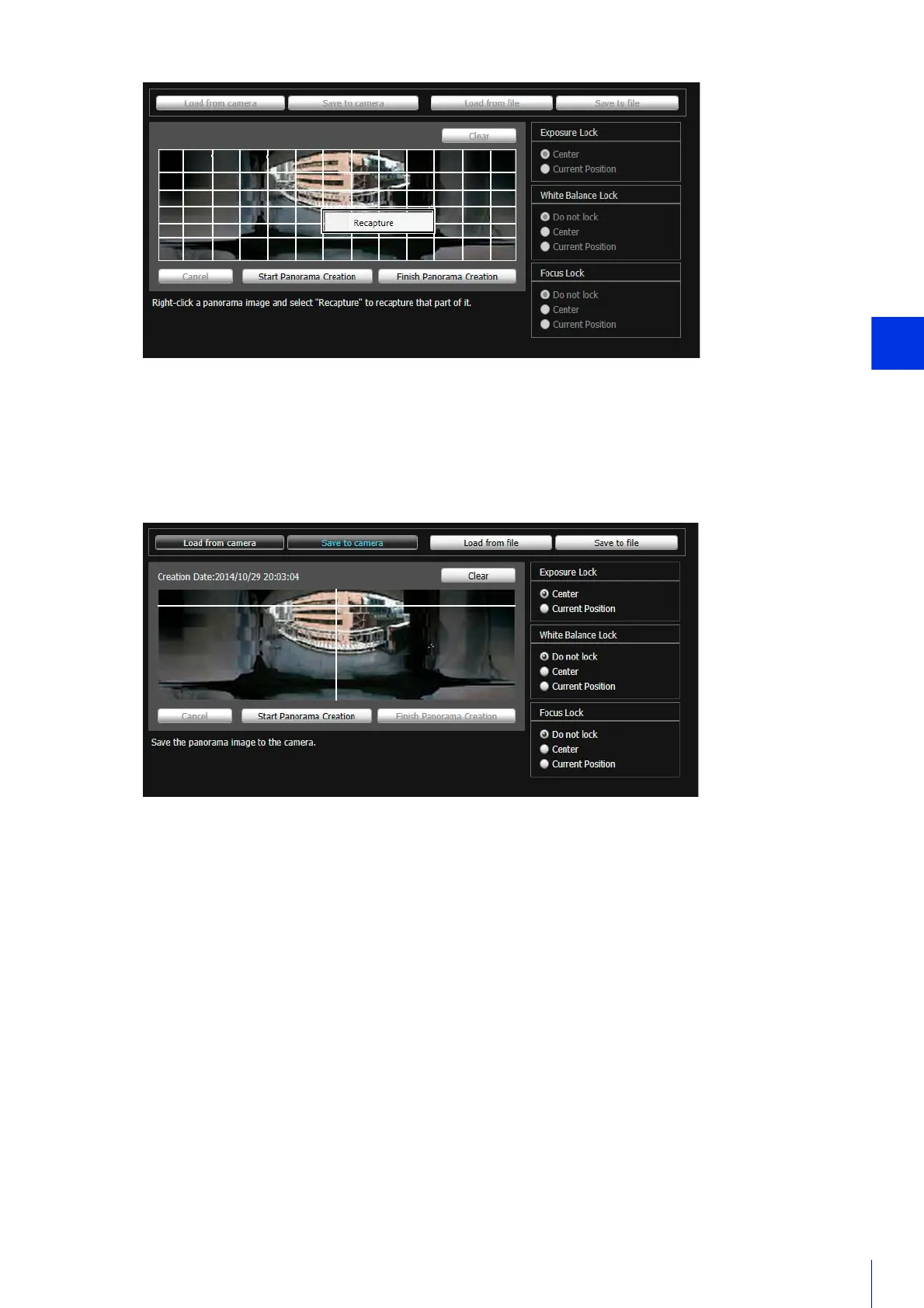
Recapture an entire panorama image:
Click [Start Panorama Creation] again.
The created panorama image will not appear in other tools yet.
A confirmation message will appear.
The panorama image is saved to the camera and appears in other tools.
4
Click [Finish Panorama Creation].
5
Click [Save to camera].
6
Click [OK].



 To Next Page