140
Launch the Admin Viewer to check the camera status and view video, and to configure settings.
Launch the Admin Viewer
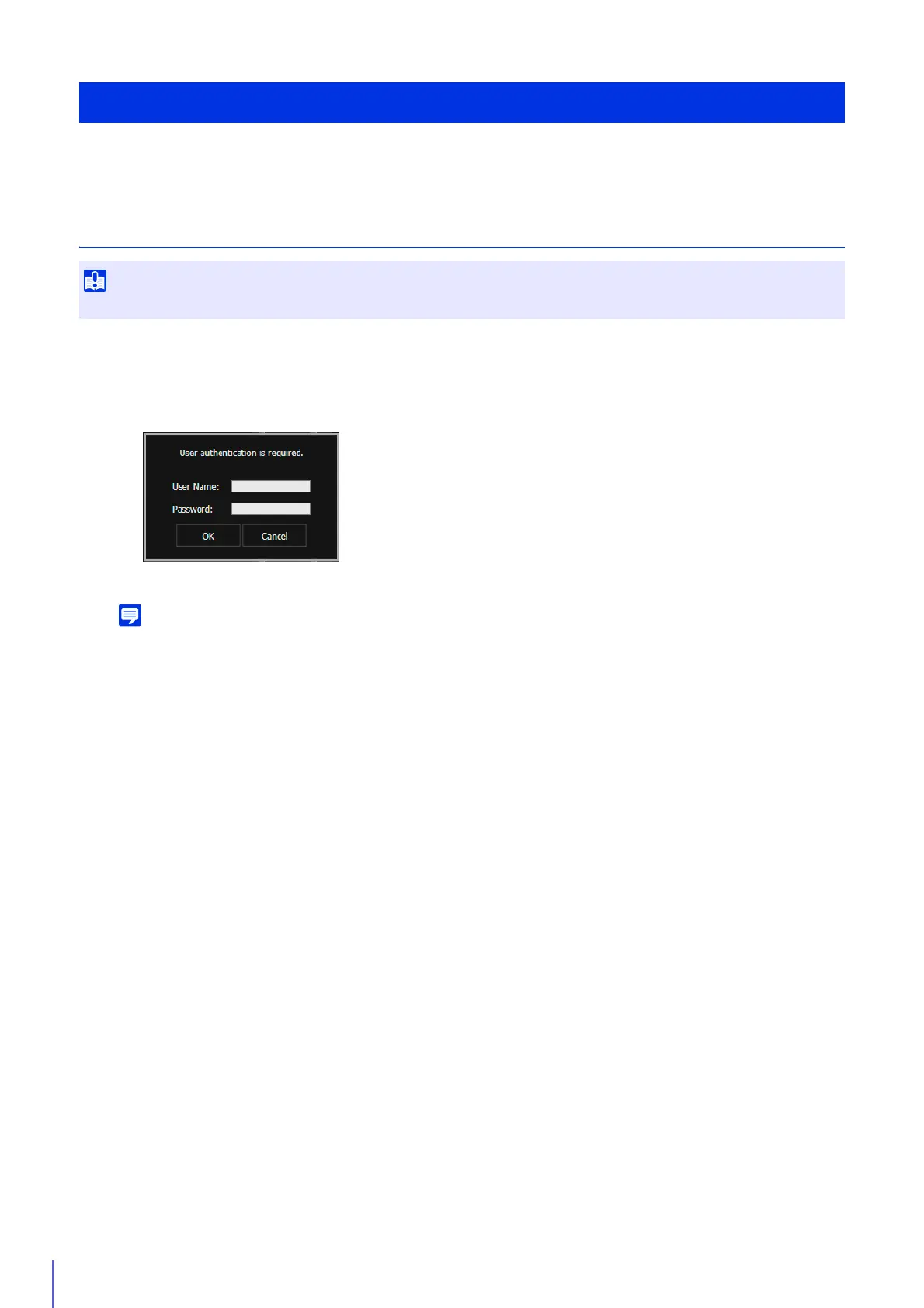
A user authentication window appears.
Launches the Admin Viewer.
• You can also launch the Admin Viewer from the Camera Management Tool. For details, please refer to the “Camera Management
Tool User Manual”.
• You can also launch the Admin Viewer by clicking [Admin Viewer] in the upper right of the [Admin Tools] page (P. 193).
• In environments without a proxy server, select [Internet options] > [Connections] tab > [LAN settings] and clear the
[Automatically detect settings] check box in Internet Explorer.
Exit the Viewer
Close the web browser to exit the Viewer.
View Video With Admin Viewer
The Admin Tools Certificate must be installed on a computer to use the Admin Viewer (P. 28).
1
Launch the camera top page and click [Admin Viewer] (P. 41).
2
Enter a user name and password (P. 42) and click [OK].



 To Next Page