Camera Setup
39
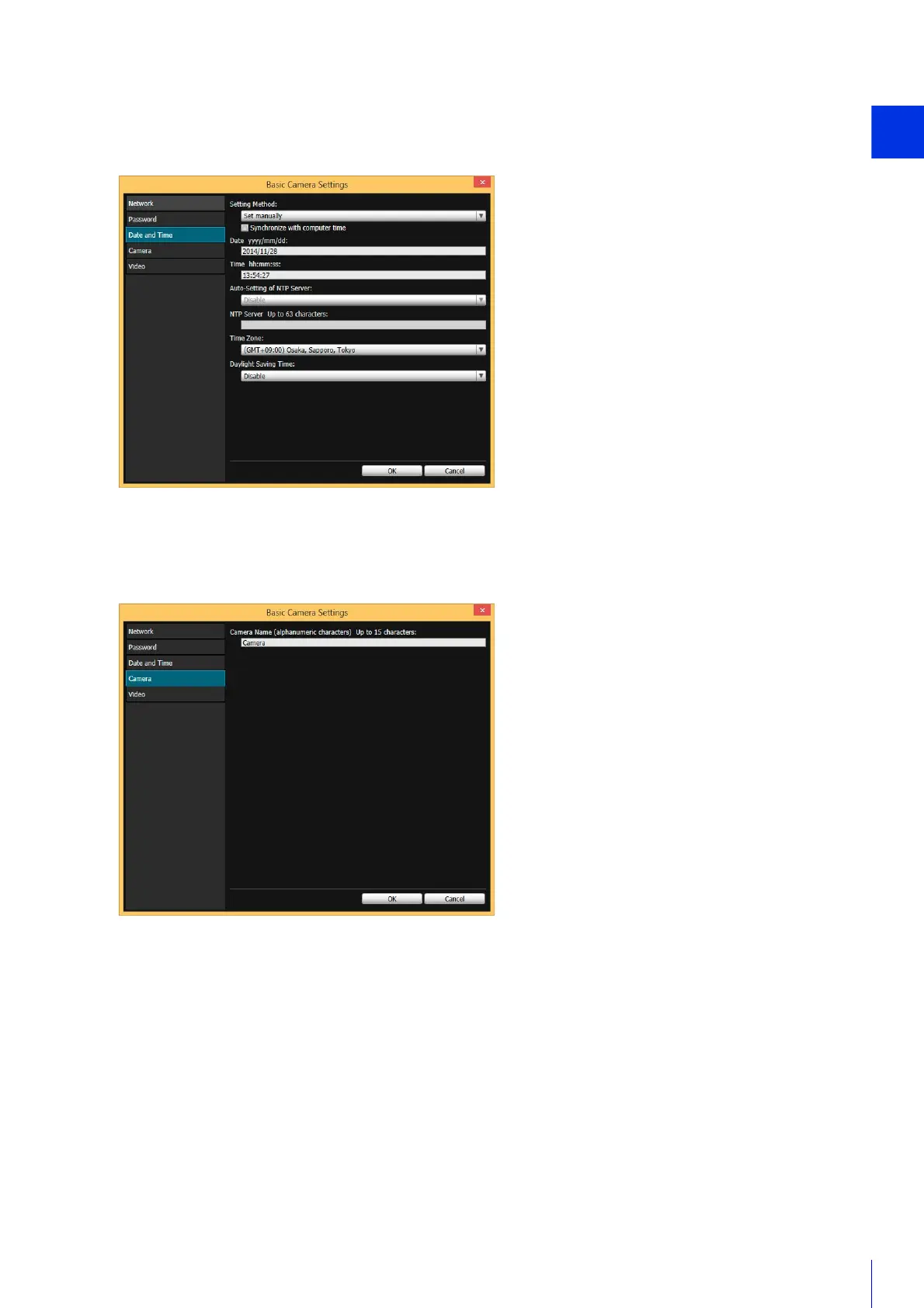
Date and Time Settings
Click [Date and Time] and make settings such as the camera date and time setting method, time zone, and daylight
saving time.
For details on each item, please refer to “Setting” (P. 69) in “Set the Date/Time”.
Camera Name Setting
Click [Camera] and set the camera name displayed in the viewers and other software.
For setting details, please refer to “Camera Name” (P. 75) in “Set General Camera Controls”.



 To Next Page