Admin Viewer/VB Viewer
155
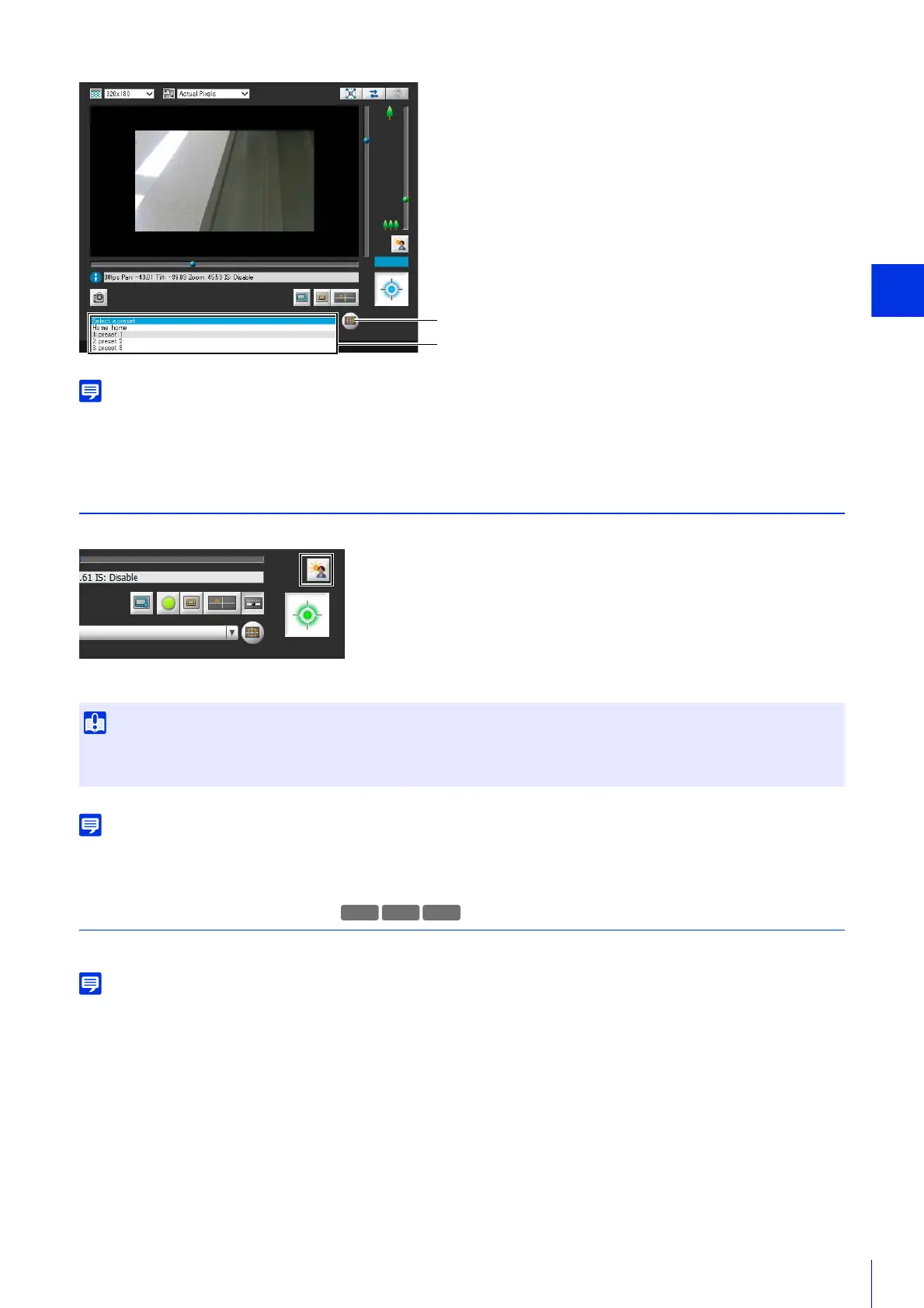
Register presets and the home position beforehand with [Preset Registration] tab in [Control for Admin] > [Preset/Initial Setting] > [Preset
Setting] (P. 170). The registered preset will appear in the preset selection menu.
Use Backlight Compensation
Click [BLC] to brighten video that is dark due to backlight.
Click the button again to cancel backlight compensation.
Use Smart Shade Control (P. 159) if over-exposure of highlights is prominent in the video.
Receive/Transmit Audio
Receive audio from the camera, transmit audio from the Viewers and configure the respective volume settings.
When you are using Internet Explorer 11 in a 64-bit operating system and the camera is registered as a trusted site and protected mode is
enabled, reception and transmission of audio will be disabled.
Receive Audio
Receive audio from the microphone connected to the camera and play it back in the Viewer.
• The [BLC] button is not available if [Smart Shade Control] (P. 159) is set to [Auto].
• The [BLC] button is not available if [Exposure] (P. 162) is set to [Manual].
[Home Position] Button
Preset Selection Menu
M741



 To Next Page