Setting Page
69
Camera date and time settings.
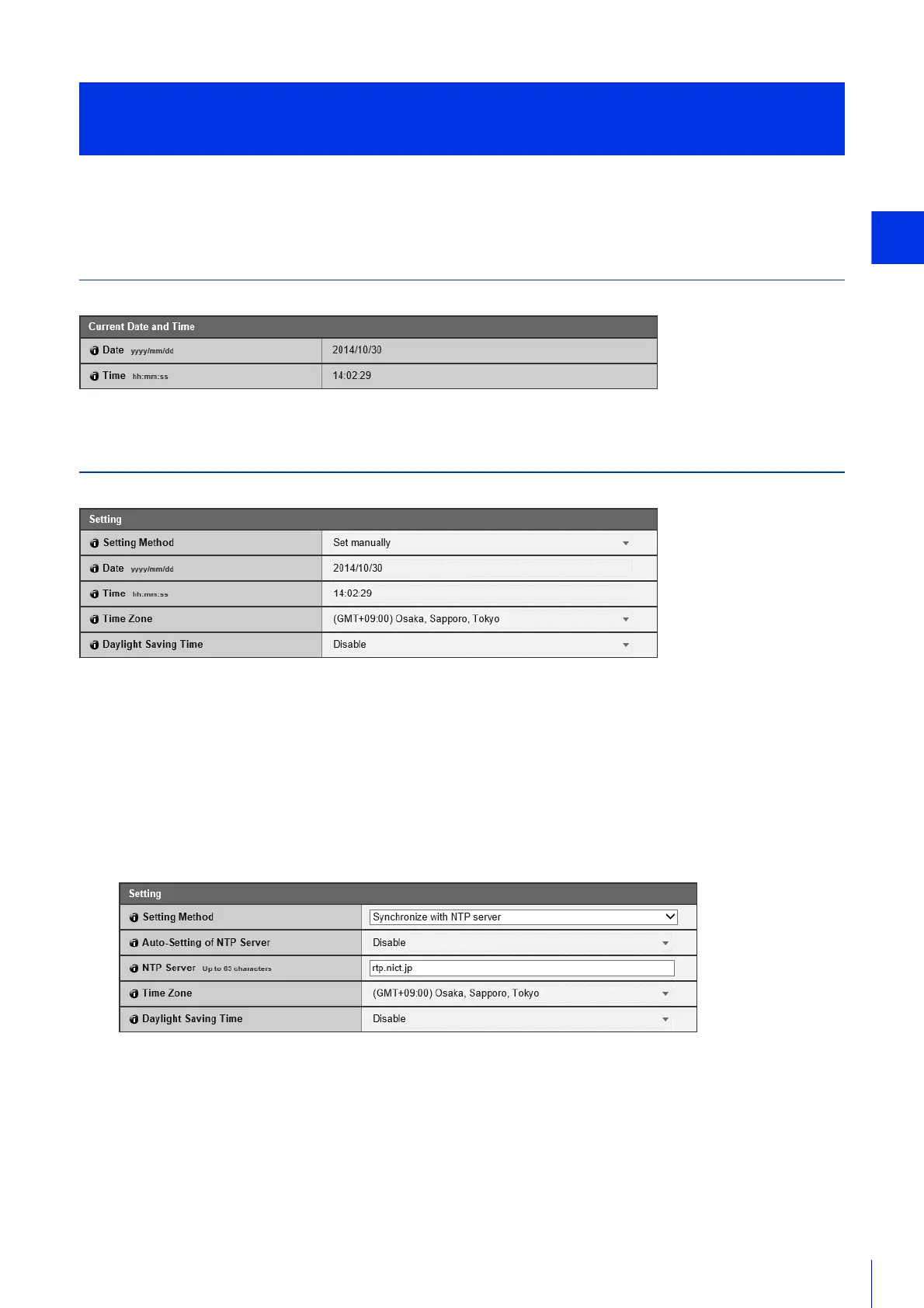
Current Date and Time
The date and time set in the camera are shown.
Setting
Set the date and time setting method, time zone and daylight saving time for the camera.
[Setting Method]
Select the date and time setting method.
The settings are configured as follows depending on the setting configured in [Setting Method].
[Set manually]
Set the desired date and time in [Date] and [Time].
Set the time in 24-hour format in <hour:minute:second> order.
[Synchronize with NTP server]
Select the setting method displayed in [Auto-Setting of NTP Server].
[Not used]
Enter the IP address or host name of the NTP server in [NTP Server].
Set the Date/Time
[Basic Settings] > [Date and Time]



 To Next Page