186
You can capture snapshots or manually record video to a memory card inserted in the camera as you view video in the
video display area.
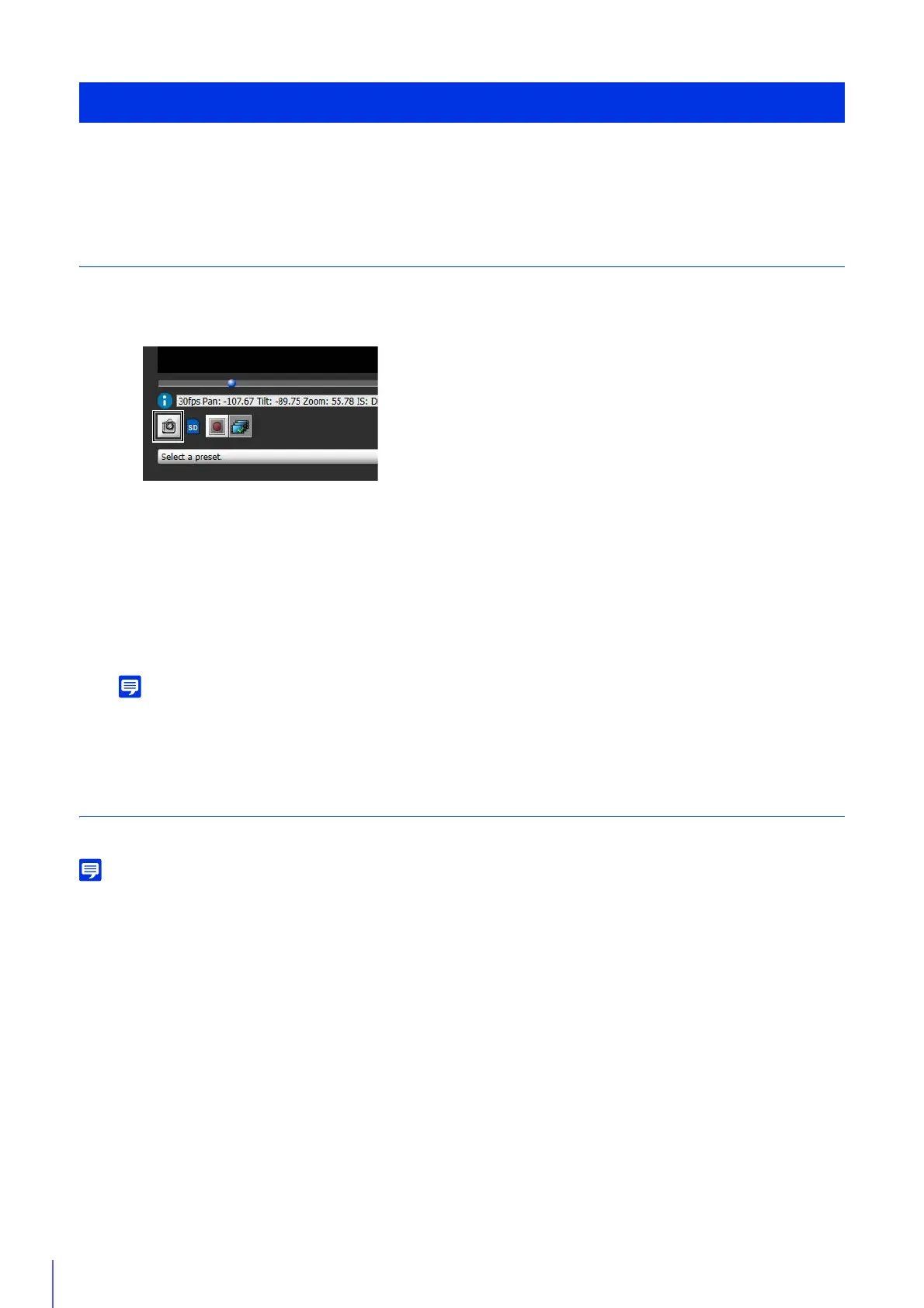
Capture a Snapshot
Capture and save a snapshot from the video in the video display area.
The Snapshot panel will open showing a snapshot from the moment you clicked.
If you click the [Snapshot] button again, the image displayed in the Snapshot panel will be updated.
• The snapshot is saved as a JPEG file.
• The saved snapshots are the same size as the video capture size.
Record Video to a Memory Card Manually
Manually record video being displayed in the video display area to a memory card inserted in the camera.
• You can manually record video if the following conditions have been met.
– The memory card inserted in the camera is mounted (P. 142).
– Set [Operation Settings] to [Save Logs and Videos] in [Video Record] > [Memory Card] > [Memory Card Operations] (P. 101) in the
Setting Page.
• The format and size of the video recorded to a memory card depends on the settings configured on the Setting Page.
– Video format: [Memory Card] > [Memory Card Operations] > [Video Format] (P. 130)
– Video size: JPEG [Basic Settings] > [Video Settings] > [JPEG] > [Video Size: Upload / Memory card]
H.264 [Basic Settings] > [Video Settings] > [H.264(1)] > [Video Size]
Recording Videos Manually
Record Snapshots/Video With Admin Viewer
1
Click [Snapshot] button at the moment you want to capture a snapshot.
2
To save the snapshot, right-click on the Snapshot panel.
3
Click [Save Picture As] in the menu that appears.
4
Enter the desired file name and save the snapshot.
1
If you have not obtained camera control privileges, click the [Obtain/Release Camera Control Privileges] button to
obtain the privileges.



 To Next Page