Admin Viewer/VB Viewer
185
(3) [Intelligent Function (Auto Tracking)]
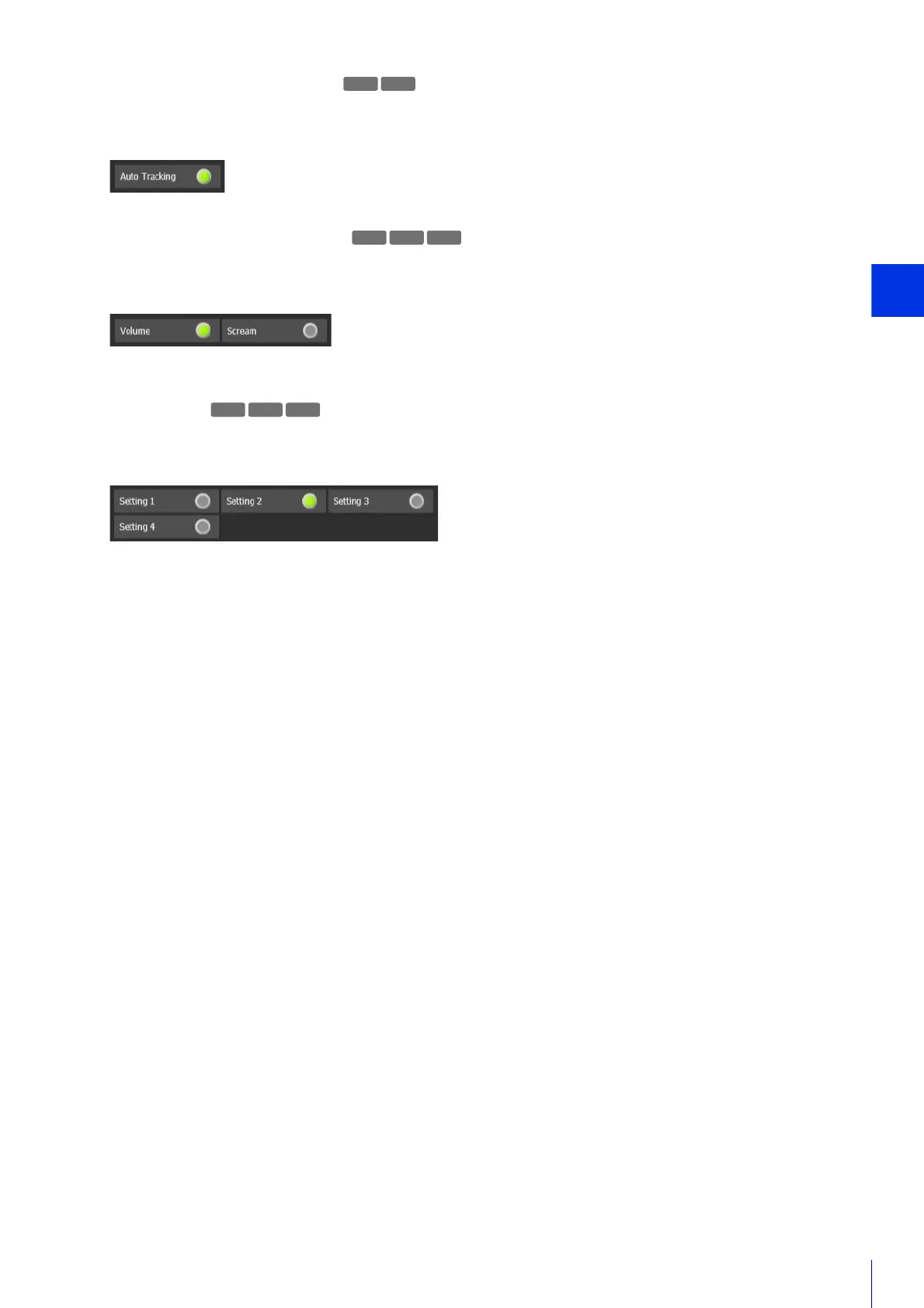
The detection status of Auto Tracking (P. 230) by the Intelligent Function is displayed. If detection is triggered, the icon
will turn green.
Example:
Auto Tracking status ON
(4) [Intelligent Function (Audio Detection)]
Displays the status of [Volume Detection] or [Scream Detection] set in [Event] > [Audio Detection] (P. 107) in the
Setting Page. If detection is triggered, the icon will turn green.
Example:
Volume: Volume Detection status ON
Scream: Scream Detection status OFF
(5) [Linked Events]
Displays the status of linked events for Intelligent Function set with [Event] > [Linked Events] (P. 113) in the Setting
Page. If a linked event is triggered, the icon will turn green.
Example:
Setting 2: Linked Event status ON
Other settings: Linked Event status OFF
R11 R10



 To Next Page