Camera Angle Setting Tool
49
You will connect to the camera.
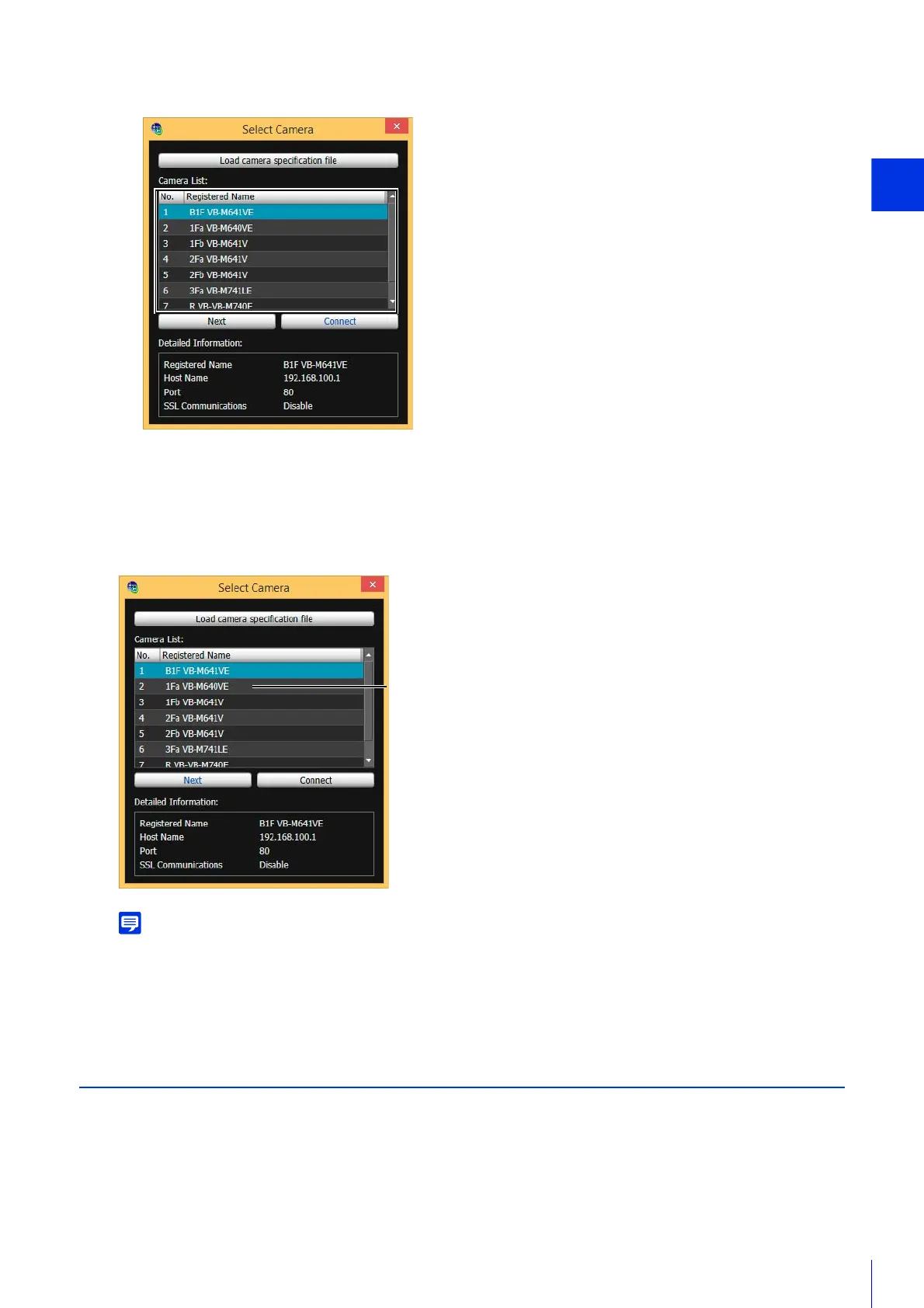
Connect to the Next Camera
After setting the camera angle, click [Next] to connect to the next camera.
You will be disconnected from the current camera and connected to the next camera appearing in the list.
• The [Select Camera] dialog box will continue to display until you close the Camera Angle Setting Tool or click the X in the upper
right corner of the dialog box.
• The camera list will be discarded when the Camera Angle Setting Tool is closed. Load the camera specification file the next time
you launch the Camera Angle Setting Tool.
Disconnect from the Camera and Close the Software
Once you have completed setting the camera angle, follow the steps below to disconnect from the camera and close the
Camera Angle Setting Tool. Note that camera angle settings will be lost if you turn the camera on/off without performing
these steps.
4
Select a camera to connect to and click [Connect].



 To Next Page