90
It is recommended that you change the default community name from [public] to ensure system security.
[Administrator Contact Information]
Enter contact information (e-mail address, etc.) for the administrator of the camera.
Setting information can be referenced by the SNMP manager.
[Administration Function Name]
Enter the camera name used for administration.
Setting information can be referenced by the SNMP manager.
If left blank, the camera model name will be used.
[Installation Location]
Enter information regarding the installation location of this camera.
Setting information can be referenced by the SNMP manager.
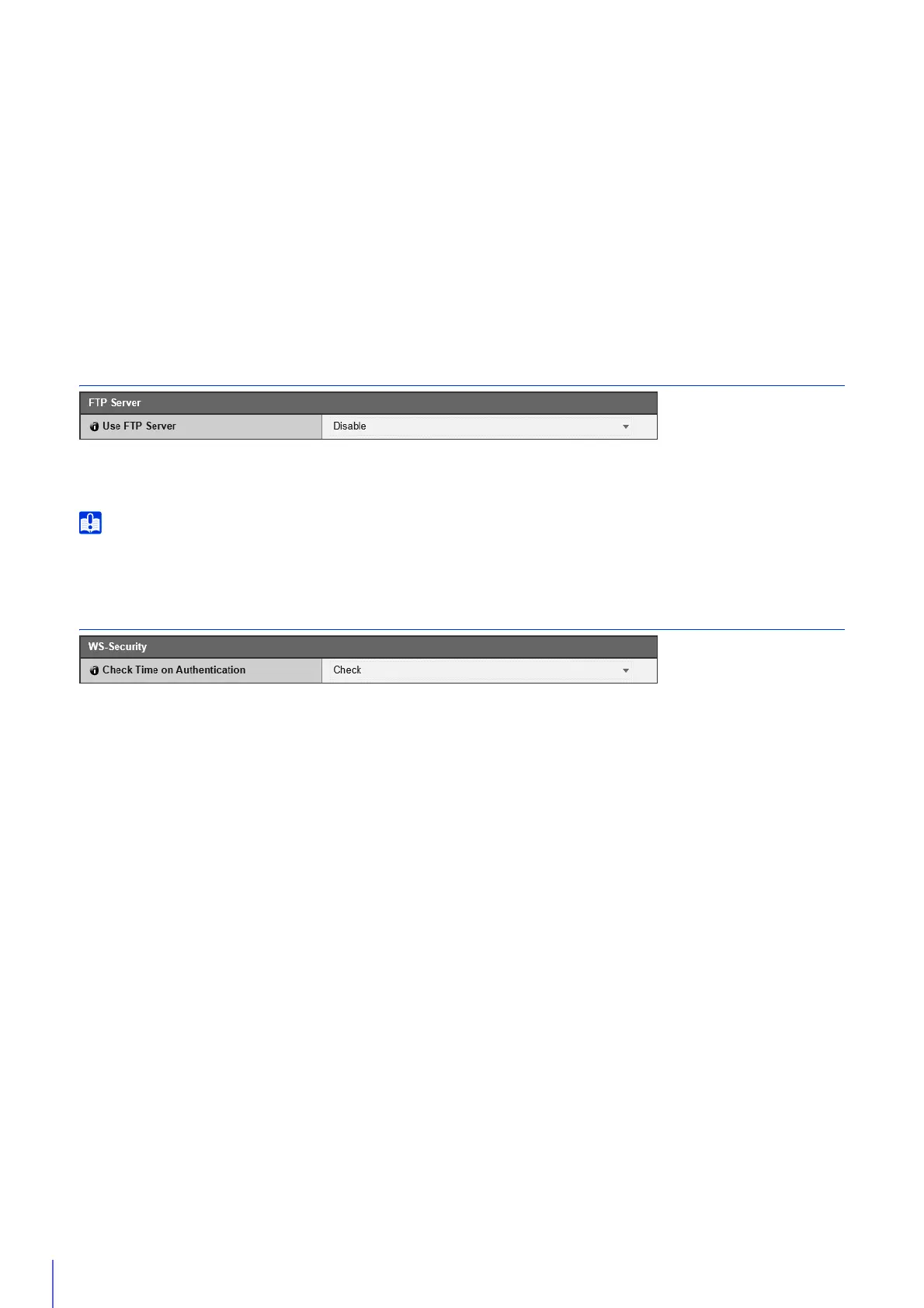
FTP Server
[Use FTP Server]
Select whether to use an FTP server.
Canon will assume no liability for any accident or damage resulting from use of FTP software.
WS-Security
[Check Time on Authentication]
Select whether to check the time information of data transmitted by the client.



 To Next Page