Admin Tools
235
[Detection Settings of the Same Type]
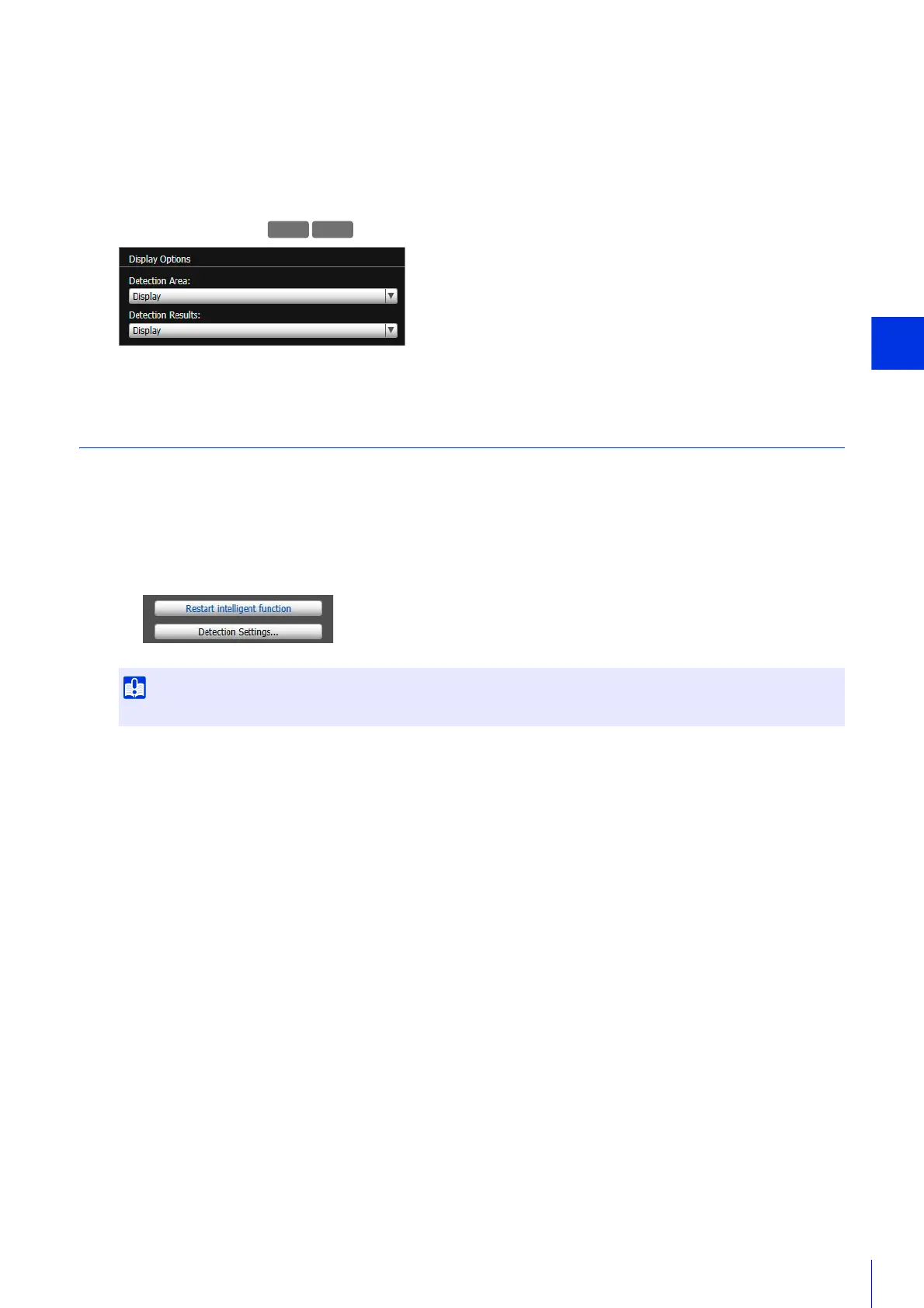
Show the detection areas/lines or detection results for the same type of detection settings as those selected in
[Detection Setting List].
[Do not display]
No detection areas/lines or detection results are shown.
Auto Tracking
You can select [Display] / [Do not display] for either [Detection Area] or [Detection Results].
Restart Intelligent Function
If the background video has changed while you were specifying settings or detection results are not as specified, restart
the Intelligent Function.
R10
1
If you have not yet obtained the camera control privileges, click the [Obtain/Release Camera Control Privileges]
button and obtain the control privileges.
2
Click [Restart intelligent function].
It takes several tens of seconds for the Intelligent Function to restart. No detection is performed while restarting.



 To Next Page