216
In video detection, select the type to detect, and set the tracking area for video changes while checking images on the
camera. You should also set which operations (e-mail notification, record video, playing audio from the speaker connected
to the camera) should be carried out when changes are detected.
Steps for Configuring Video Detection
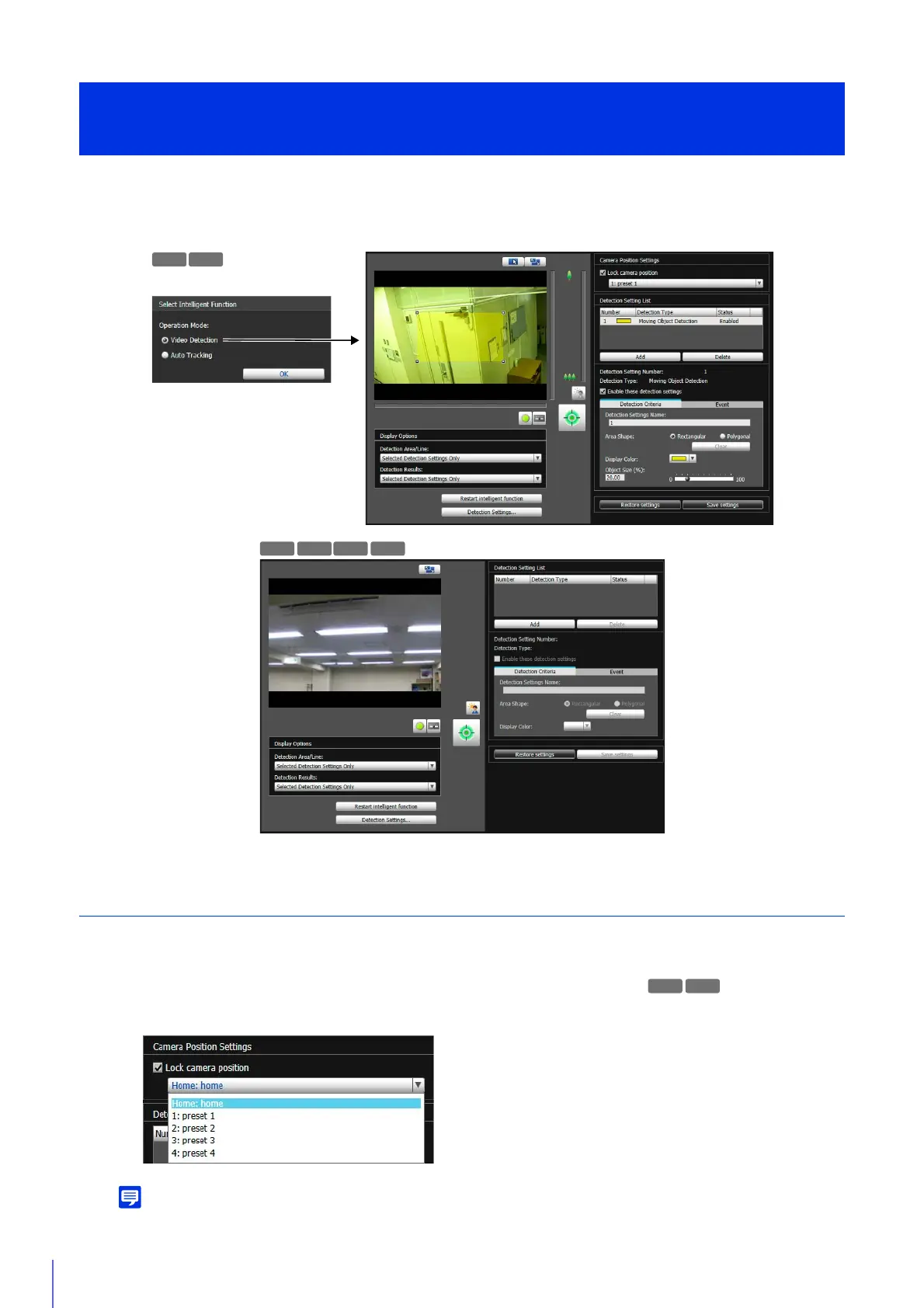
The following are the basic steps for configuring video detection. For details on settings for each type of detection, please
refer to “Configure Detection Criteria ([Detection Criteria] Tab)” (P. 219).
For details on how to adjust presets, please refer to “Register Presets” (P. 170).
You can select presets that meet the following conditions.
Intelligent Function Setting Tool
- Video Detection -
R11
1
Select [Lock camera position] in [Camera Position Settings], then select a preset.



 To Next Page