Admin Tools
197
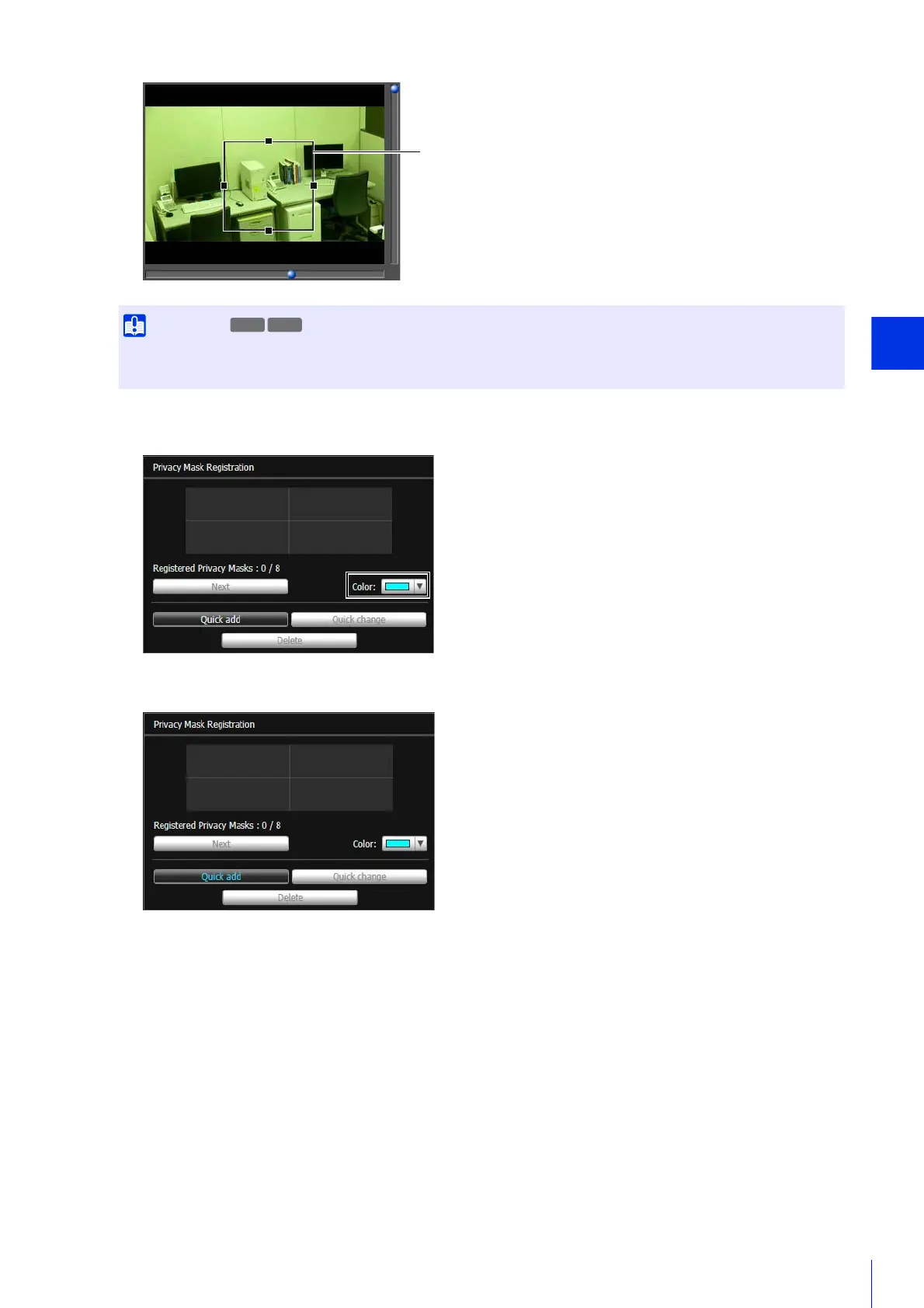
The privacy mask area is saved to the camera.
Saved privacy mask areas are shown in the video display area and the privacy mask registration area.
• Set the privacy mask area to a slightly larger size than the area you want to hide.
• You can only set privacy masks in the optical zoom range. Privacy masks cannot be set in the digital zoom range (P. 148).
3
Select the color for the privacy mask area with [Color].
4
Click [Quick add].
R11 R10



 To Next Page