224
Detection will not be possible for three seconds after the change ratio for camera tampering detection is changed, or when
switching into camera tampering detection from another detection mode.
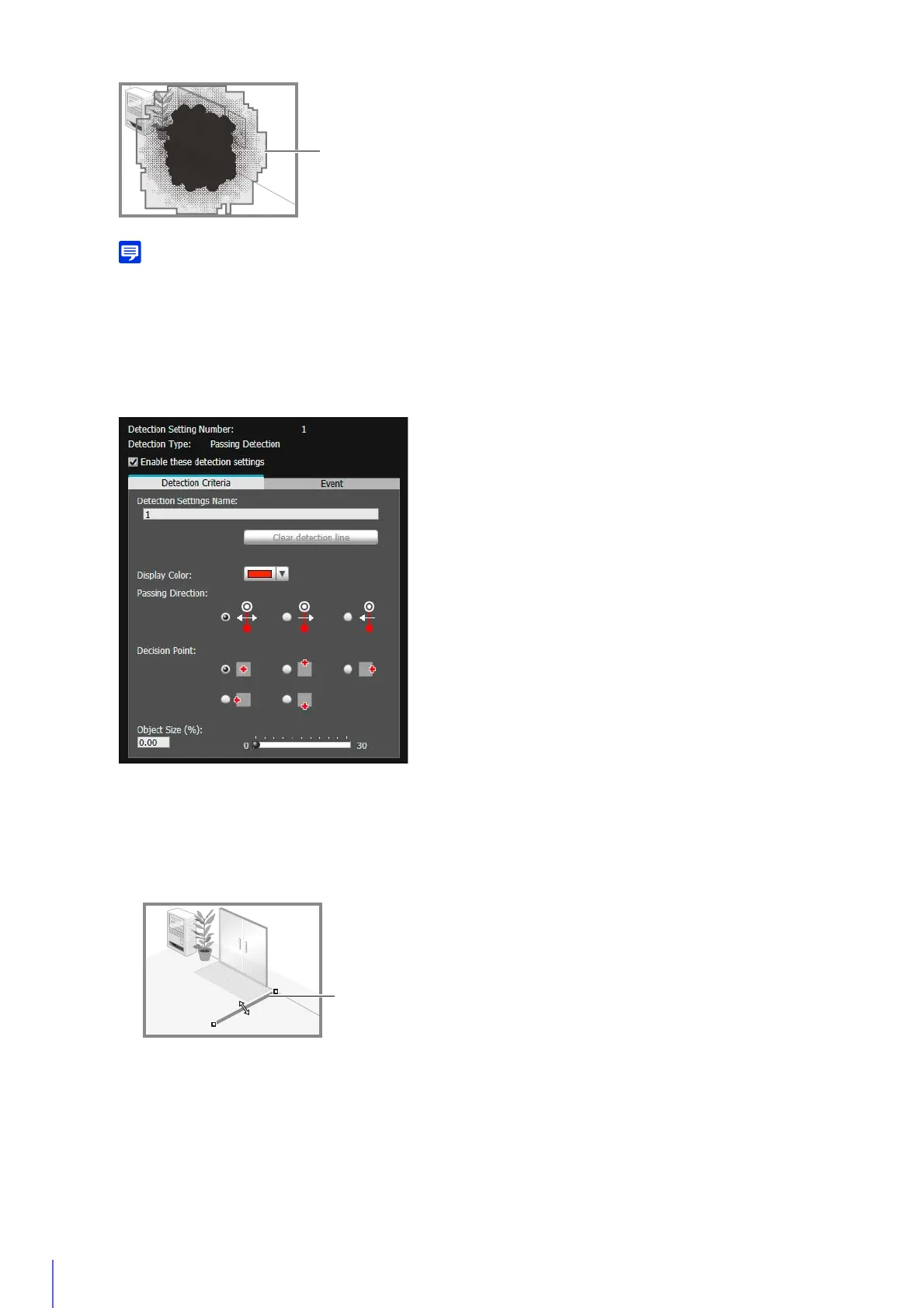
How to Configure Passing Detection
The detection line for passing moving objects is determined by setting the passing direction and object decision
point.
In the video display area, click the start point of the detection line.
▼
Click another location.
The passing detection line will be set between the start point and next point you clicked.
▼
To configure a polygonal detection line, click the vertices of the line in order.
Contours of Moving Object Detected as Tampering
1
Follow the steps below to use the video display area to configure the passing detection line.



 To Next Page