272
(VB-R11)
The camera does not have a power switch. To turn the camera on or off, connect or disconnect the power cable.
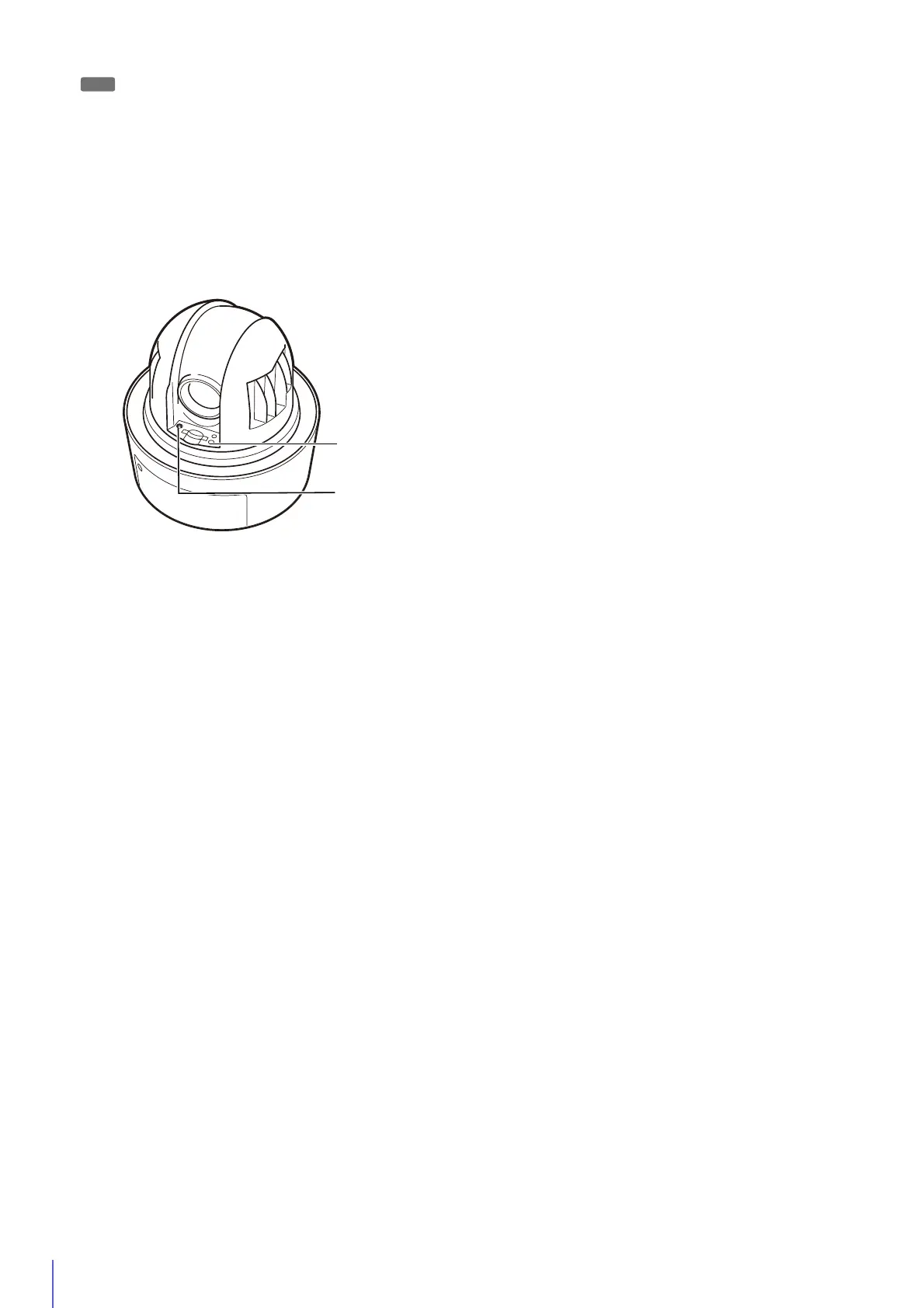
The LED will flash.
When the LED stops flashing, the reset procedure is complete.
R11
1
Turn the camera off by disconnecting the power cable.
2
Hold down the reset switch and connect the power cable. Continue to hold the reset switch for five seconds or
longer.
3
Release the reset switch.



 To Next Page