Camera Setup
29
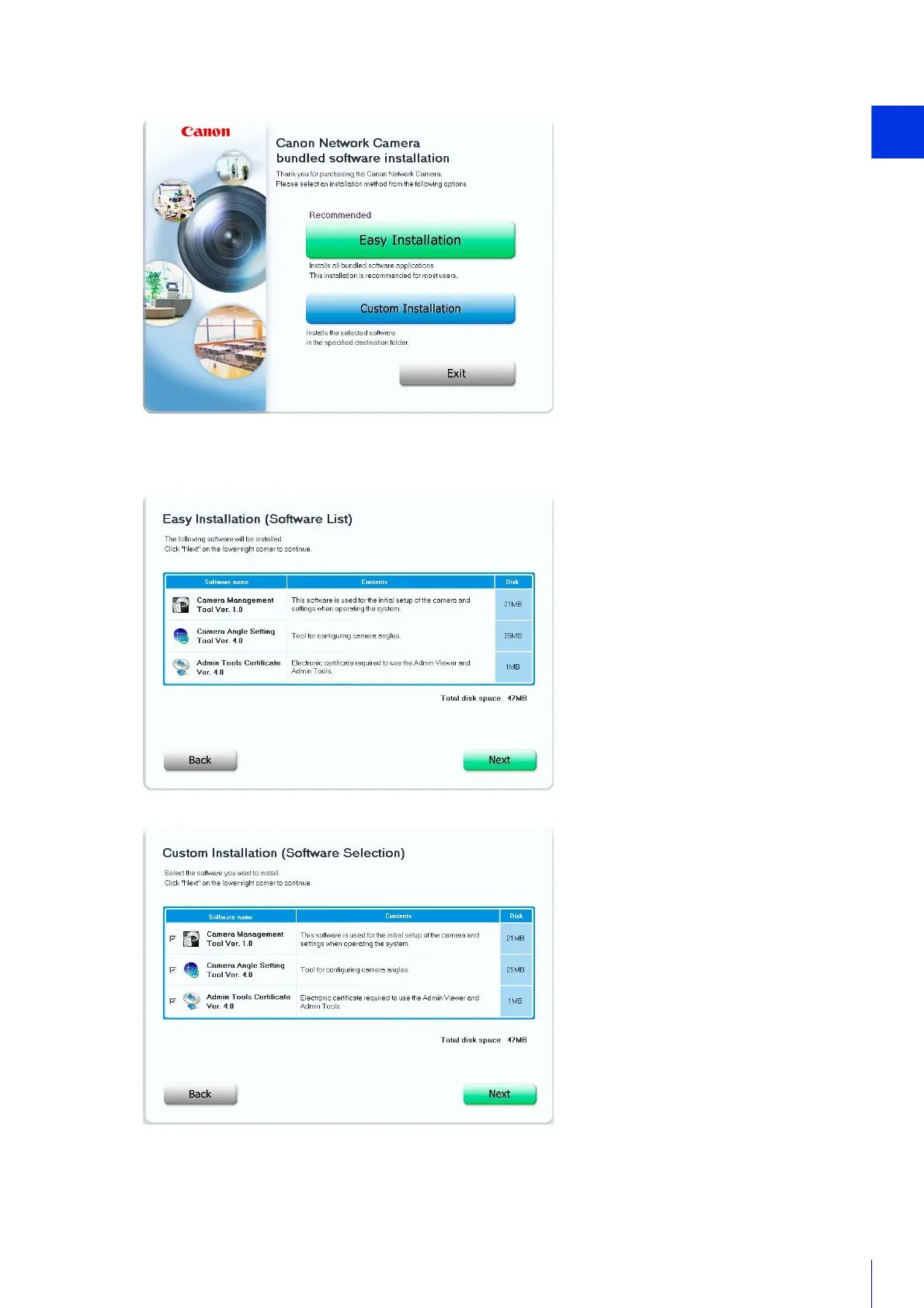
If you select [Easy Installation], confirm the software that will be installed and click [Next].
If you select [Custom Installation], select the software to be installed and click [Next].
The User License Agreement screen appears.
4
Select the installation method.
5
Confirm or select the software that will be installed.



 To Next Page