Setting Page
83
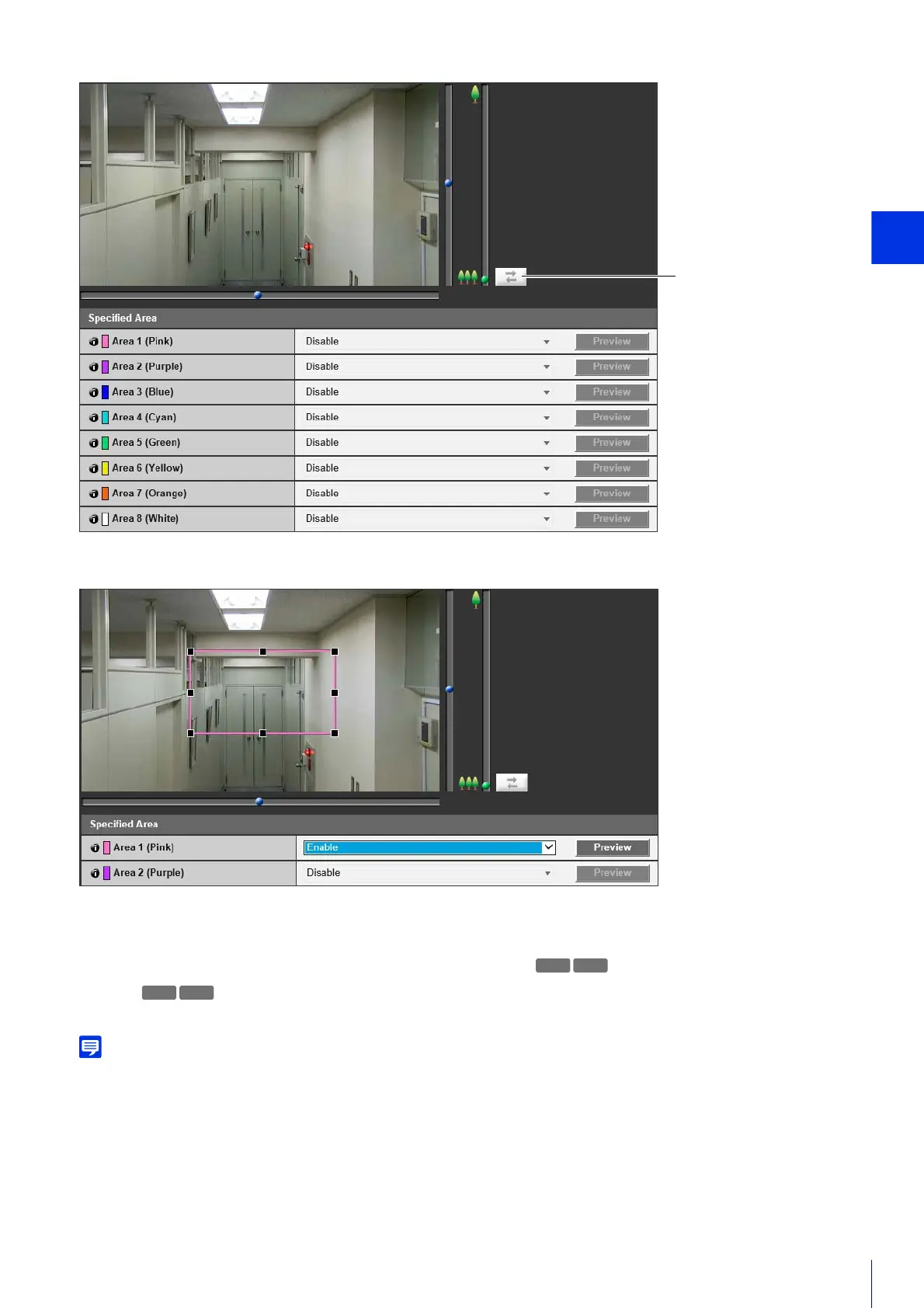
If you select [Enable] for the area with the frame color you would like to use for the specified area, the frame will appear on
the Viewer.
Set the specified area as follows with the display area.
• Drag out a frame and move it to the area you want to specify.
• Change the size of the frame by dragging any of the 8 handles (■).
• If you want to change the camera angle, use the pan/tilt/zoom sliders.
[Preview]
The camera will move to a specified area if you click [Preview] for that area.
You can use Admin Viewer to check video with ADSR settings applied. Video outside the specified area will deteriorate according to the
amount of applied data reduction.
R11



 To Next Page