23 CHC i83 User Manual
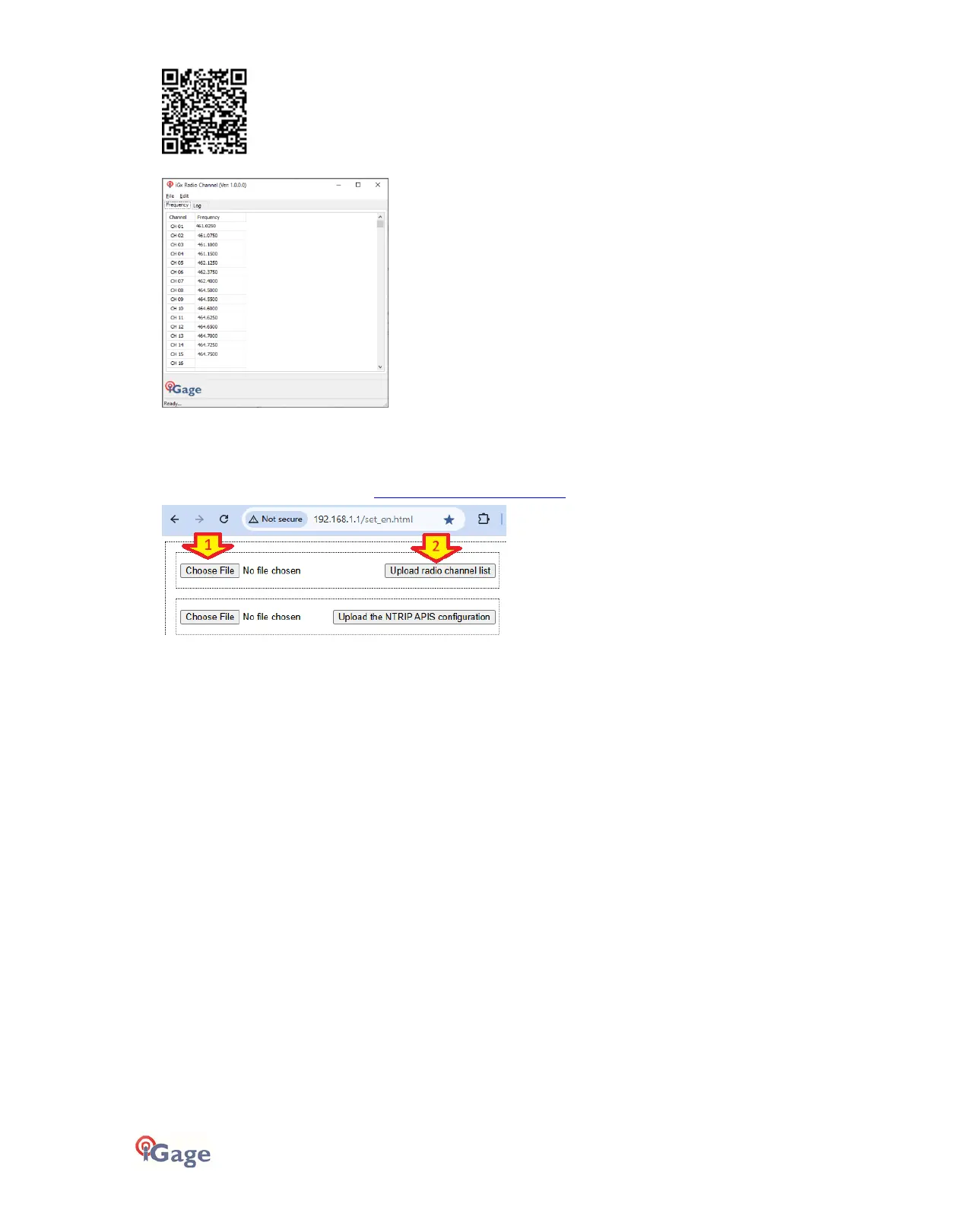
With the radio channel tool:
It is possible to create a standard list, modify frequencies, and reorder the frequency list. When the frequency list
matches your FCC License, then you can save a .CFG file for uploading to the receiver.
First login to the GPS receiver via Wi-Fi. See ‘Connecting to a PC or Smartphone via Wi-Fi’ on page 18.
Open a browser and go to this address http://192.168.1.1/set_en.html :
(1) Click on ‘
Choose File
’ and browse to the settings file, then (2) click on ‘
Upload radio channel list
’ the new radio table
list will be installed in the head.



 To Next Page