15 CHC i83 User Manual
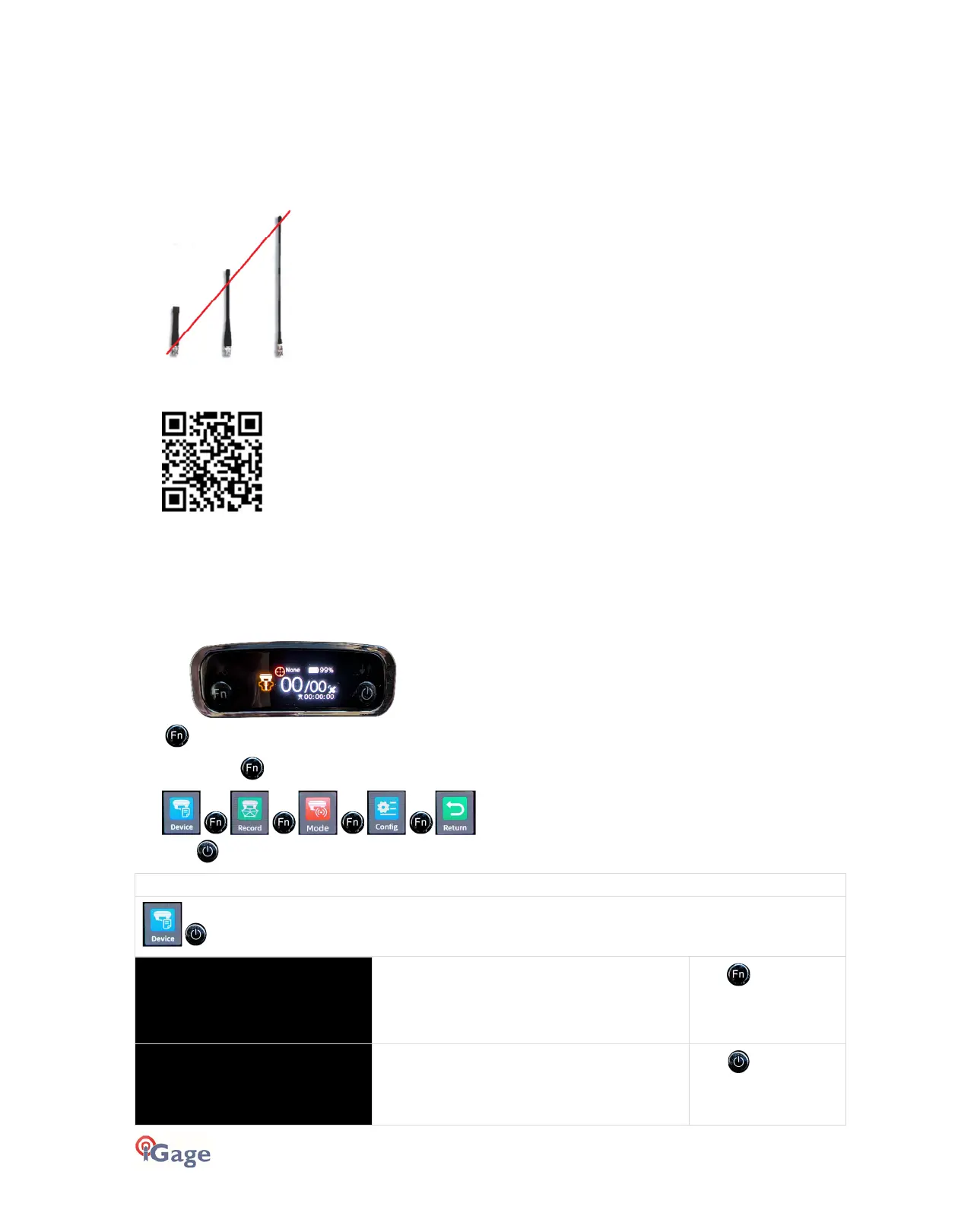
Bad Antennas
The UHF antennas on most GNSS equipment get beat around quite a bit.
If you suspect that your antenna has gone bad, we recommend that you purchase two spare antennas and change out
both your Base and Rover. If the problem goes away, then you know that one (or perhaps both) of your original
antennas have failed.
We recommend that you
not
use ¼ wavelength antennas:
They require a ground plane at the Base of the antenna and have significantly (about 1/3) the range of the ½ wavelength
dipole antennas we supply. iGage has both factory replacement and heavy-duty super gain antennas available:
Front Panel Operation
You can configure the i83 as a UHF Rover or a UHF Base from the front panel interface. It is also possible to reset the
receiver from the front panel.
From the primary Status Menu:
Click to move to the Main Menu.
Then clicking the button cycles through the Main Menu items:
. Click the to select the displayed item.
displays
SN: 4021230
PN: A192189809010
7002
Register: FOREVER
Serial Number
: of receiver
Part Number
: of receiver
Register
: Expiration date
click to view the
second status screen
RTK V: 8.1
OEM V: 14259
UHF V:04.04.06
RTK
: Primary Version Number
OEM
: GNSS Board firmware version
UHF
: Radio Firmware version
Click to return to
the Main Menu



 To Next Page