CHC i83 User Manual 42
This setting sets the complexity of the iGx-Download program.
Simple
: (the Default setting)
Hides archive functions, Minimum File size, Receiver Model, Antenna Name Decimate setting, QC function, Export to
RINEX button, OPUS-Projects, the GPS Settings tab and the Log tab.
Normal
:
Shows everything except for OPUS-Projects, the GPS Settings and Log tab.
OPUS-Projects
:
Displays the OPUS-Projects checkbox which allows automatic submission to a NGS registered project.
Advanced
:
Displays the GPS Settings and Log tabs.
Expert
:
Displays the ‘View HCN Header’, ‘View RINEX Header’, ‘Force Agency-Operator’ buttons and the trimming tool debug
screen.
Typically, you will never need to use the 'Advanced' or ‘Expert’ functions.
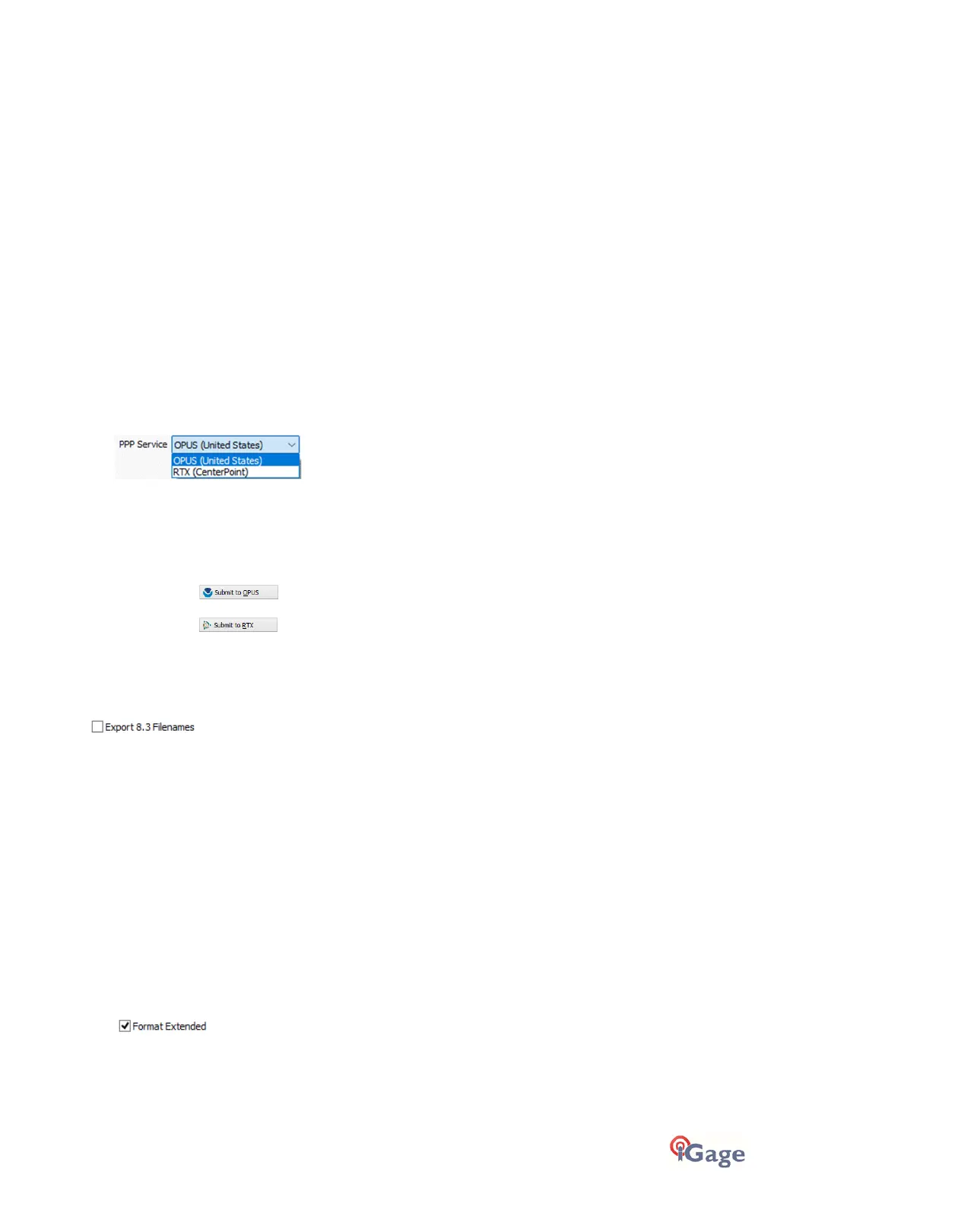
‘PPP Service’
(Hidden when Simple)
The iGx download tool supports the OPUS and RTX services directly.
Support for AUSPOS and IBGE has been removed, use the ‘Export’ button to build compatible files for these services.
The
Submit
button on the main page tracks this setting and the upload strategy is adjusted to each available service.
Additional Information is available on each service on the web:
OPUS:
http://geodesy.noaa.gov/OPUS/
RTX:
http://trimblertx.com
Export 8.3 Filenames
(Hidden when Simple)
If this box is unchecked, then the iGx download program submits files using full filenames like this:
917226_14_072_A0.OBS
The device serial number, the year, the Julian day of year and the observation number are included in the filename.
Checking the 8.3 Filename box results in exported filenames like:
10050720.14O
Where 1005 is the Point ID, 072 is the Julian date, 0 is the observation number, 14 is the year and O indicates an
observation file.
Because OPUS includes the filename in the generated report, we recommend that you check the ‘Export 8.3 Filenames’
option. This will encode the Point ID into the returned report.
Format Extended
(Only shown when PPP Service = OPUS)
The NGS returns three styles of reports:
Standard: Single Page Report
Extended: Standard + baseline details + State Plane in (s)Ft
Standard + XML: Single Page + XML



 To Next Page