Observing product and personnel safety guidelines 1-11
6200 Packet-Optical Platform Installation, Commissioning, and Testing Procedures
Release 1.1 009-6200-201 Draft Issue 1
Copyright
©
2014 Ciena
®
Corporation September 2014
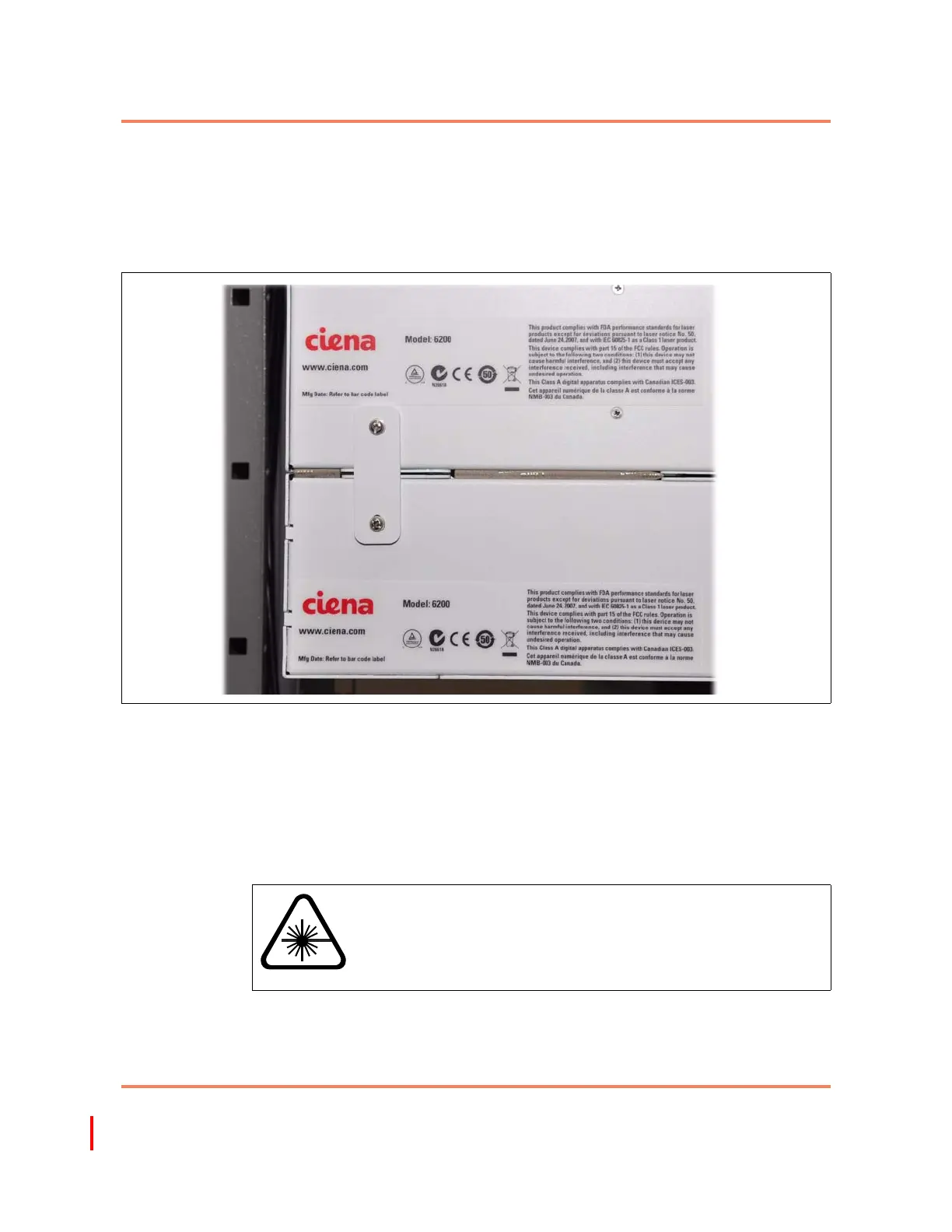
The main product-level regulatory label is located on the side of the shelf. See
Figure 1-2 for an illustration of the optical equipment. The product -level
regulatory label is present on the rear back side of the electrical equipment.
Using optical fibers
Optical fibers are either single mode or multiple mode. The information in the
following paragraphs applies to all optical fibers.
Handling optical fibers
When you handle optical fibers, you must take the following precautions:
• Wear safety glasses when you install optical fibers.
• Do not look into the opening of an optical fiber, or the opening of an optical
fiber connector, if the optical fiber is active or the unit has the power turned
on.
Figure 1-2
Main product level regulatory labels on the rear side of the 6200 equipment
WARNING
Risk of laser radiation exposure
Do not look directly into the optical beam. Invisible light can
severely damage your eyes. Keep all optical connectors
capped.



 To Next Page