MDT500 HE - Operator's Manual
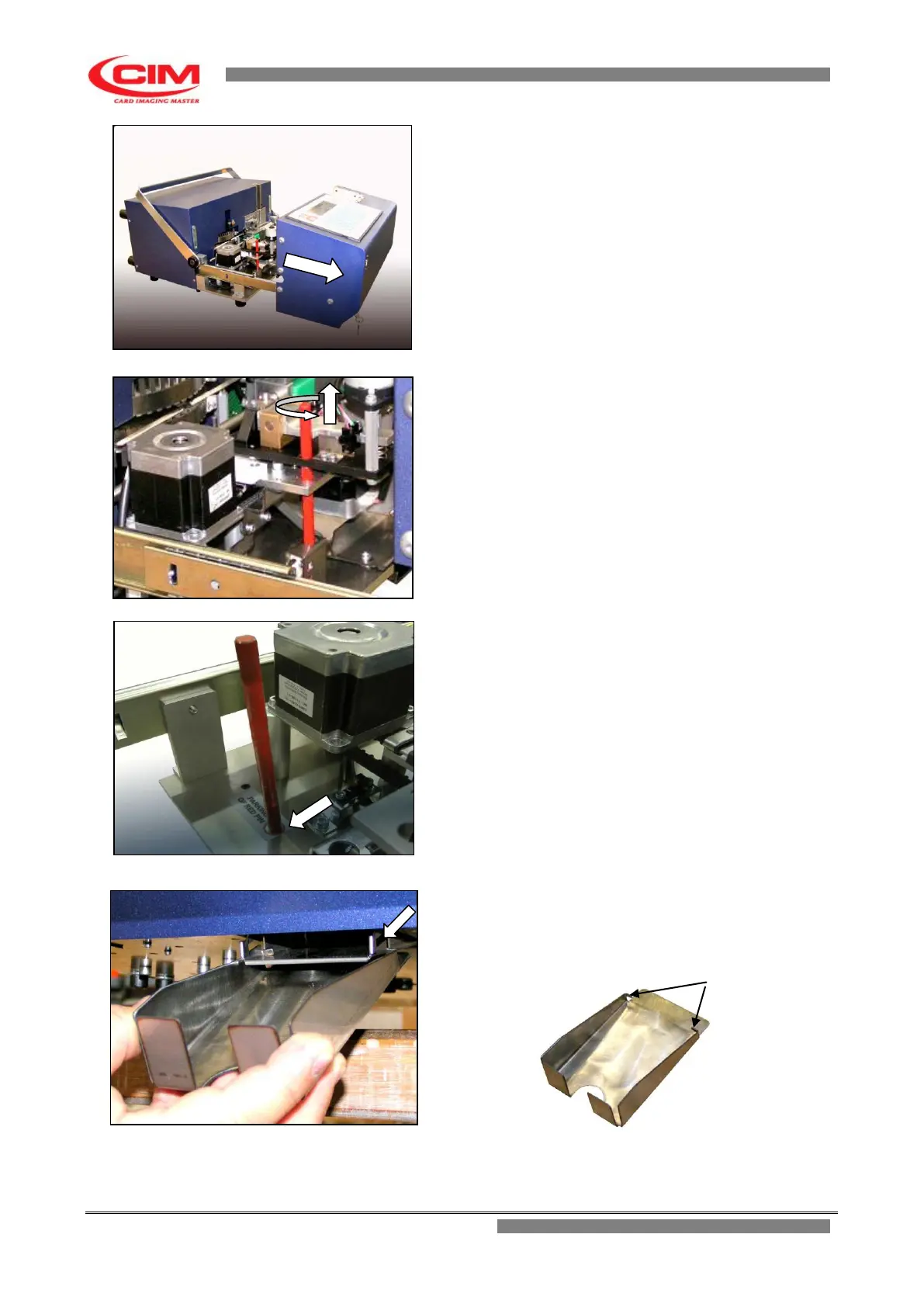
Pull the front panel forward.
Remove the clamp retainer pin.
To remove it:
1 - remove the wing nut placed under the
machine base where there is
the pin.
2 - Unscrew the pin and take it out.
NOTE:
The retainer pin is red
Put the pin in the suitable hole shown by label located
on the left side in front of the motor stepper and replace
the wing nut.
Close the front panel, lock it with the key and pull the
key out.
Fix the tag collection tray to the bottom of the machine
at the outlet port of the discharge chute.
To fix it:
1 - Put the two flaps into the slots of the support


 To Next Page