MDT500 HE - Operator's Manual
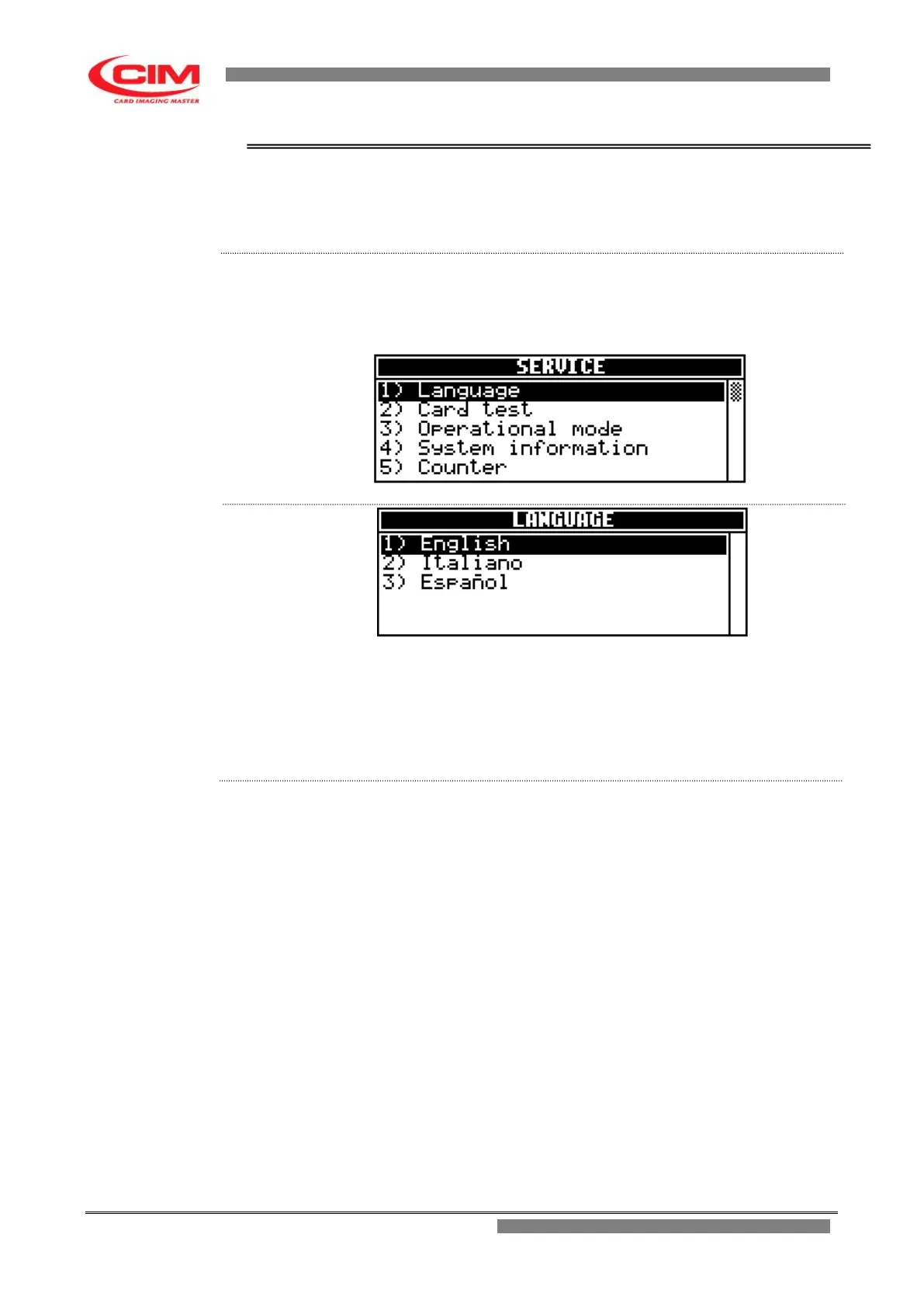
4.6.1. LANGUAGE
The option allows to choose the language that will be used to display all the
messages and menus present in the machine.
From the “SERVICE” menu you can access the Language function by
pressing key
1
To return to “SERVICE” press key
s
.
1) English it displays all messages and menus in English
2) Italiano it displays all messages and menus in Italian.
3) Espanol it displays all messages and menus in
Spanish.
1- Refer to the previous point 2 to enter into the menu.
2- To select the required language, press the keys
k
or
i
until the cursor
bar reaches it and then press
b
.
It is possible to select it directly, by pressing the key with the
corresponding number.



 To Next Page