MDT500 HE - Operator's Manual
Heading.
It displays the number given to the format.
The number is automatically assigned progressively
from the last present in the list.
Box where the name is given to the format.
The name cannot be longer than 19 alphanumeric
characters.
Only the first 14 characters will be displayed in the
menu.
Box where the number of fields of the format is
indicated.
The maximum number of allowed fields is 26.
Box where the quantity of copies to be produced of
the same tag is indicated.
The maximum number of copies is 999.
It enables the increase of counters in the defined
fields during the duplication of the same tag.
The option is enabled only when the number of
copies is different from 0 (zero).
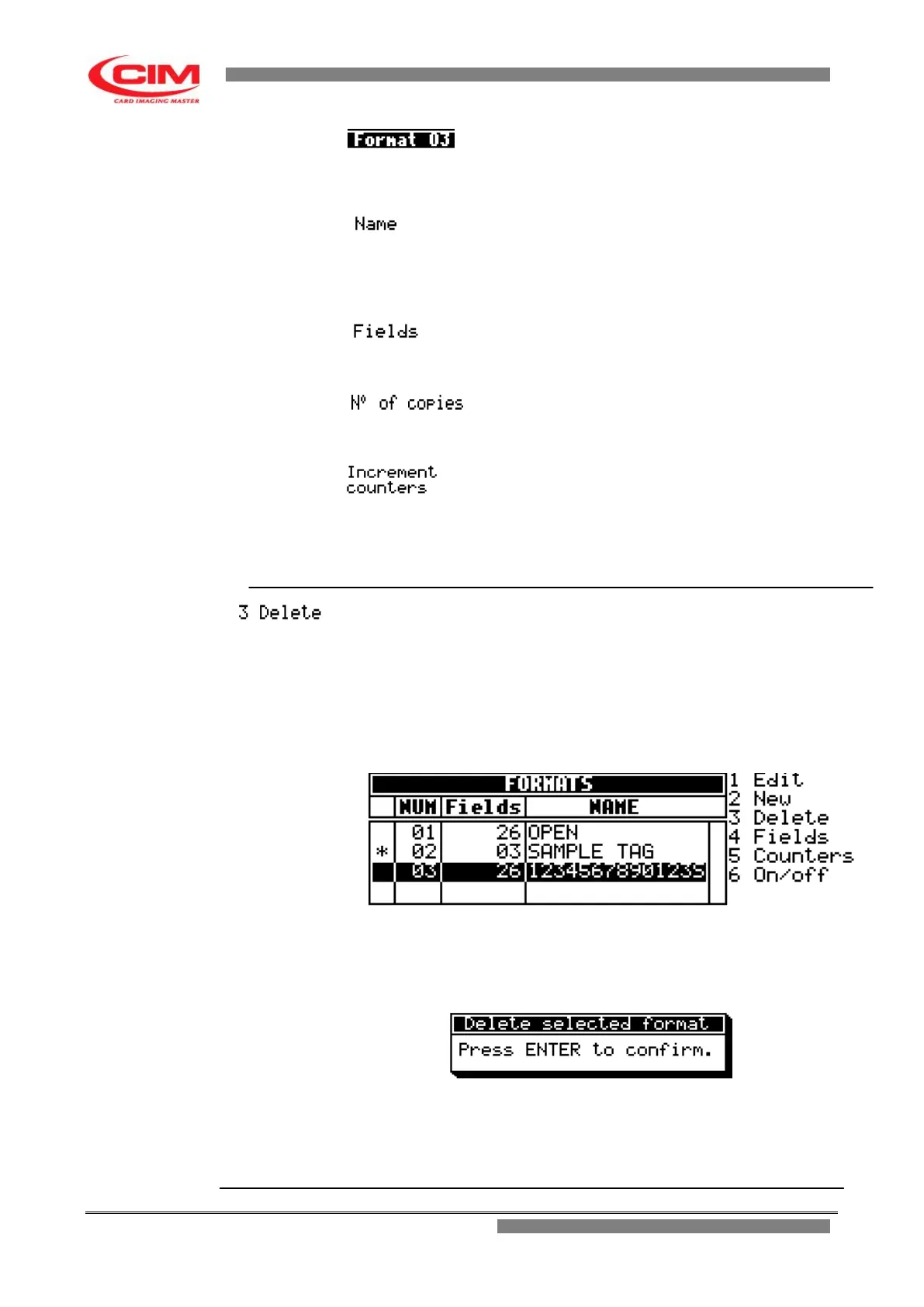
It allows to remove a format previously introduced.
NOTE:
If the format to be removed is the preset active one, it will be
necessary to enable another one to print in standalone mode.
To remove the format you must move with the keys
k
or
i
along the
formats list, until you reach the one to be deleted, then press
3
.
Then press
b
to confirm its removal and return to the Formats
menu
or press
s
to undo the operation and go back to the Formats menu.



 To Next Page