MDT500 HE - Operator's Manual
4.5.1. CONFIGURATION
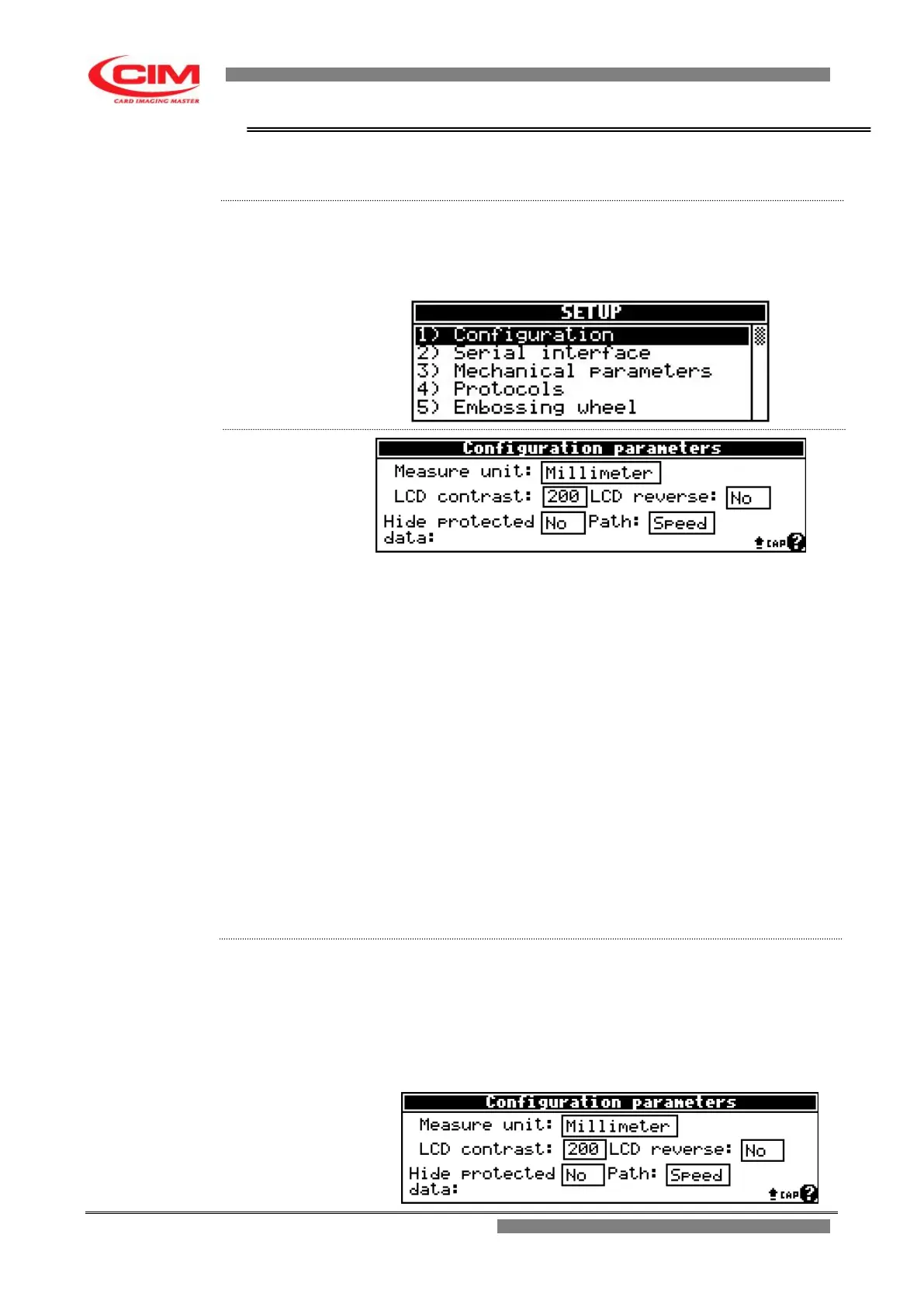
The option allows to set the general parameters of the machine.
From the “SETUP” menu you can access the Configuration function by
pressing key
1
To return to “SETUP” press key
s
.
Measure unit: unit of measurement adopted for X and Y
coordinates of the fields.
Unit in millimeters or inches
LCD Contrast: value of the graphic display contrast.
LCD Reverse: function to reverse the color of the pixels; useful
when you work in an environment with strong
light exposure.
Hide protected data: it does not display the data of protected
fields.
When leaving the page the saving of the
data is required if they changed. By pressing
the ESC key the modifications are cancelled
while by pressing the ENTER key they will
be saved.
Path: it sets the way to drive the axes: by punch, by
line or according the path optimization algorithm.
1- Refer to the previous point 2 to enter into the menu.
2- To enter and move around the various boxes present in the menu,
simply press
b
, while to set or modify the respective parameters press
k
or
i
.
In case of “LCD Contrast” the two keys allow to increase or decrease the
value.


 To Next Page