MDT500 HE - Operator's Manual
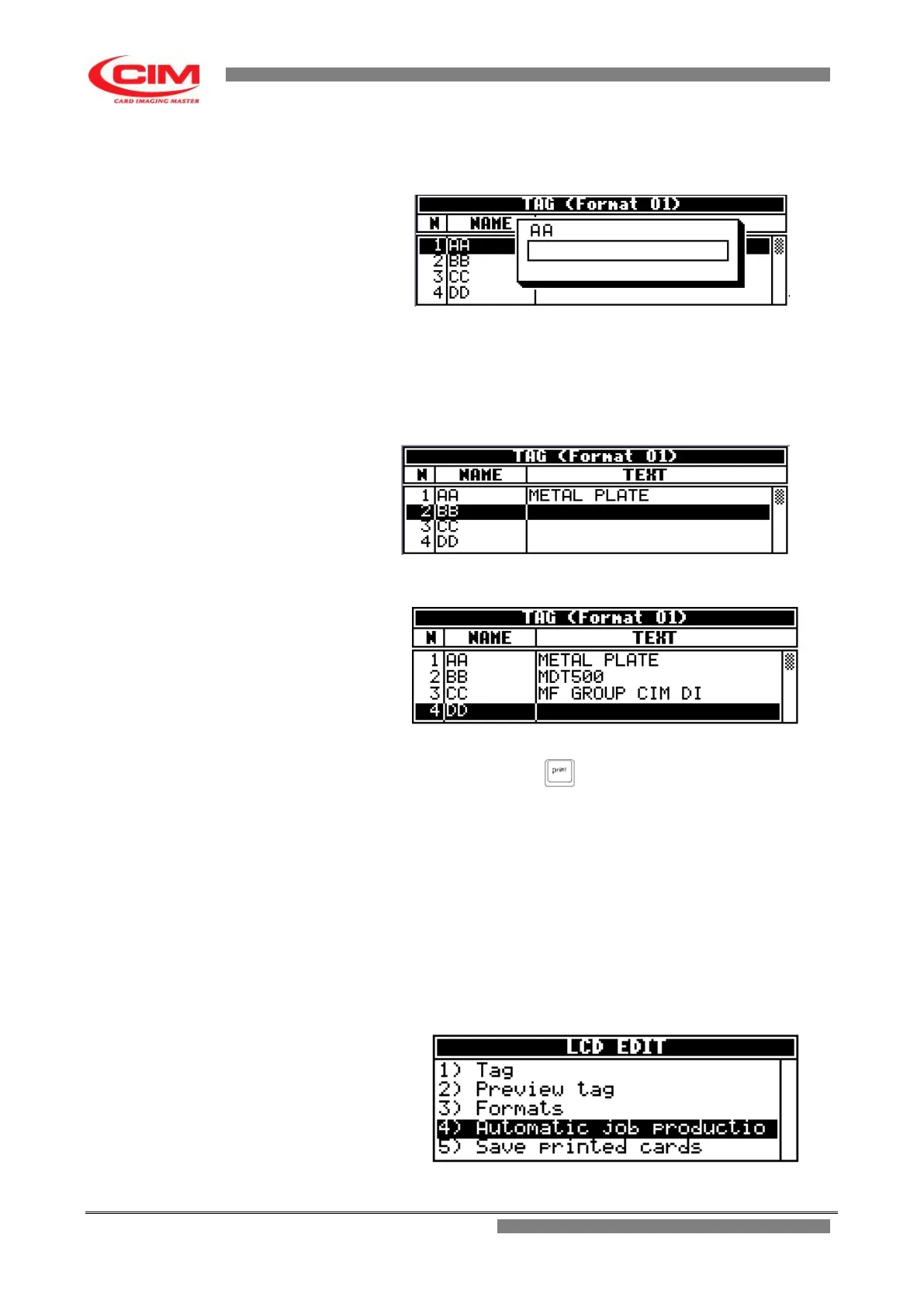
3- In the Tag menu, by pressing
k
or
i
, go to the field where data must be entered.
Press
b
or directly start typing.
4- Using the keyboard you can write the required text.
5- Press
b
to leave the box and save the entered data
6-
Pressing
k
the cursor goes on to the next field.
7- To enter new data, repeat the operations described above in the same order.
8- To emboss the tag with the entered data press (print).
5.2.4 Loading data from a data base and embossing the tag
1- In the main screen, when you plug in a USB FLASH PEN DRIVE, the machine
automatically displays the csv files it contains.
2- Or in the “LCD EDIT” option press
k
or
i
and go to “AUTOMATIC JOB PRODUCTION”
and press
b
.
Loading data from a database


 To Next Page