MDT500 HE - Operator's Manual
3.7 POWER ON AND CHECKING
After the installation you can get power to the machine turning the switch to I position.
Start cycle
When starting MDT500 HE performs a reset and self-test cycle, without showing any message on
the display.
After about 20 seconds it displays the CIM logo.
Just after that, MDT500 HE begins to load in sequence the following functions
LOAD
CONFIG
SETTINGS
FORMATS
Finally it performs the test of the LCS CPU 2.
.
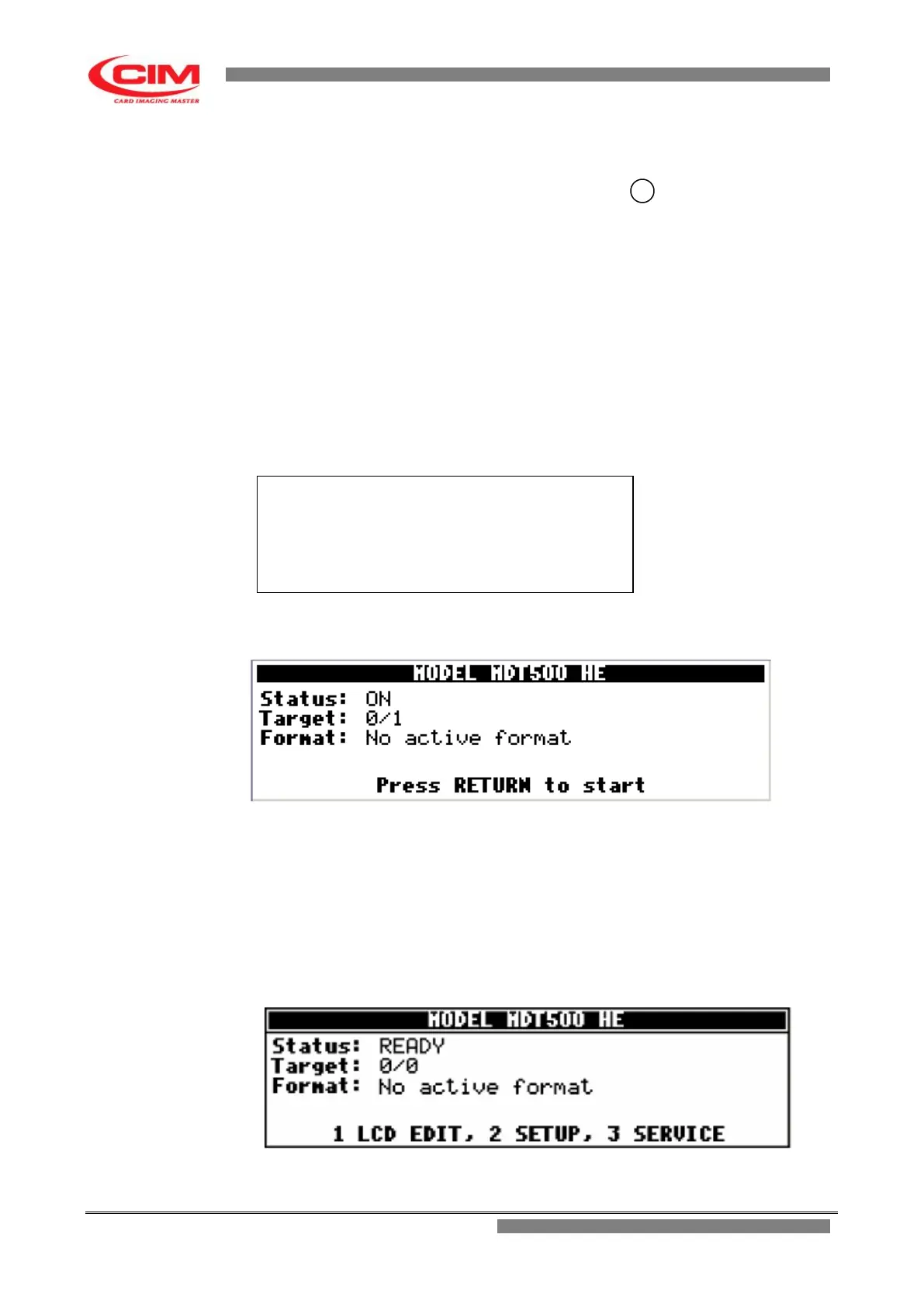
When the testing of the electronic part has been completed the machine goes to the "ON" status,
but it is not enabled to produce plates yet.
NOTE:
The message “No active format“ is displayed when the machine cannot find any preset
format.
Press
b
to continue and enable the embosser.
When
b
has been pressed, the embosser performs the reset cycle, which includes the unloading of the
tags left inside the machine after the previous working session and the check of the axes taking them to
their starting positions (HOME).
When the reset cycle is completed the embosser goes from the ON state to the READY position.
Load Status ………………………..……………….OK
Load Config ……………………..………………….OK
Load Settings …………………..……………….…OK
Load Formats ………………………..………….…OK
Init LCS …………………………….………….….…OK


 To Next Page