MDT500 HE - Operator's Manual
It allows to define the structure of the embossing fields of a specific
format.
The retrieved format is the one where the cursor bar is positioned.
To access the “Fields” utility, you must move with the keys
k
or
i
along the formats list, until you reach the format where the fields
must be defined. Then press
4
.
To go back to Formats menu press
s
.
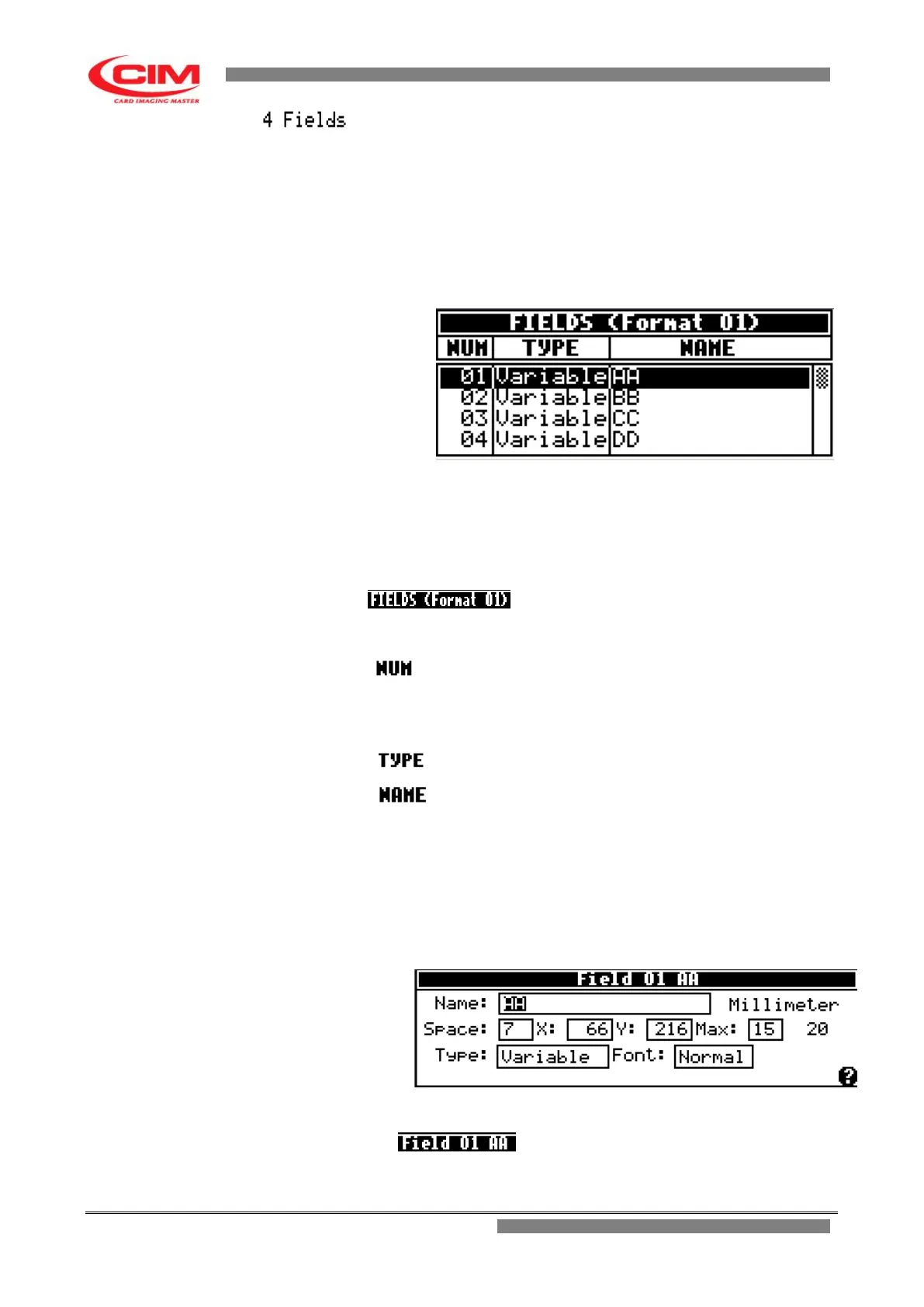
The utility displays the following screen
Also the main screen of Fields like the main screen of Formats is
displayed as a chart, made up of 3 columns, each with its own
heading.
Each line represents and defines a field previously created in the
New utility.
Heading.
It shows the number of the format being
used.
It identifies the field number.
NOTE:
The maximum number of available fields is
26
It identifies the field type.
It indicates the field name.
To enter fully into the “Fields” utility and then define the field
in all its aspects you need to move to the required field.
Then you must move along the fields list by pressing the
keys
k
or
i
until you reach the specific field and press
b
.
After pressing
b
the display will show the following screen.
Heading
It displays the number and the name of the
field given when creating your own format.


 To Next Page