MDT500 HE - Operator's Manual
4.5 SETUP
The SETUP option allows to set and modify the machine parameters and to define some
elements of its configuration so that it can guarantee the maximum performance in terms of
quality and flexibility and to adapt to the different production requirements of metal tags
producers.
As this option deals with parameters that determine the proper functioning of the embosser,
the option must be used by specialized technical staff or at least under their supervision. For
this reason it is protected with a password.
You can access the SETUP option simply by pressing key
2
from the “Main Menu” while to
leave and return to the previous situation press key
s
.
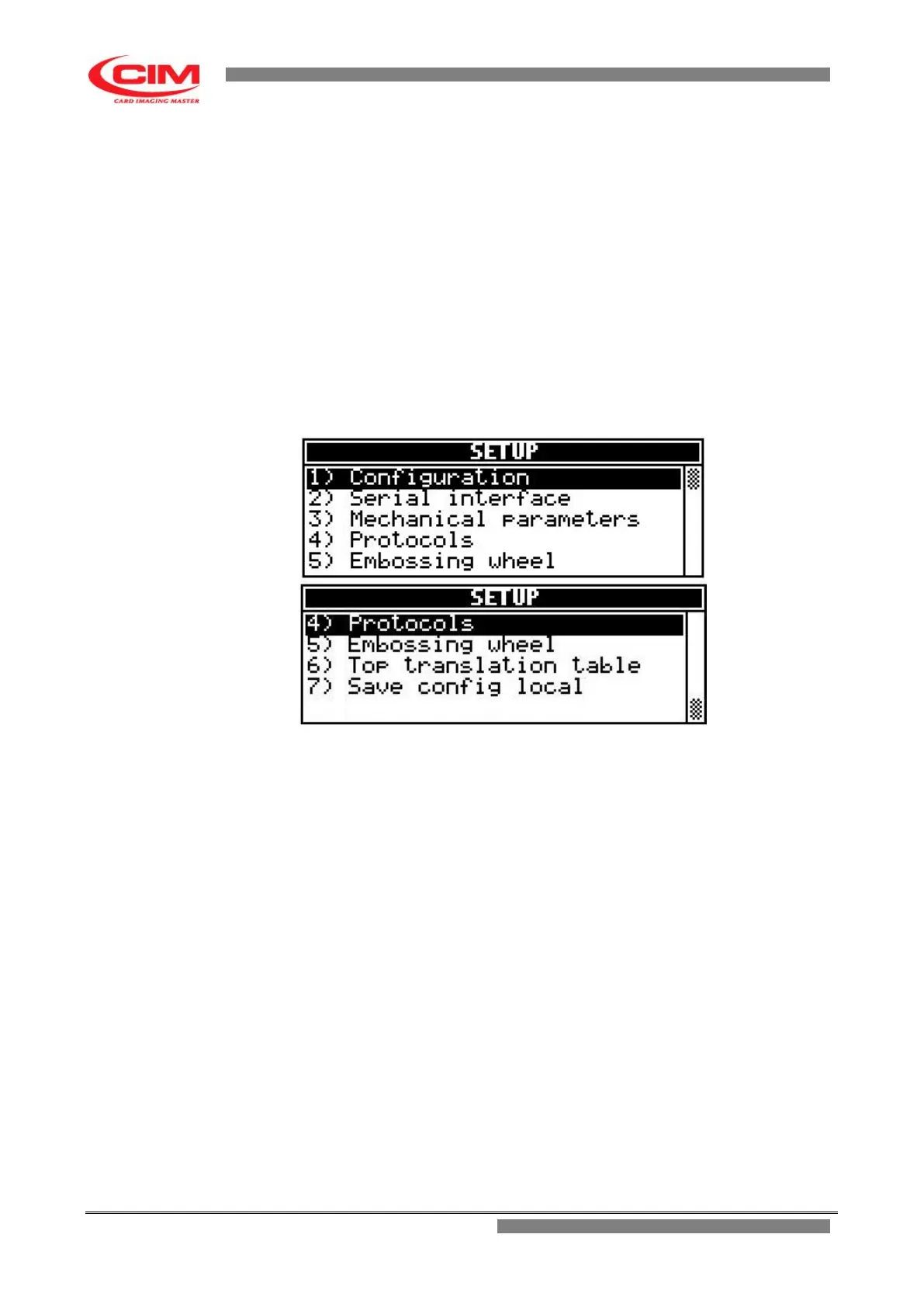
Due to the size of the display, the option shows the first five functions of the menu.
To view the next functions simply press key
k .
Functions contained in SETUP
The SETUP menu consists of seven main functions:
1) CONFIGURATION
2) SERIAL INTERFACE
3) MECHANICAL PARAMETERS
4) PROTOCOLS
5) EMBOSSING WHEEL
6) TOP TRANSLATION TABLE
7) SAVE CONFIGURATION LOCAL
To access one of these you must move with the keys
k
or
i
until you reach the
specific
function and then press
b
.
It is possible to access directly by pressing the number key corresponding to the specific
selected function.
All the functions present in the “SETUP" menu must be set only by qualified staff or at
least under their supervision.
The wrong setting of some parameters can result in a wrong functioning of the
embosser and it can cause serious damages. Some parameters are set directly by the
producer.



 To Next Page