MDT500 HE - Operator's Manual
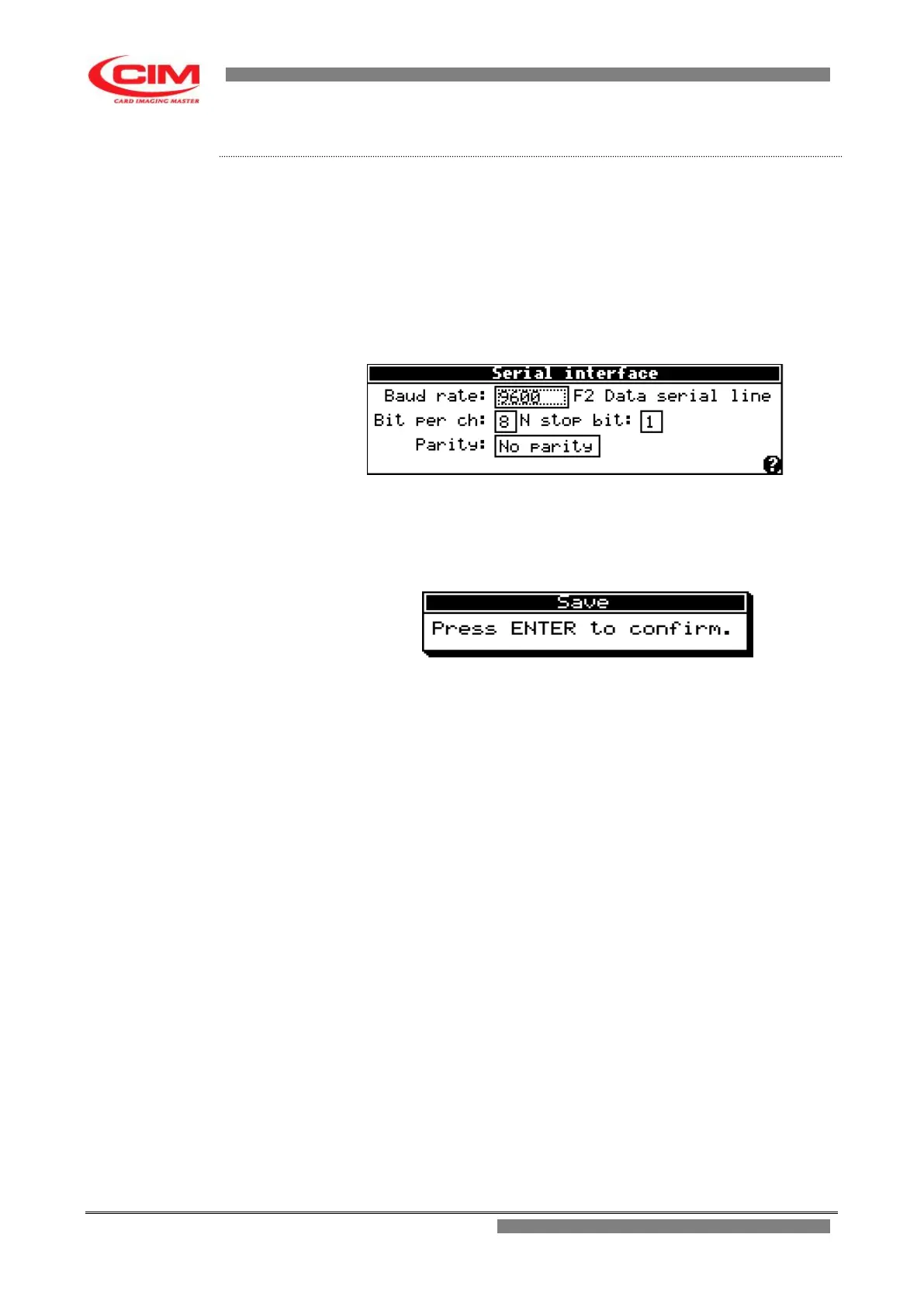
1- Before setting the various parameters concerning serial communication
RS 232, note down the communication settings of the application program
used to produce the tags.
2- Refer to the previous point 2 to enter into the menu.
3- To enter and move around the various boxes present in the menu,
simply press
b
, while to set or modify the respective
parameters press
k
or
i
.
4- After having modified the relevant parameters, press
s
to leave the
screen.
5- Press
b
to save the newly set parameters.



 To Next Page