MDT500 HE - Operator's Manual
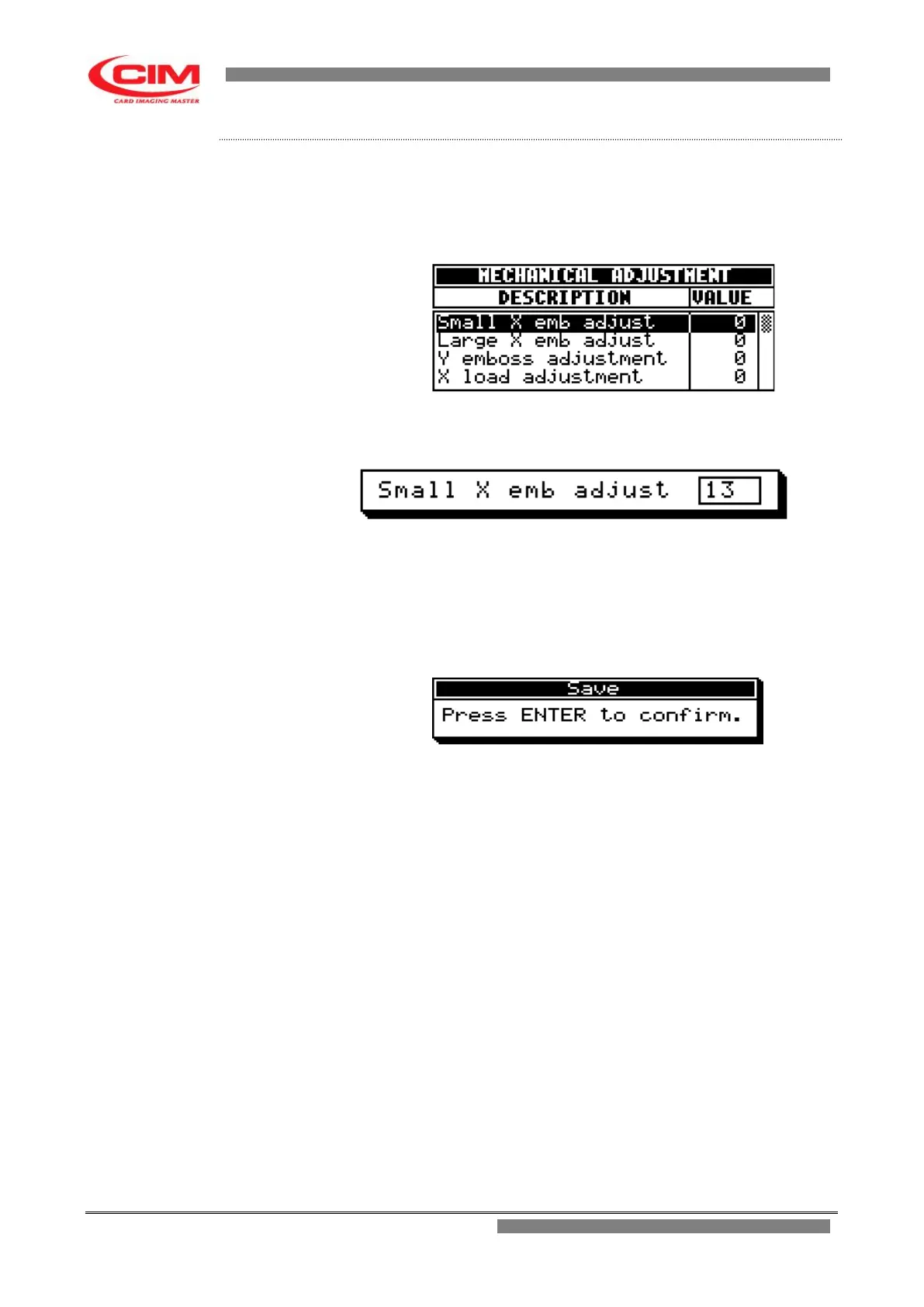
1- Refer to the previous point 2 to enter into the menu.
2- To enter and move around the various parameters present in the menu,
you must press
k
or
i
until you reach the specific parameter.
When you have reached it, press
b
3- Enter the value selected for that type of parameter or press
i
to increase it or
k
to decrease it.
4- Press
b to fix the new value and leave the parameter.
5- Having modified the relevant parameters, press
s
to leave the menu.
6- Press
b
to save the newly set parameters.



 To Next Page