MDT500 HE - Operator's Manual
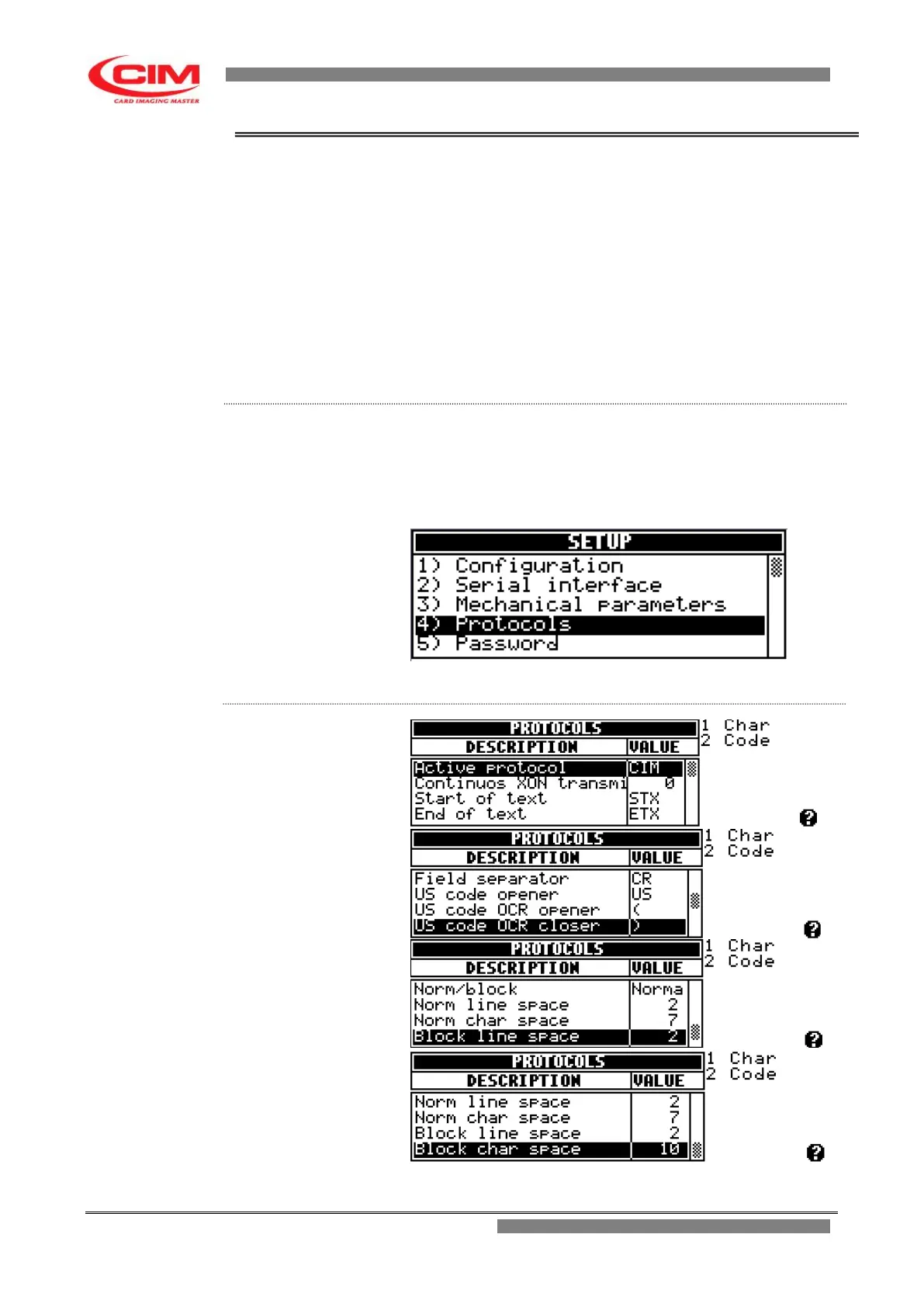
4.5.4. PROTOCOLS
The menu allows to select and set in the embosser one of the
communication protocols that can be used with this type of machine and that
are necessary for the serial connection RS232.
This guarantees flexibility and adaptability of the embosser to the various
interfacing requirements of the user.
The protocols available in the MTD500 HE are listed below.
CIM owner preset protocol.
Pound Pound
Xon/Xoff
Multi Protocol
Stored Default
Stored Selected
From the “SETUP” menu you can access the Protocols function by pressing
key
4
or by moving with the keys
k
or
i
until you reach the function and
then press
b
.
To return to “SETUP” press key
s
.



 To Next Page