MDT500 HE - Operator's Manual
4.5.3. MECHANICAL PARAMETERS
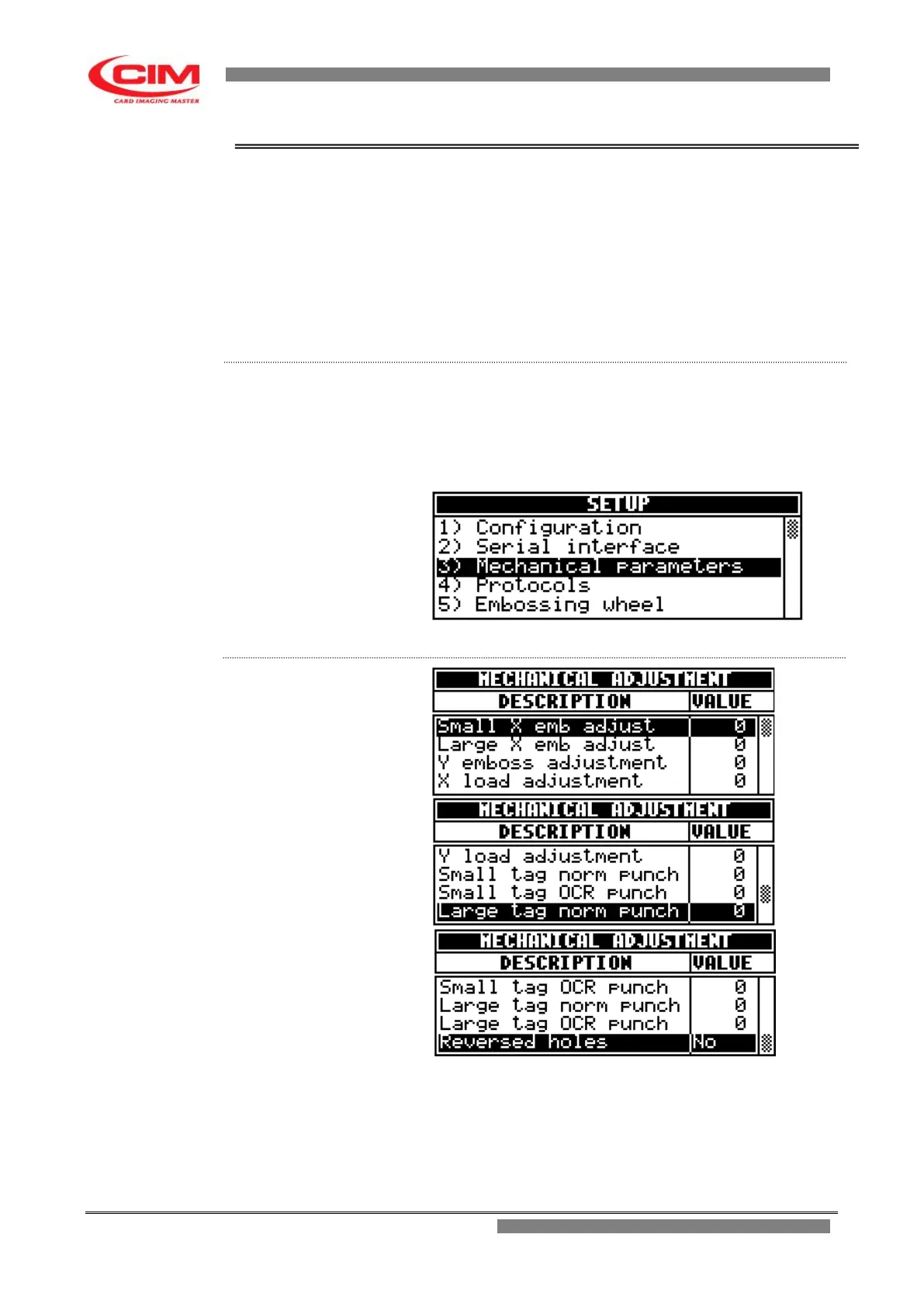
This menu allows to set some mechanical parameters of the machine.
In this option the axes offsets are defined, that is the starting points of the
axes are regulated so that they coincide with the values of the coordinates of
the fields assigned both to the DOG TAG plates and to the MEDICAL RED
ALERT TAG plates.
Warning: assigning non-correct values causes the malfunctioning of the
embosser and possible damages to some of its components, therefore we
strongly recommend that only specialized technical staff use it.
The ”Mechanical Adjustments” menu consists of 10 items.
From the “SETUP” menu you can access the Mechanical parameters by
pressing key 3 or by moving with the keys
k
or
i
until you reach the function
and then press
b
.
To go back to “SETUP” press the key
s
.
Small X emb adjust it allows to align the zero of the embossing fields
with the furthest left edge of the Dog Tag plate.
Each unit corresponds to 0.18 mm



 To Next Page