MDT500 HE - Operator's Manual
3- Plug the USB FLASH PEN DRIVE in the suitable port.
4- In the AUTOMATIC JOB PRODUCTION menu, press
2
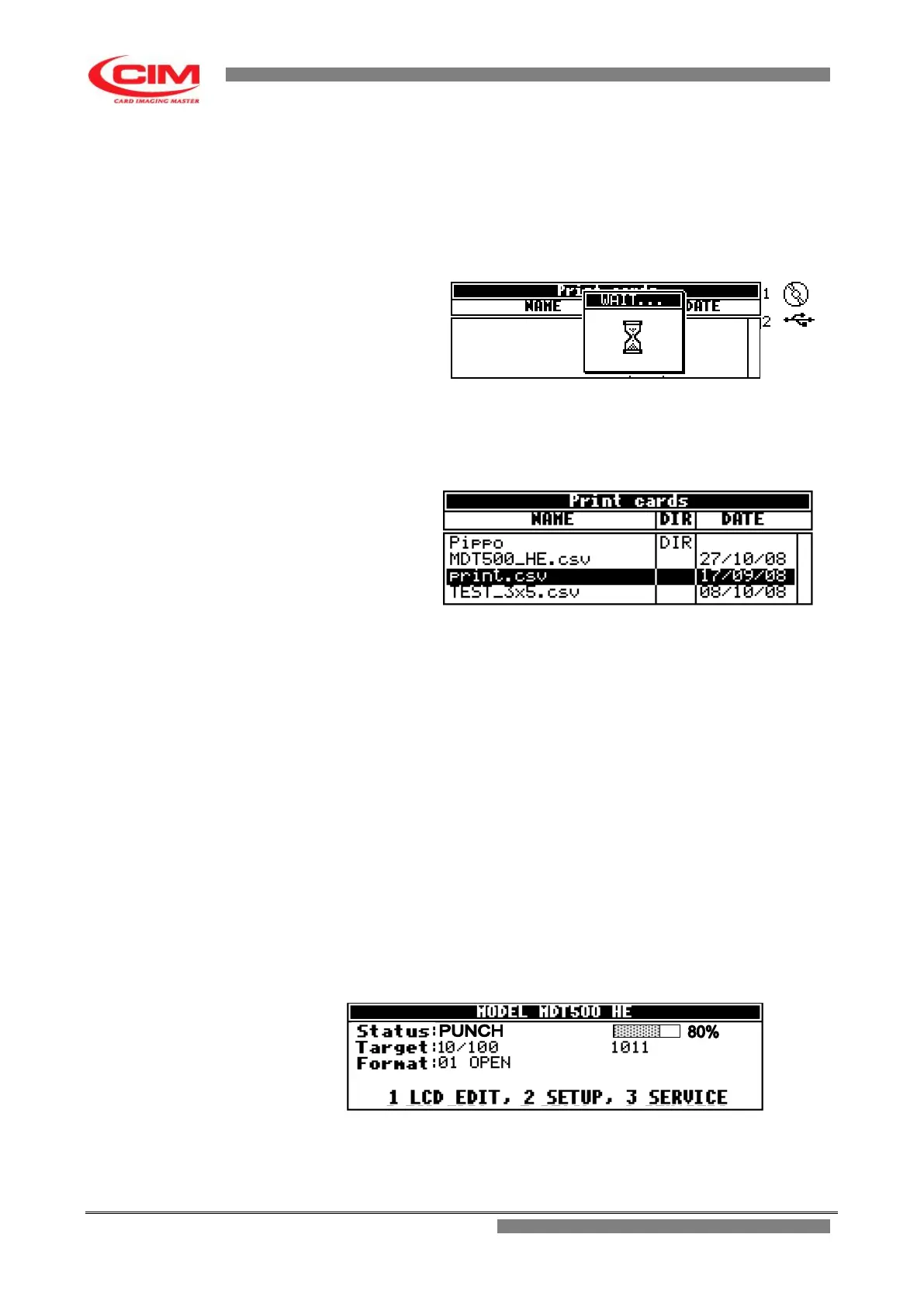
to have access to the contents
of the USB pen drive.
5- When the contents of the USB pen drive are displayed, select the csv file required with
the keys
k
or
i
and press
b
to print it.
6- Before pressing
b
make sure that the database file structure is the same
as the set active format (number of fields and length of fields).
7- After pressing
b
the embosser starts producing the tags.
8- If you wish to suspend or interrupt the production press
s
on the keyboard and
confirm your choice.
5.2.5 Tags printing
While embossing the tag, the machine shows on the display a progress bar indicating with a percentage the
progress of the production process.
When the tag is completed, the machine increases the various counters shown on the display.



 To Next Page