MDT500 HE - Operator's Manual
Place the unused loader in the proper slot for the fixing,
on the left side of the embosser cover.
5.2 Tags production in STAND ALONE mode.
To produce the tags in STAND ALONE mode follow the instructions below.
For more information about the various steps, refer to the chapter “USE AND SETTINGS OF THE
MACHINE”.
The production of tags in STAND ALONE mode consists of four main stages, with a variation in the data
source part.
In this stage data can be entered manually and then produce only the same tag or they can be taken from
the data base and then the production cycle of the tags can be launched.
The four main stages are defined as follows:
a) Creation of the format and definition of its fields
b) Setup of the active format
c1) entering data manually
c2) loading data from data base.
d) tags printing
5.2.1 Format creation and fields definition.
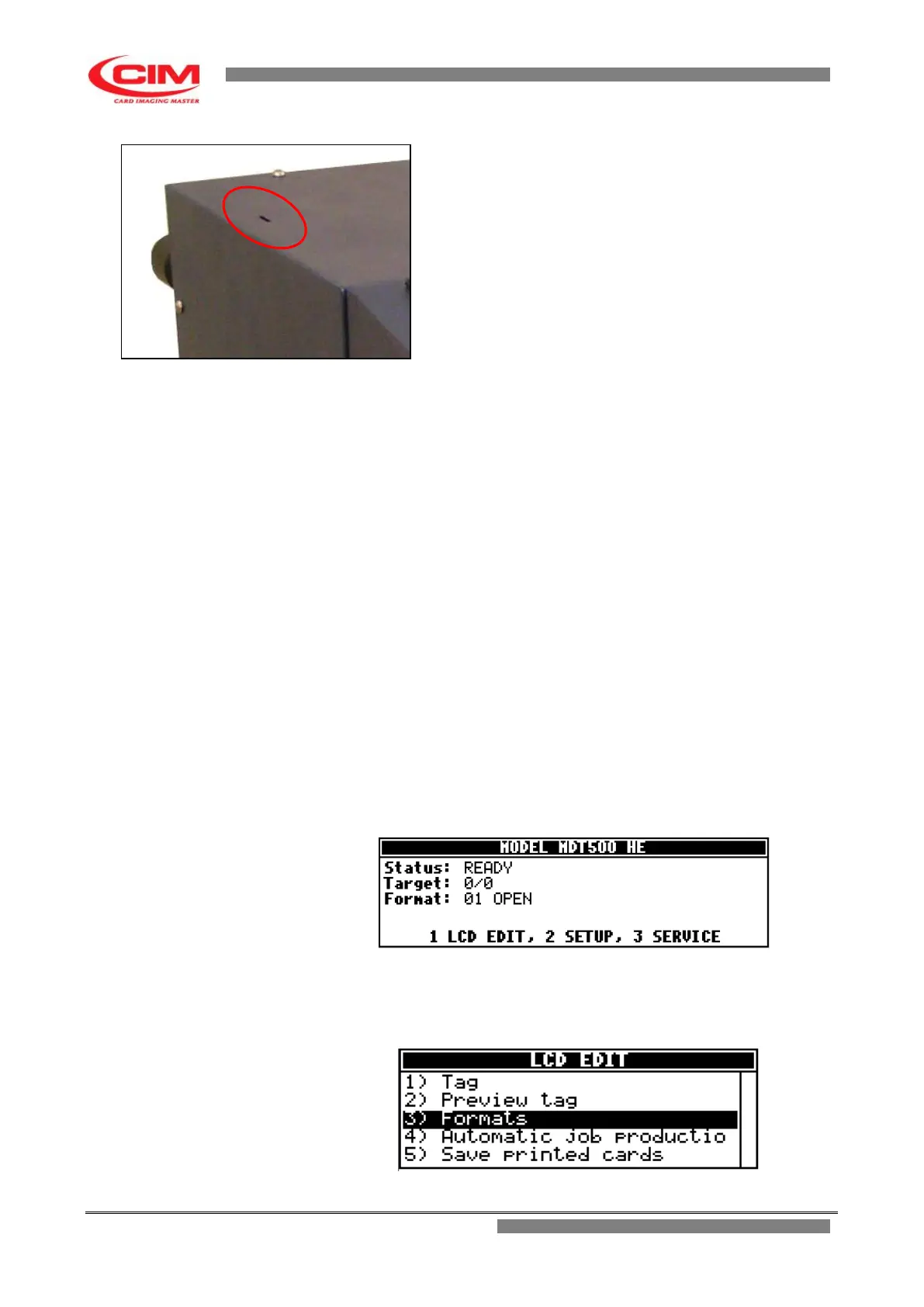
With the machine in the “READY” state, press the key
1
on the keyboard and access
the “LCD EDIT” option.
2-
In “LCD EDIT” press
3
or
k
or
i
and move to “Formats” and finally
press
b
.



 To Next Page